Key Takeaways
- Google Ads now offers 9 campaign types in 2026, all increasingly built around AI-driven automation and machine learning.
- Performance Max runs across all Google channels simultaneously, replacing Smart Shopping and Local campaigns, but offers less advertiser control.
- Search campaigns remain a top-performing format, averaging 200% ROI, with Responsive Search Ads now the only standard format.
- Local Services Ads operate on a pay-per-lead model and appear above traditional Search ads, requiring Google verification.
- Google Lens now processes 20 billion visual searches monthly, with 1 in 4 carrying commercial intent, creating new opportunities for Shopping advertisers.
Google Ad Campaign Types (2026 Update)
Google Ads has evolved dramatically over the past several years. If you haven't logged in recently, you might barely recognize the place. The old "AdWords" branding is long gone, the clunky dual-experience rollout period is ancient history, and the platform itself has been rebuilt around automation, AI, and a much broader set of campaign types than most advertisers realize.
As of 2026, there are 9 campaign types in Google Ads. Let's break them all down.
1. Search Campaigns
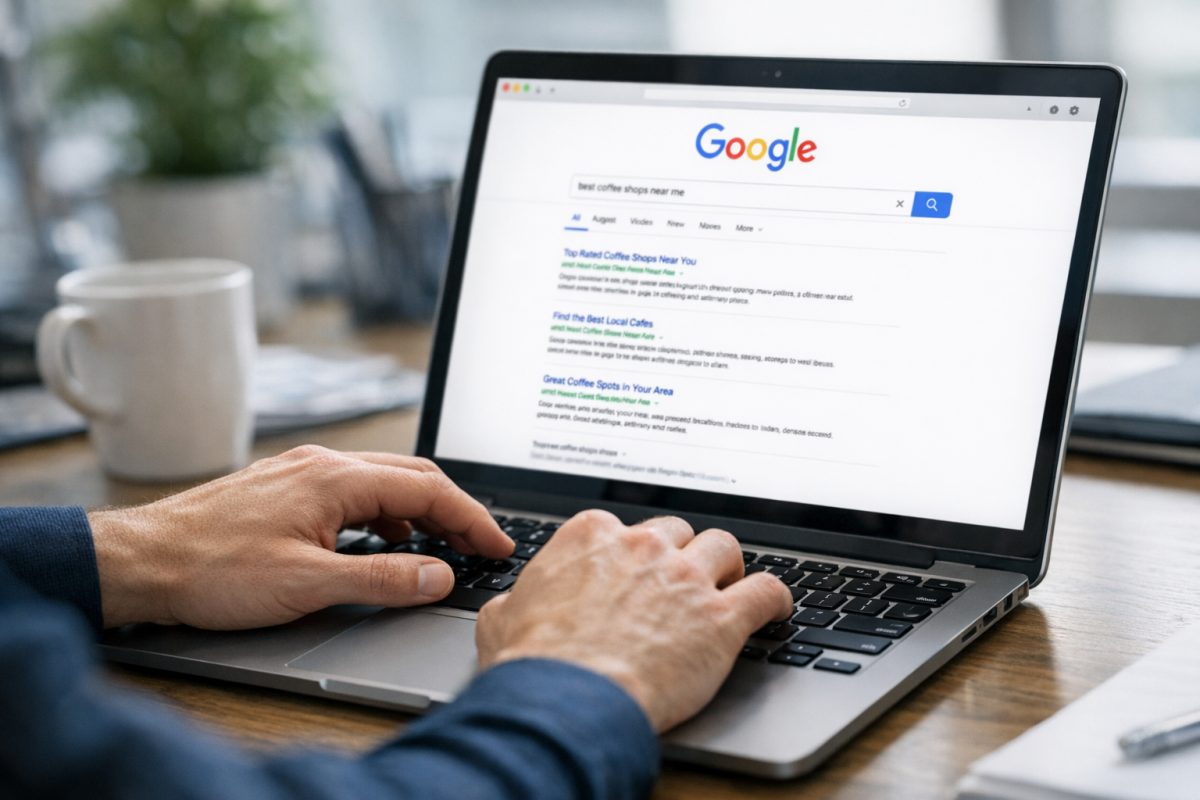
Search campaigns are the bread and butter of Google Ads. Your ads appear in Google search results and on partner sites when users search for keywords relevant to your business.
The biggest evolution here in recent years has been the shift to Responsive Search Ads (RSAs) as the default - and now essentially the only - standard search ad format. You provide up to 15 headlines and 4 descriptions, and Google's machine learning engine mixes and matches combinations in real time to serve the most relevant version to each individual user. This replaced the old Expanded Text Ads format, which was sunset back in 2022.
Search ads remain one of the highest-ROI ad formats available anywhere in digital advertising. The average ROI for Search Ads sits around 200%, making them a reliable staple for most advertisers regardless of industry or budget. You can get started with a budget as low as $5, and increasing your budget doesn't always improve conversions - targeting can be built around specific behaviors, demographics, and intent signals that have become far more sophisticated than they were even a few years ago.
2. Display Campaigns
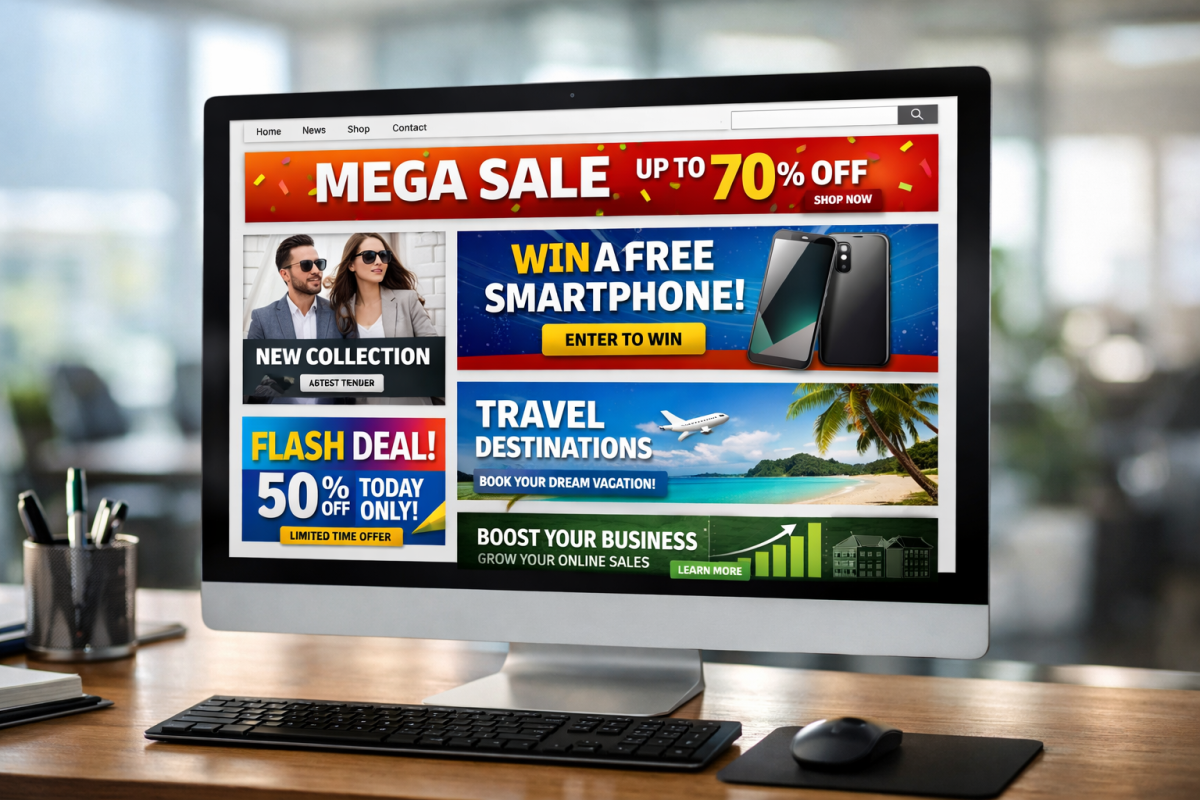
Display campaigns show visual ads - banners, images, and rich media - across the Google Display Network, which spans millions of websites, apps, and Google-owned properties. These are great for brand awareness, retargeting, and reaching users earlier in the buying journey.
Audience targeting and remarketing have been unified into a single, much more intuitive interface compared to older versions of the platform. You can dig into the Audience Manager for remarketing lists and deeper insights, and Content Exclusions allow you to control which site categories your ads appear on.
3. Shopping Campaigns
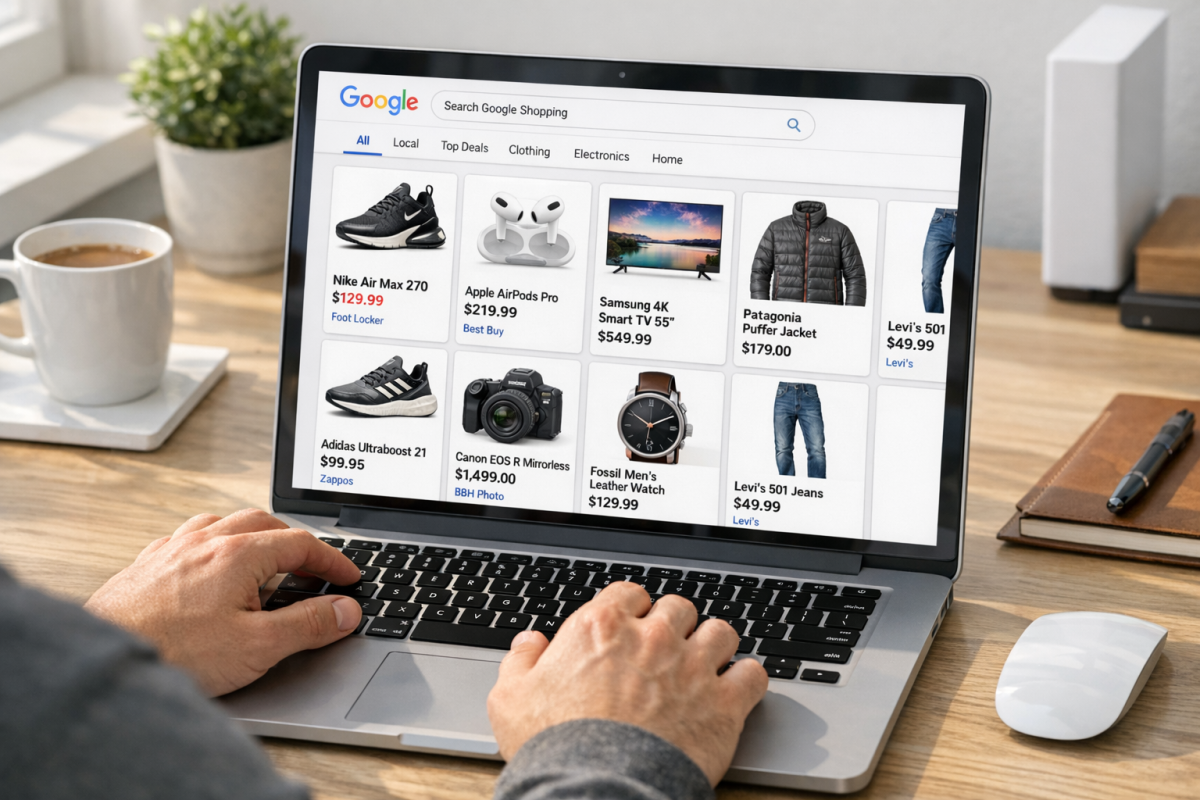
Shopping campaigns are built for retailers, both e-commerce and local. They showcase your products directly in search results with images, pricing, store name, and product descriptions - before users even click through to your site.
Shopping ads appear in the dedicated Google Shopping tab, in main search results for purchase-intent queries, and across the Display Network for local catalog ads. Note that Shopping campaigns require a connected Google Merchant Center account and a properly formatted product feed. Certain countries also have specific regulations governing Shopping ads, particularly within the EU.
4. Video Campaigns
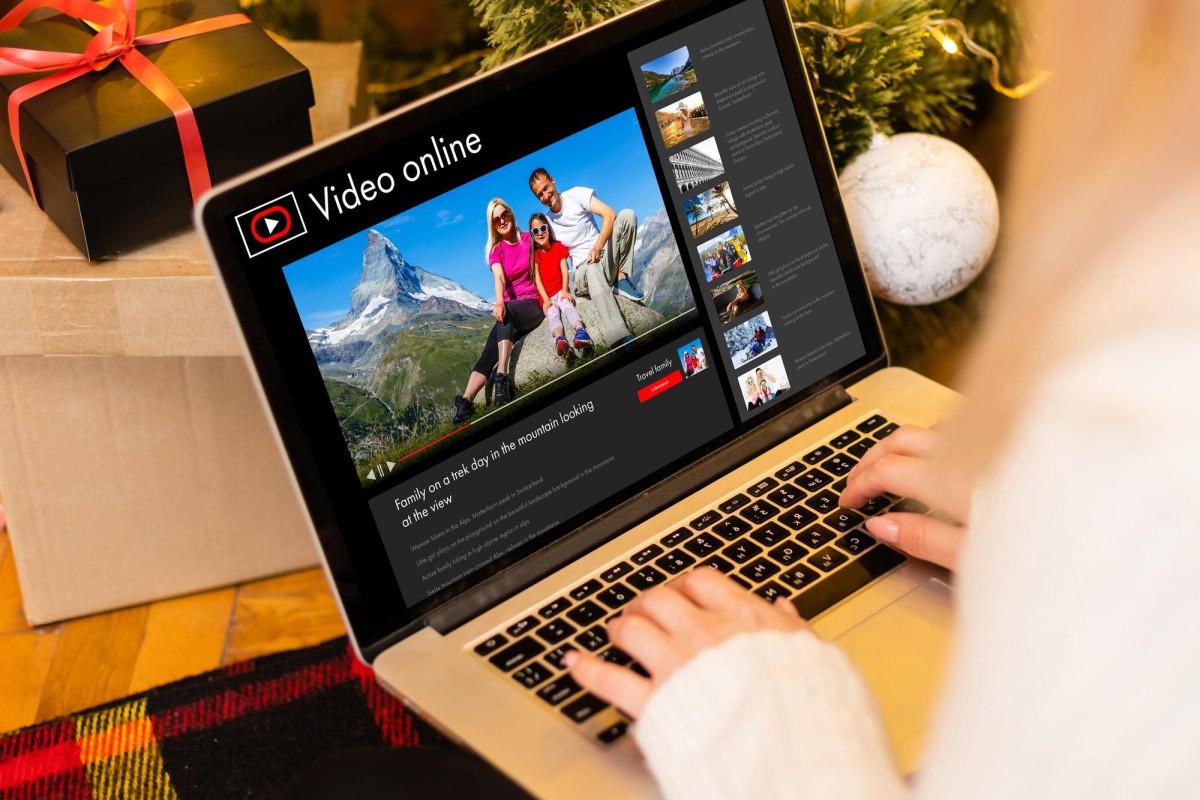
Video campaigns run primarily on YouTube but also appear on third-party sites and apps within the Google Display Network. Campaign subtypes include:
- TrueView in-stream ads - skippable ads that play before, during, or after videos
- Non-skippable in-stream ads - up to 15 seconds, must be watched in full
- Bumper ads - 6-second non-skippable ads, great for reach and frequency
- In-feed video ads - appear in YouTube search results, the homepage feed, and alongside related videos
- Outstream ads - mobile-only, appear on partner sites and apps outside of YouTube
Video remarketing is a particularly powerful strategy worth investing in, especially given how much time users spend on YouTube. If you're looking to get cheap clicks by running YouTube ads, precise targeting is key. Targeting has become significantly more precise over the years, with interest, behavior, and demographic signals now deeply integrated into campaign setup.
5. App Campaigns
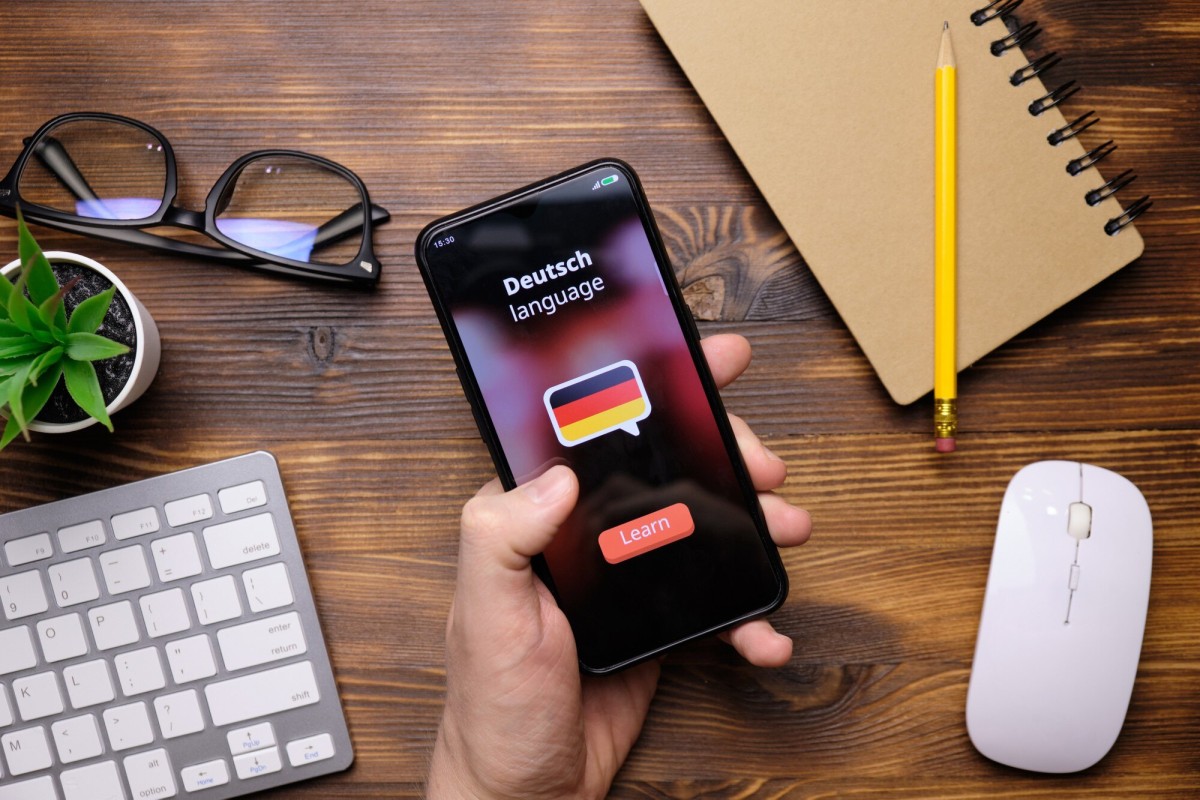
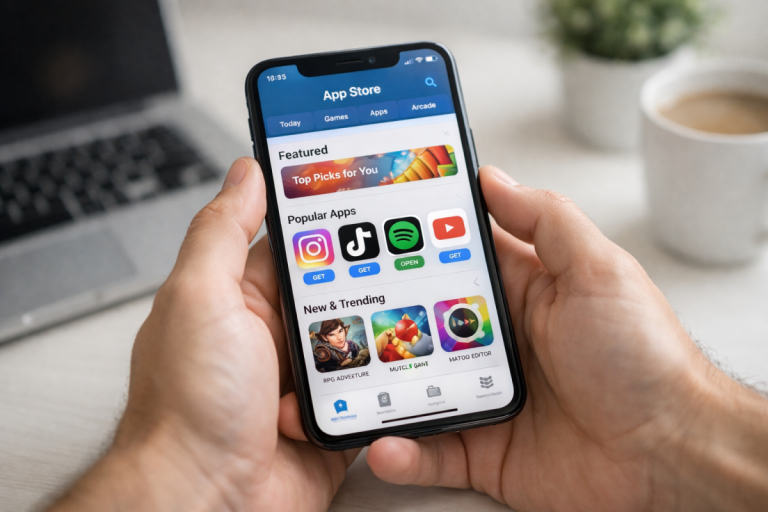
App campaigns are designed to drive installs, in-app actions, or re-engagement for mobile apps on both Android and iOS. Rather than building individual ads, you supply a library of text ideas, images, videos, and HTML5 assets, and Google's system automatically assembles and tests combinations across:
- Google Search
- Google Play Store
- YouTube
- The Display Network
- Google Discover
The system optimizes delivery based on your bid and goal - installs, in-app conversions, or re-engagement - without requiring manual ad creation. This is still one of the most hands-off, high-reach campaign types available.
6. Discovery Campaigns
Discovery campaigns serve visually rich ads across Google's own high-intent feed placements, including:
- Google Discover (the personalized content feed on Android and the Google app)
- Gmail (Promotions and Social tabs)
- YouTube (homepage and Watch Next feeds)
These campaigns are powered heavily by audience signals and Google's AI. You provide assets - headlines, descriptions, images - and Google handles placement and optimization. Discovery campaigns are ideal for reaching users who haven't searched for your product yet but are highly likely to be interested based on their behavior and interests.
7. Local Services Ads

Local Services Ads (LSAs) are a distinct format designed specifically for local service businesses - think plumbers, electricians, lawyers, real estate agents, and similar service providers. They appear at the very top of search results, above traditional Search ads, and operate on a pay-per-lead model rather than pay-per-click.
To run LSAs, businesses must pass a Google verification process, which includes background checks, license verification, and insurance checks depending on the industry and location. Verified businesses receive a Google Guaranteed or Google Screened badge, which significantly boosts consumer trust.
If your business qualifies, LSAs are worth exploring before standard Search campaigns, given their prominent placement and cost-per-lead pricing structure. You should also be aware of businesses that are prohibited on Google AdWords to ensure your service qualifies before investing time in the verification process.
8. Performance Max Campaigns
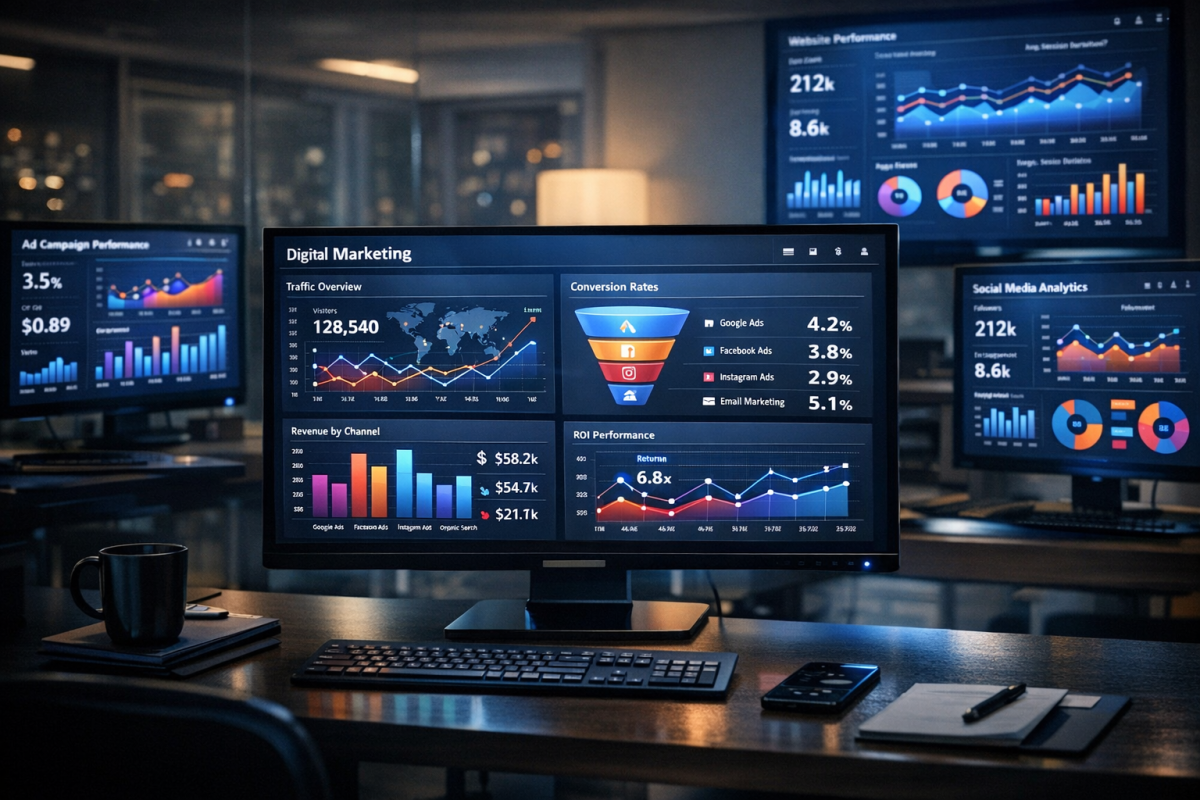
Performance Max, often called PMax, is arguably the biggest shift in Google Ads in the past several years. It's a single campaign type that runs across all Google channels simultaneously - Search, Display, YouTube, Discover, Gmail, and Maps - using Google's AI to optimize delivery and bidding in real time.
You provide an Asset Group: a collection of headlines, descriptions, images, videos, and audience signals. Google takes it from there, allocating budget across channels based on where it predicts the best performance.
PMax has become the default recommendation from Google for most conversion-focused advertisers, and it has largely replaced Smart Shopping and Local campaigns, both of which were sunset and automatically upgraded to PMax. That said, experienced advertisers often note that PMax offers less transparency and control than traditional campaign types, so it's worth weighing the tradeoffs depending on how hands-on you want to be with your account.
9. Smart Campaigns

Smart campaigns are Google's most simplified, most automated campaign type, designed for small businesses and advertisers who want a minimal-setup option. You provide basic information about your business and a few ad components, and Google handles targeting, bidding, and placement automatically.
Smart campaigns can appear across Search, Maps, YouTube, Gmail, and partner sites. They're a reasonable starting point if you're brand new to Google Ads, but most advertisers with any meaningful volume or complexity will quickly outgrow them in favor of more controllable campaign types.
One More Thing Worth Noting: Visual Search
Something that wasn't even on the radar when this post was first written - Google Lens now processes over 20 billion visual searches per month, and roughly 1 in 4 of those visual queries carry commercial intent. As Google continues to integrate Shopping and product discovery features into Lens results, this is becoming an increasingly relevant surface for advertisers, particularly those running Shopping campaigns. It's worth keeping an eye on how ad placements evolve within visual search as this channel continues to grow.
Which Campaign Type Should You Use?

The honest answer is: it depends on your goals, your budget, and how much control you want over the process. Here's a quick summary:
- Drive immediate conversions from search intent? Start with Search campaigns.
- Sell physical products online or locally? Shopping campaigns are essential.
- Build brand awareness at scale? Display and Video campaigns are your tools.
- Promote a mobile app? App campaigns are purpose-built for this.
- Reach users across all Google channels with minimal setup? Performance Max is worth testing.
- Run a local service business? Check your eligibility for Local Services Ads first.
- Re-engage past visitors or customers? Remarketing layers across Search, Display, and Video campaigns.
Google Ads in 2026 is a much more AI-driven platform than it used to be. Automation handles more of the heavy lifting than ever before, which lowers the barrier to entry but also means experienced advertisers need to be more deliberate about where they retain control and where they let Google's systems run. Understanding the full menu of campaign types is the first step to making smart decisions about your campaigns.