Key Takeaways
- Nofollow, introduced in 2005, removes a link's "vote of confidence" without hiding it from users or search engines.
- Google now recognizes three link attributes: rel="nofollow", rel="sponsored" for paid links, and rel="ugc" for user-generated content.
- Editorial content links should default to followed; only nofollow links pointing to spammy, untrustworthy, or irrelevant destinations.
- All comment section links should use rel="ugc", while paid or affiliate links require rel="sponsored" per Google and FTC guidelines.
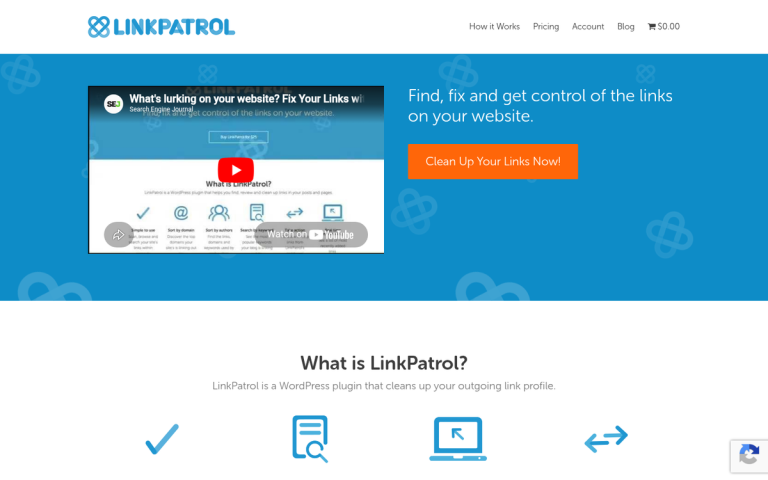
- Link Patrol is a WordPress plugin that audits outbound links, helping bloggers apply correct attributes and remove harmful links efficiently.
If you haven't paid much attention to your links over the last few years, you may be in for a surprise when you learn about nofollow. Nofollow is a meta attribute that can be attached to links, to give them different properties when Google discovers them- it's a modifier; the default version is a dofollow or followed link. Since nofollow was first introduced in 2005, Google has expanded its link attribute system significantly, and all three current link attributes matter for any blogger or site owner in 2026.
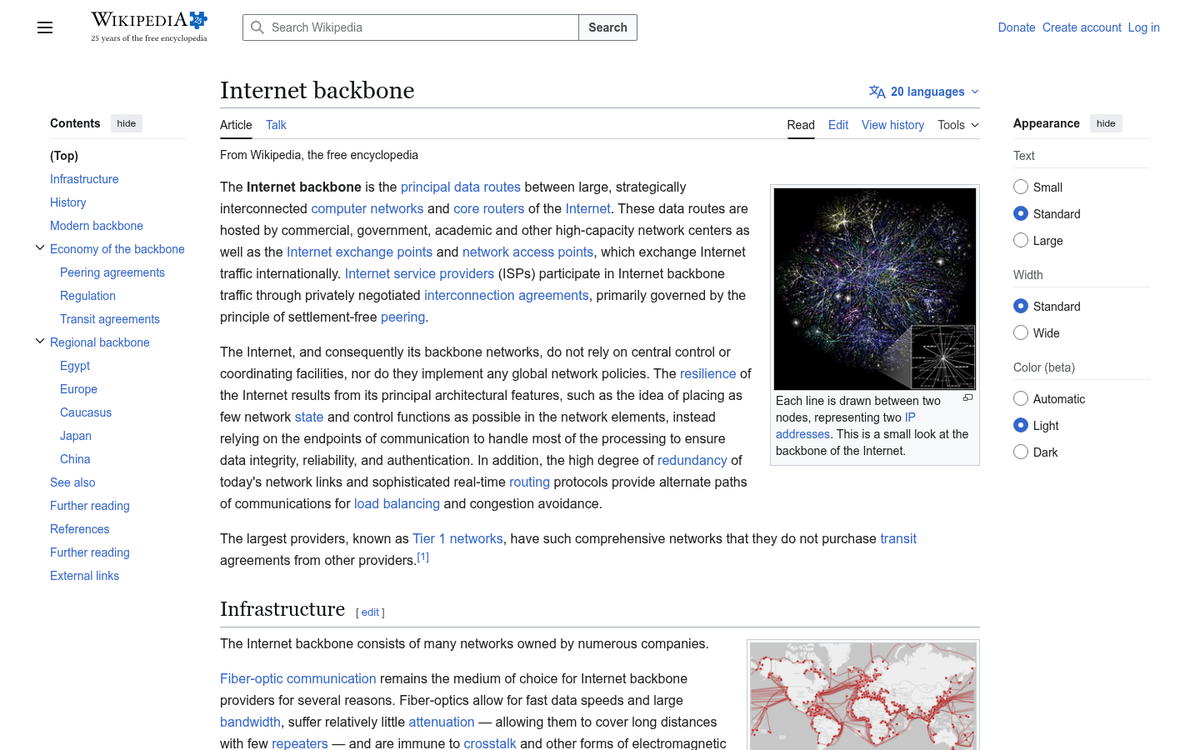
Links Are the Backbone of the Internet
The Internet was founded on the concept of sites and links between them. In the beginning, a link was just a way to get from one site to another without knowing the name of that site. Since then, Google has made some changes.
When there were only a few thousand sites, it was easy to index them all and pull them up as they were relevant. Think about it, a given topic might only have 2-3 relevant sites- it seems like a fantasy. But this kind of thing existed.
Once the Internet grew to a point where Google had to rank sites based on their relevance and value, that's when things got messy. They had to choose how to rank sites, and one of the methods they chose was to monitor links. A popular site tended to have more links pointing at it. But a poor site wouldn't have.
This brought along other problems, most especially spam. Spammers would find, just to give you an example, the comments section on a blog and post their link there. Google would see site A has a link to site B and would count that link as a vote of confidence, just like any other link- even though site A had no idea the link was there.
Even once comments got their moderation, there was still the issue that any time you linked to the "wrong" site, that link counted to promote that site. If you ever linked to a competitor, it benefits the competitor. If you link to a site in a different industry for an unrelated reason, that site may benefit from the association. This is one reason some bloggers wonder whether to nofollow external links in blog posts.
Why Nofollow Exists and Matters
Nofollow was invented in 2005 as a way to fix these problems, primarily to combat comment spam. Links are treated basically as a vote of confidence, a vote from your site to another site. Nofollow as a meta attribute modifies a link and removes that vote of confidence. The link is still there and users can click it all they like. That alone can benefit the destination site if the users like that content. But it carries no algorithmic benefit from the link itself.
Since 2019, Google has expanded the link attribute system past nofollow. There are now three link attributes you'll have to know about:
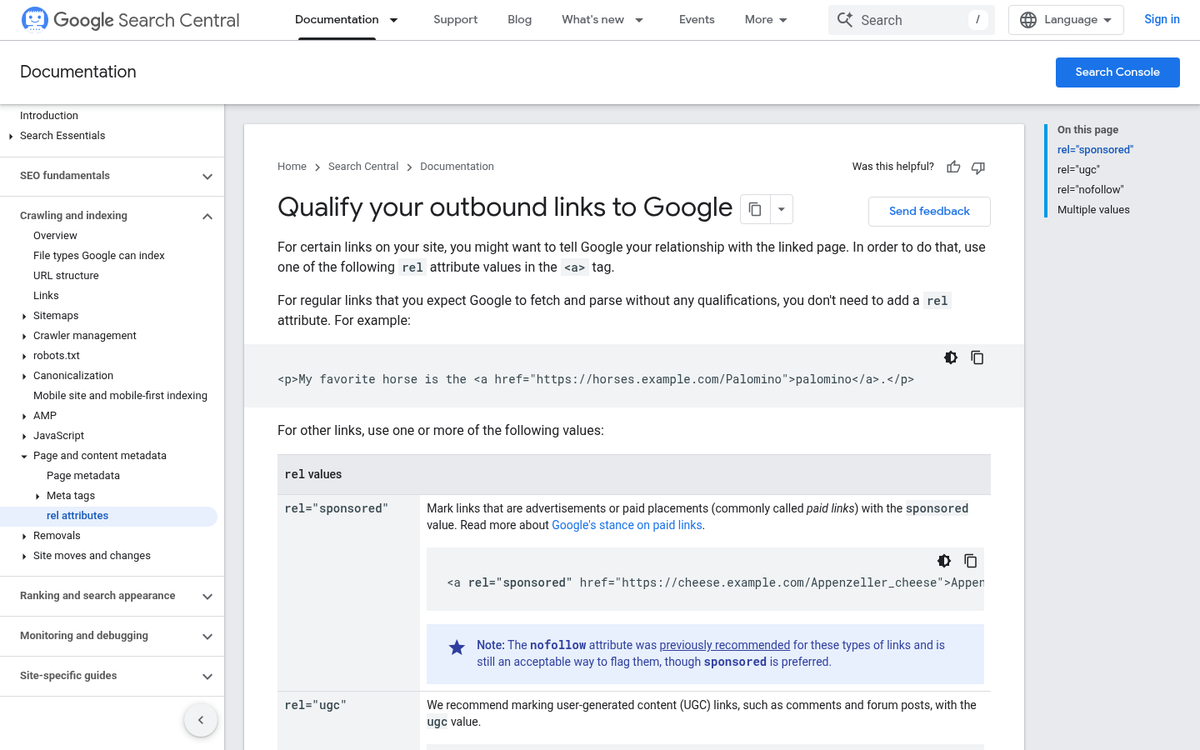
- rel="nofollow" - The original attribute, used to indicate you don't want to vouch for a link or pass ranking credit to it.
- rel="sponsored" - Introduced by Google in 2019, this attribute is specifically for paid or sponsored links, including advertising and affiliate links.
- rel="ugc" - Also introduced in 2019, UGC stands for User Generated Content. This is the appropriate attribute for links appearing in comments, forum posts, and similar user-submitted areas.
Google treats all three as hints instead of directives, which means they may interpret them as they see fit. However, the correct attribute for the correct situation is still considered best practice and tells Google that you are taking care of your links responsibly.
Nofollow does not actually prevent search engines from following the link and indexing the content on the other end- it's not a way to keep Google from finding a hidden page. You'd want Noindex for that, and that's a subject for a very different post.
Some Downsides to Nofollow
There's more than one downside to nofollow. The name is misleading. Why would it be called nofollow when Google may still follow the link? The name referred to PageRank flow; the helpful signal that would pass through a link to the destination page. That flow is blocked by nofollow, though Google's ranking systems have grown considerably more refined since the early PageRank days.
Another issue is that nofollow doesn't actually prevent spam. A link is still a link, and even nofollowed links on high-traffic sites can drive visitors. Spammers still want links from as many domains as possible. Nofollow alone does nothing to stop determined spammers.
When overused, nofollow can harm the Internet ecosystem as a whole. Search engines use followed links to understand the web's structure and authority signals. If too many links become nofollowed, Google's ability to assess quality through links is diminished.
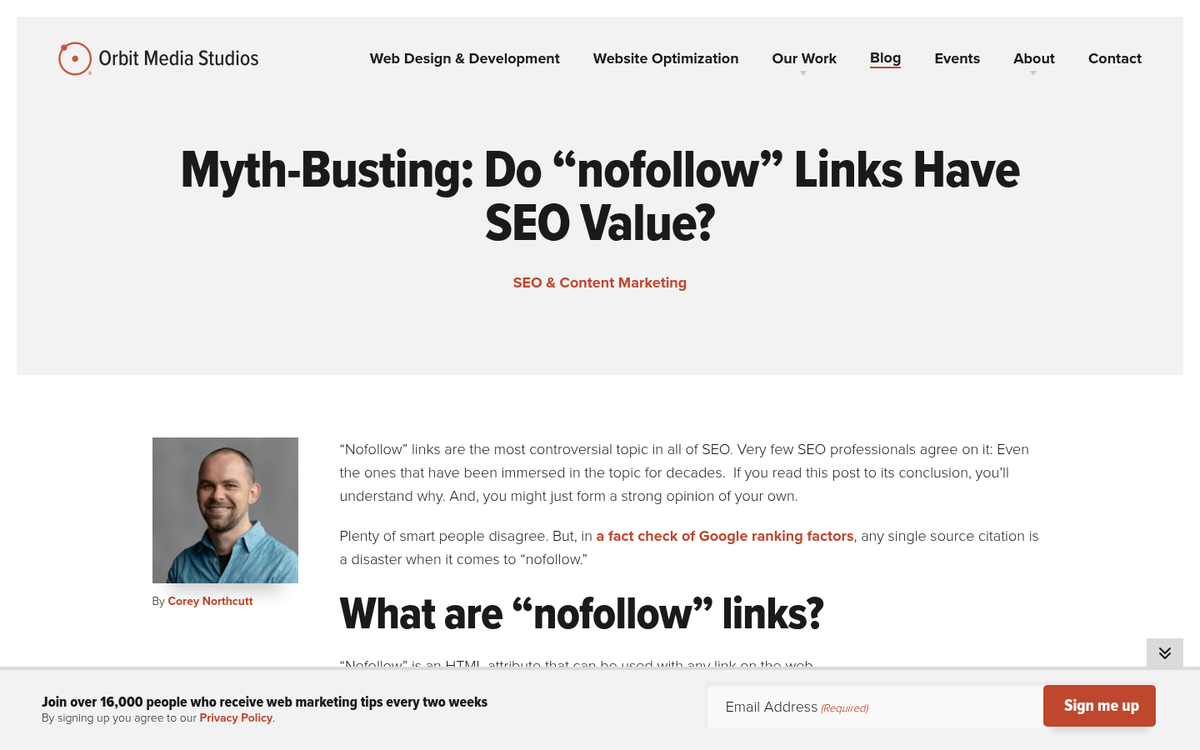
Another problem is that it relies on the website owner to be an accurate judge of whether or not a link should be nofollowed, marked as sponsored, or marked as UGC. Every site owner will have their own concept of what is and isn't worth it, and others will just blindly nofollow everything to avoid having to remember it. With three attributes now available, the responsibility is even greater to apply the right one in the right context.
Let's talk about different types of links you can find on a given site, and whether or not you should use nofollow or one of the newer attributes for them. If you're also choosing a commenting plugin for your WordPress site, understanding these attributes is especially relevant.
General Content Links
First off, you have the links you make in your content. These are the most common links people think about when they see links on a website, and they're also the most variable in how you should treat them. Essentially, review every link on an individual basis.

By default, links you make in your own editorial content should be left followed. However, there are a few exceptions. Any time you create a link, consider the destination. Is it something you would legitimately recommend? Is it relevant? Is the site honest and high quality? These are links you can leave followed.
Conversely, is the site spammy? Is it unrelated to your content in any actual way? You may want to nofollow these links. Better yet, it's just better not to link to them at all and use screenshots if you want to reference them as an example. After all- even a nofollowed link sends users to the destination and can add a degree of visibility. You should also scan your WordPress blog for bad external links to keep your site clean and trustworthy.
Navigation Links
Navigation links are usually ignored when reviewing links on a page, because they're all in-site links and they're taken for granted. You don't always consider that linking your logo to your homepage, which is a standard feature of most websites, is still a link.

Would you want to nofollow your navigation links? No. Internal links are important to the flow of signals throughout your site, and nofollowing them disrupts that flow unnecessarily. Keep your internal navigation links followed.
Nofollow has historically been misused as a tool for PageRank sculpting; site owners tried to control and redirect link equity throughout their site to strengthen certain pages. Google has made clear that this is not a helpful or recommended strategy, and it creates unintended problems with how your site is crawled and understood.
Footer Links
Most footer links tend to be the same sort of links as navigation links. Many websites have footers that share links with navigation, so those can be treated accordingly.
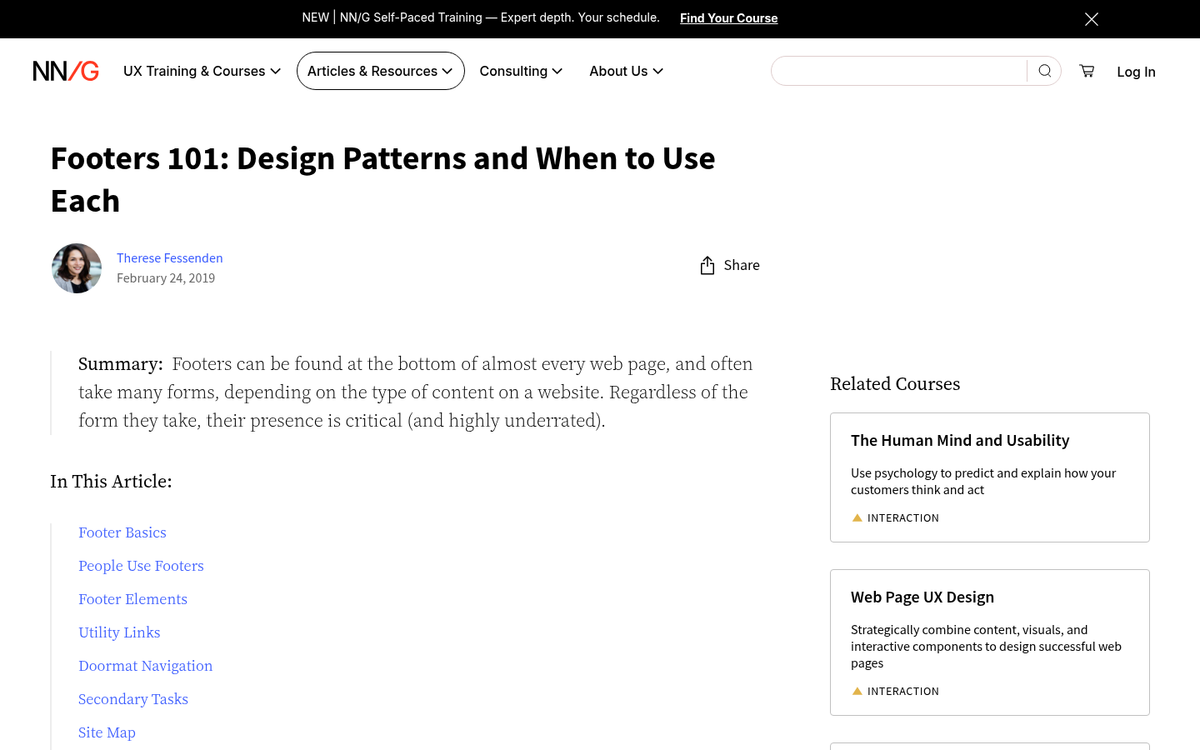
What about links that only ever appear in the footer, like links to a terms and conditions page, a privacy policy page, a contact form, or something similar? These can be nofollowed if you want, and it won't hurt your site. It doesn't hurt to let them be indexed normally either.
What about links to other sites in your footer? For example, links to a parent company, a security badge provider, your web designer, and so on. These are usually fine to leave as followed links. They're credible, relevant references instead of spam. That said, if any footer link is a paid or sponsored placement, it should now carry the rel="sponsored" attribute to comply with Google's guidelines.
Paid Articles, Sponsored Posts, and Affiliate Links
These are the big ones, and the cause of ongoing debate.
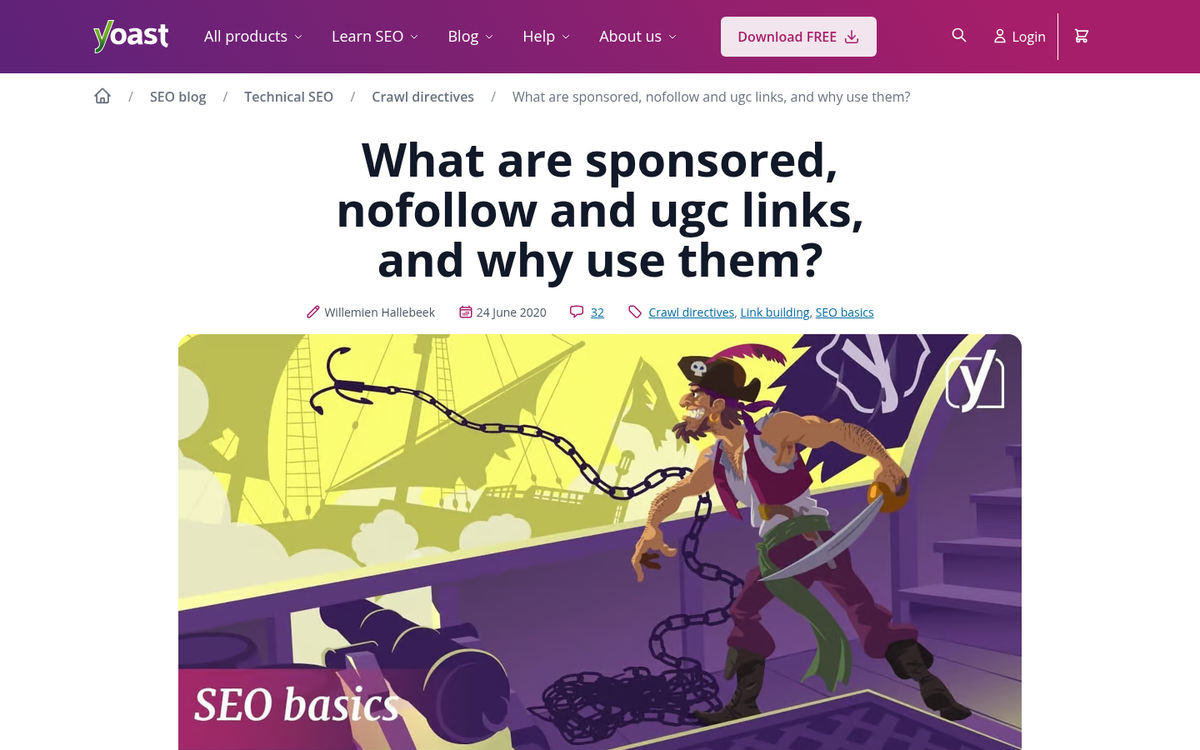
Google has long required that paid links be disclosed and marked appropriately. With the introduction of the rel="sponsored" attribute in 2019, there's now a dedicated way to manage these links. Any link that exists because money or goods changed hands - like affiliate links, sponsored content links, and paid placements - should carry the sponsored attribute. Using rel="nofollow" on paid links is still acceptable to Google. But rel="sponsored" is the more accurate and preferred signal.
Beyond Google's requirements, the FTC and Ad Standards also require disclosure when content has been sponsored or compensated in any way- this applies to blog posts, social media content, and any other form of published media.
If you accept a guest post, audit the links. Any link going to a low-quality or irrelevant site should be removed entirely. Any link that seems to have been placed for SEO value should either be removed or marked with the appropriate attribute. Only links you would legitimately include yourself, pointing to quality and relevant destinations, should be left as standard followed links.
Comments Links
Comments links are where this whole conversation started, and they remain just as relevant. Most comment fields include a space for a website URL, and even when they don't, unfiltered comment bodies allow links to be posted freely.
Spam filters like Akismet remain a strong first line of defense for WordPress blogs, catching the majority of automated spam before it ever appears on your site. However, no filter is perfect.
All links in comments should now carry the rel="ugc" attribute, which is the attribute Google introduced specifically for user-generated content. It's more precise than a plain nofollow and tells Google why the link is being marked. Most modern WordPress comment systems and plugins support this natively or can be configured to apply it automatically.
As always, links in comments that you actively approve and trust can be reviewed on a case-by-case basis. But applying ugc across the board is the safest and most sensible default.
General Guidelines
Rather than try to exhaustively catalog every possible type of link and tell you whether or not it should be nofollowed, here are a few general guidelines updated for 2026. Remember: the default state of a link is followed. You have to actively add an attribute to modify it.
First, nofollow links to untrustworthy content. A link is a vote of confidence. If you don't want to vouch for the destination, don't include the link- this applies to any instance where you could be linking to a low-quality or spammy site.
Second, you can use rel="ugc" for links posted in any sort of user-generated content. This means comment sections, forum posts, shoutboxes, and guestbooks. It's now the recommended attribute over plain nofollow for these contexts.
Third, you can use rel="sponsored" for any links that were paid for, whether they're sponsorship links, affiliate links, or links in paid content. Google, the FTC, and Ad Standards all require disclosure of paid relationships, and the sponsored attribute is part of meeting Google's technical requirements for that disclosure.
Fourth, nofollow links to content that isn't publicly visible or that you don't want search engines to index. If you don't want the content indexed, you can use noindex on that page as well. Google does not log in to your site and can't access content locked behind paywalls or registration forms.
Auditing Links with Link Patrol
If you've never implemented nofollow or the newer link attributes before, you might have some SEO improvement waiting for you as soon as you clean up the links on your site.
How do you audit those links? Link Patrol is a WordPress plugin available at LinkPatrol.com that scans your site for every outbound link and collects data about them- like which authors published them, what anchor text they use, and what domains they point to. You can use it to find authors who may be abusing your site's links, find over-optimized anchor text, and even find hidden links that may have been injected through a site compromise.
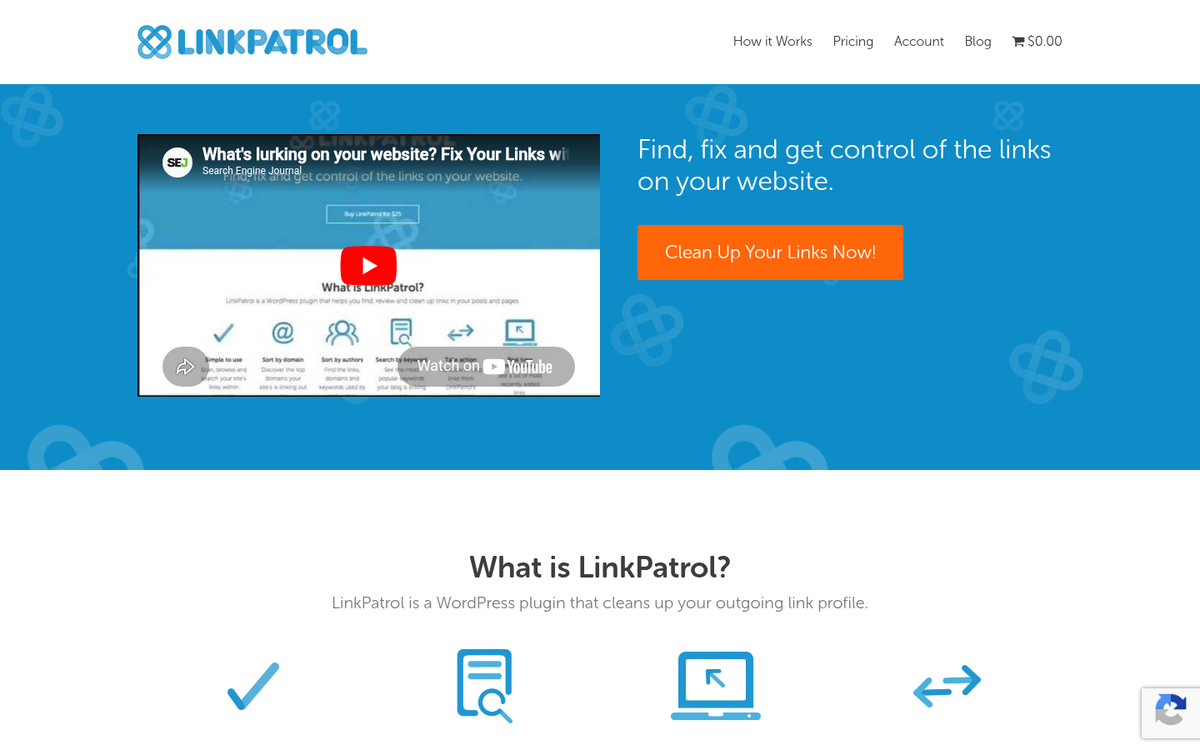
Using the plugin is easy. Install it, go to your WordPress dashboard, and find the Link Patrol entry in your sidebar. Run your first scan, and when it completes, review the domain report- this lists the domains your site links to and how many links point to each one. Work through the list and review whether each destination is one you want to be connected with.
From there, you can apply nofollow in bulk by domain, strip links entirely, or flag links for review- it's an efficient way to bring an older site up to current standards without manually looking over every post.
Finding Broken Links
While you're auditing your links, it's a good time to check for broken links as well. Link Patrol focuses on outbound link quality instead of link health, so you'll want a complementary tool for this.
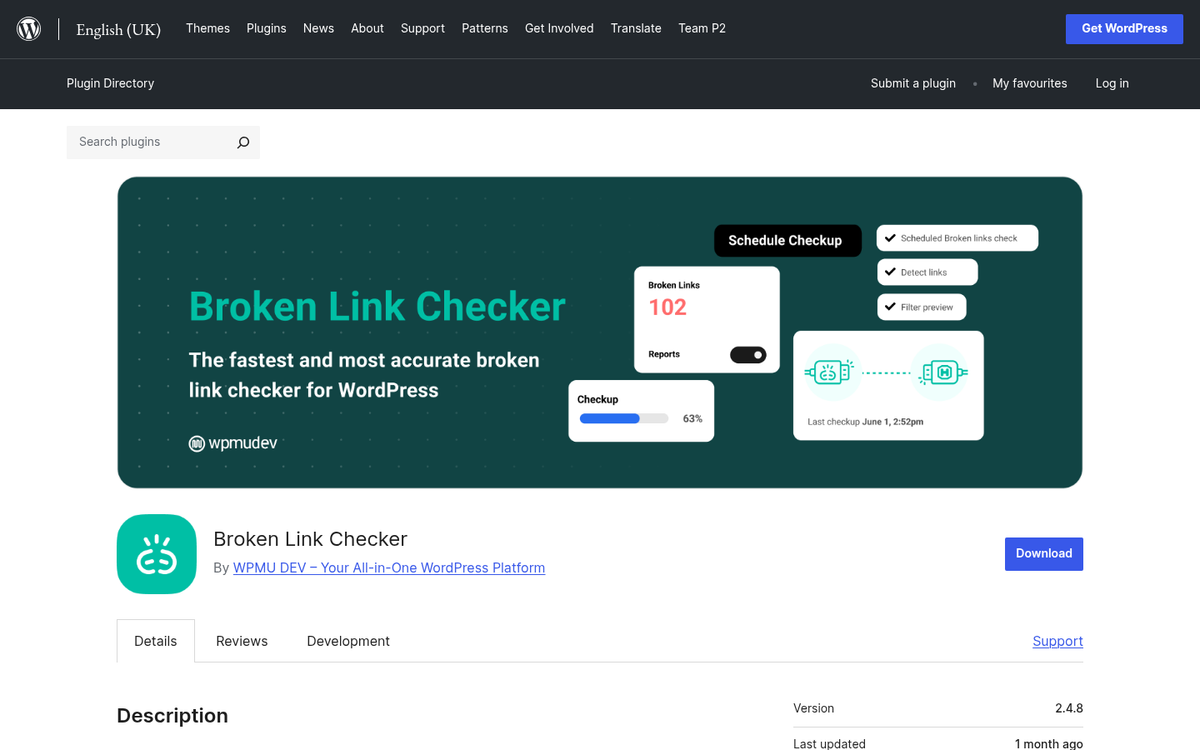
The Broken Link Checker plugin for WordPress remains a popular option for this job. Once installed, it scans your posts and checks each link to confirm it's still active. Broken links are flagged in your tools menu, and for bigger sites, you can configure it to notify you by email as new broken links are found instead of waiting for a full scan to complete.
Broken links are worth fixing for user experience and for SEO. A page that links out to a string of dead URLs signals poor maintenance and can undermine your credibility. Where possible, replace broken links with updated, relevant sources. If a broken link was central to your content, a bit of rewriting may be necessary. But it's worth the effort to keep your content accurate and functional.