Key Takeaways
- Landing pages average 6.6% conversion rates; companies with 40+ pages generate 12x more leads than those with fewer.
- Hosted solutions are easier to set up but restrict customization, custom scripts, and often include third-party branding.
- Carrd offers one of the best value options at $19/year, unlocking custom domains and forms on an extremely fast platform.
- Self-hosted WordPress plugins like SeedProd and Elementor give full control over branding, integrations, and data.
- Building landing pages from scratch offers maximum flexibility and zero fees, but requires time, skill, or hiring help.
Hosted and Self-Hosted Pages
Landing pages are essential for good marketing. You don't want to use them for everything, but a good landing page can squeeze someone into making a decision when they wouldn't before. There's a lot of psychology that goes into it - and in 2026, the data backs this up more than ever. The average landing page conversion rate sits at 6.6% across all industries, personalized CTAs convert 202% better than generic ones, and companies with 40+ landing pages generate 12x more leads. When a user lands on your landing page, they're at your mercy with marketing until they either convert or escape.
I'm not here to talk about the landing page contents (or landing page optimization) today; we've written a few posts about it on our blog already. I'm here to tell you how to create one, and the tools you can use to do so.
Landing pages come in two forms; hosted and self-hosted. The landing page itself is generally going to be the same, the difference is simply in where the landing page files are kept.
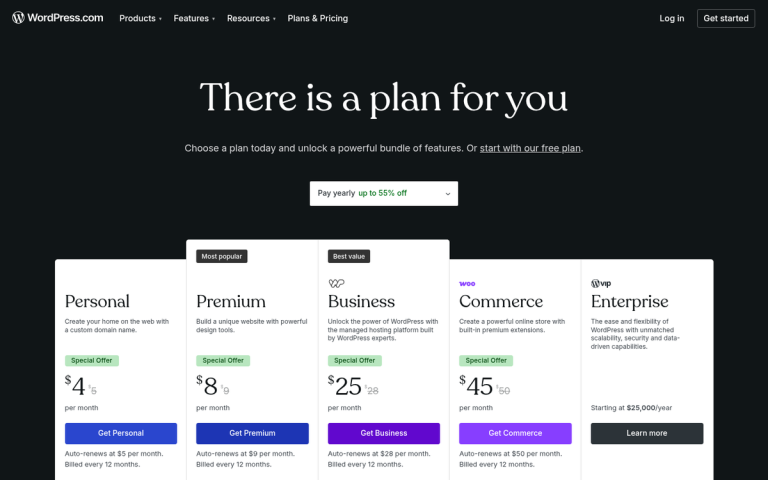
Hosted landing pages tend to be hosted on the servers of the app or company you use to create them. These companies often brand your landing page in some way - a "powered by" link at the bottom, a header bar across the top, or even just in the URL. It's the same way a free WordPress-hosted installation sits on a WordPress domain. It's the difference between www.myblog.com and www.myblog.wordpress.com.
Self-hosted is the flip side of the coin. A self-hosted solution lives on your own web servers, alongside the rest of your website. Just like the WordPress example above, it would be on your custom domain. You can read more about the differences between hosted and self-hosted WordPress if you're curious how that applies more broadly.
So what are the pros and cons of each? Using a hosted solution is generally a lot easier to set up; they often have drag-and-drop editors, templates, and integrations to get you up and running quickly. They tend to be cheap or even free to start.
On the other hand, hosted solutions are also generally restricted in what you can do. Custom scripts are often off the table. You won't be able to work outside of their templates. You'll be stuck with the tools and resources they have available. And unless you pay for a white-label plan, you're usually stuck with their branding and URL somewhere on your page.
What I've done for the majority of this article is put together a list of various free and low-cost landing page creators. I've noted the key details about each, whether they're hosted or self-hosted, and what you get if you decide to upgrade.
Wix
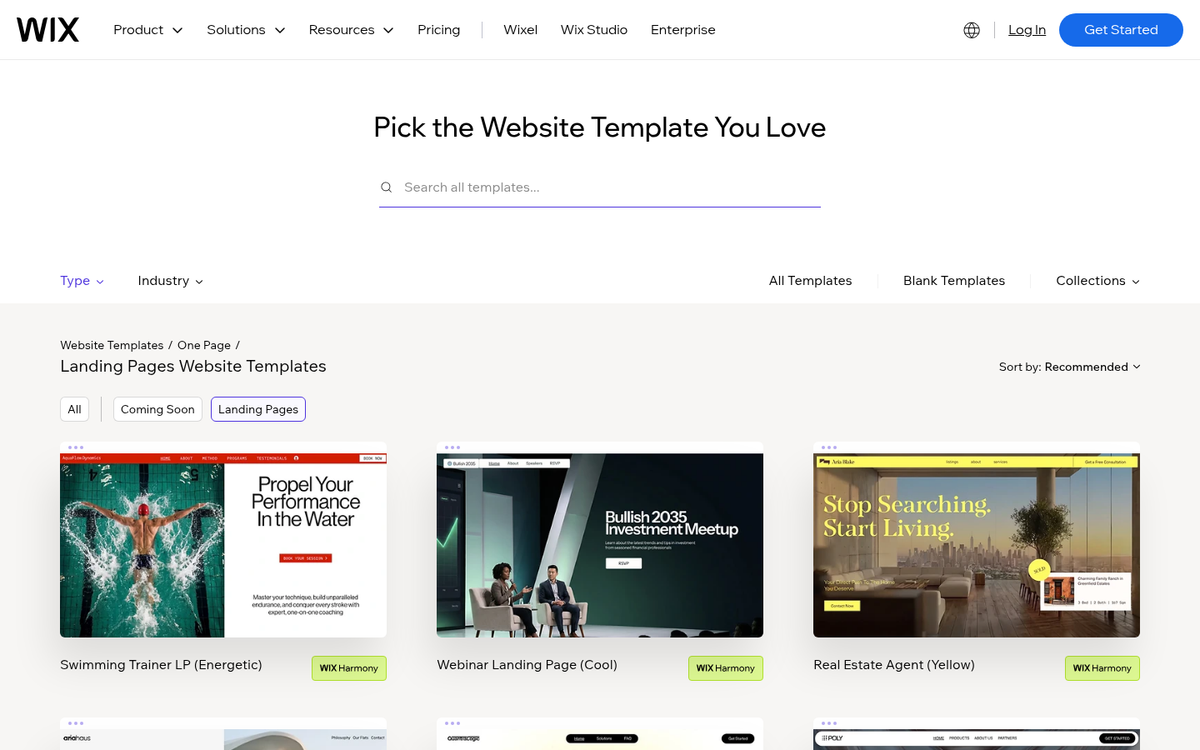
Wix remains one of the most popular website and landing page builders available, and it's grown significantly more capable over the years. Their AI-assisted site builder, Wix ADI, can now help you generate a landing page layout automatically based on your answers to a few questions - which is a nice option if you want something fast without starting from a blank canvas.
Wix works well for a wide range of website styles, though it's particularly well-suited for smaller, focused sites. They have a broad library of templates, including a dedicated Landing Pages category. If you're looking for more options, there are also free landing page templates you can download elsewhere. Each template can be customized using their drag-and-drop editor, and the experience has become noticeably smoother and more flexible compared to earlier versions.
Free Wix sites give you access to the editor and free templates, but you're limited to Wix-branded URLs and Wix ads displayed on your pages. Storage and bandwidth are capped on the free plan, which can be a real issue if your landing page includes video - and given that videos are known to increase conversions by up to 86%, that matters.
Premium plans have been updated and restructured over time. Paid plans remove Wix branding, allow custom domains, and significantly increase storage and bandwidth. Pricing varies depending on the plan tier, so check their current pricing page for the latest numbers. Wix is a hosted solution - your files live on their servers, and while you can connect a custom domain on a paid plan, there's no option to export and self-host your site.
Unbounce
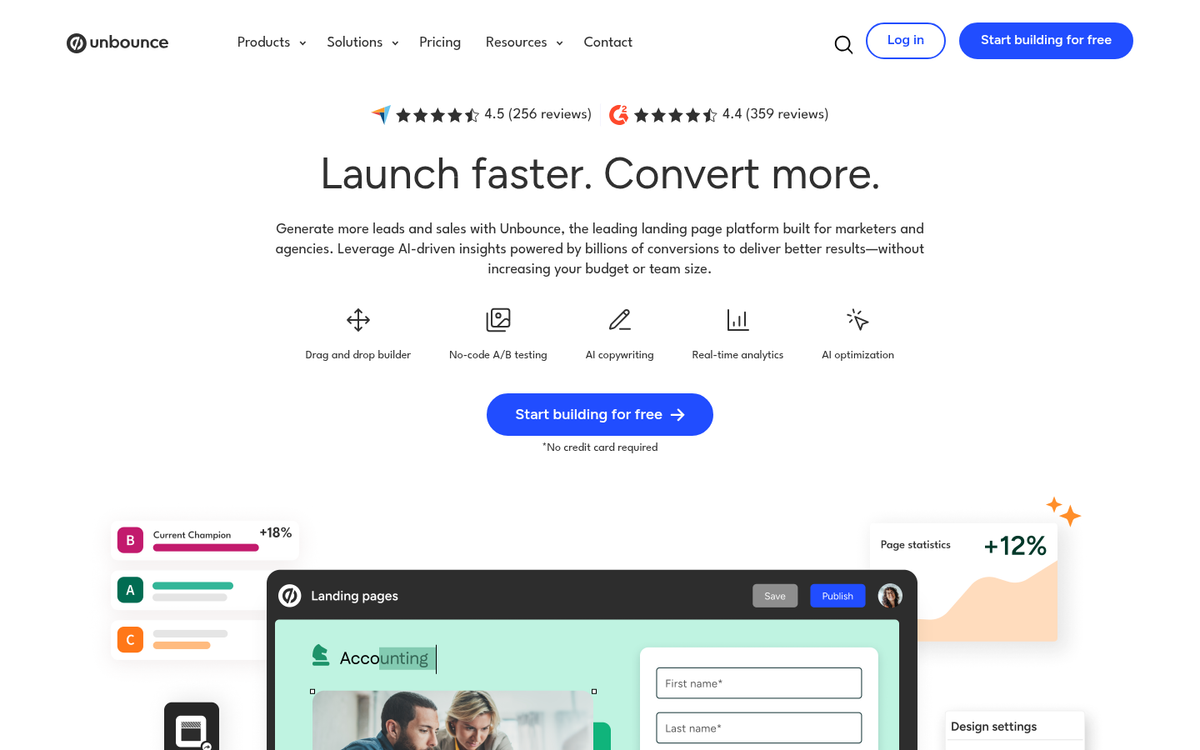
Unbounce is one of the most well-known dedicated landing page platforms out there, and in 2026 it's still a top-tier option - especially for marketers who take conversion optimization seriously. It's worth noting that Unbounce is the source behind that 6.6% average conversion rate statistic cited widely in the industry, which speaks to how data-driven their platform and approach is.
Unbounce offers a drag-and-drop builder, AI-powered Smart Builder for faster page creation, and built-in A/B testing. Their Smart Traffic feature automatically routes visitors to the variant most likely to convert based on their behavior - which is a meaningful advantage over platforms that offer basic split testing or none at all.
There is no free plan, but they do offer a free trial. Paid plans start at around $99/month, making this more of a mid-to-upper-tier option. That said, if you're running paid traffic or managing landing pages for multiple clients, the conversion optimization tools can easily pay for themselves. This is a hosted solution with the ability to connect a custom domain.
Carrd
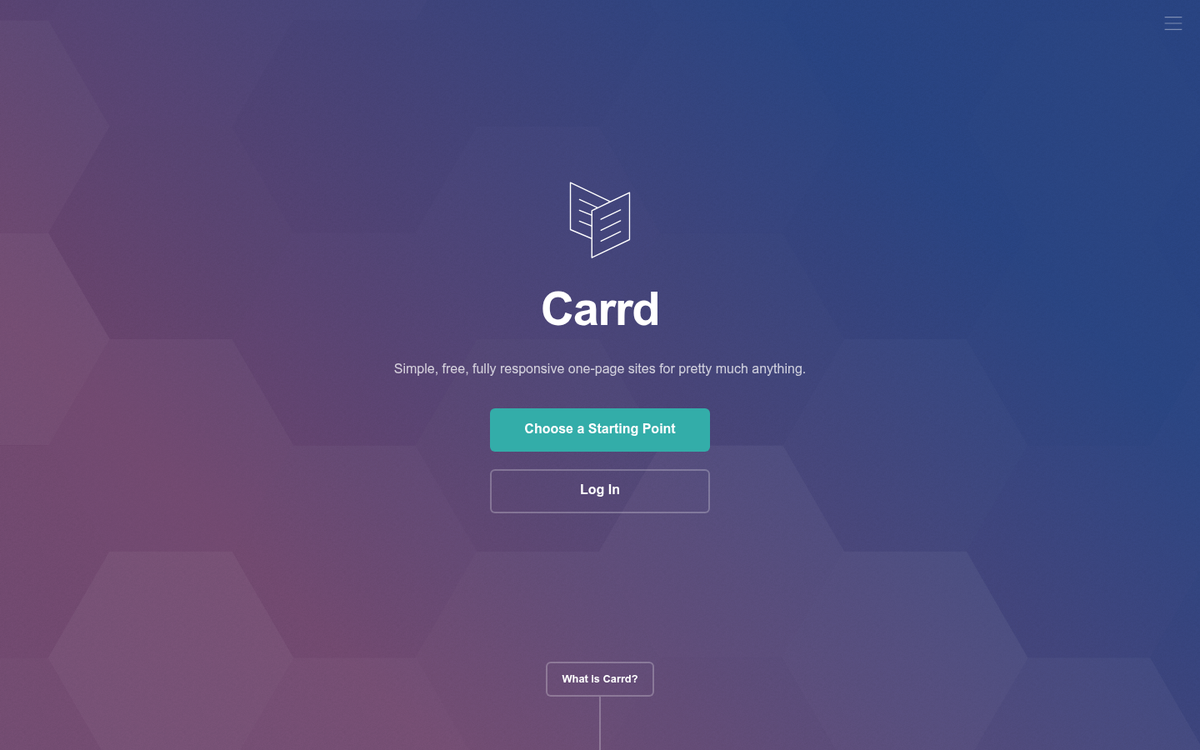
Carrd has become a favorite for lightweight, focused landing pages - and for good reason. It's fast, clean, and remarkably easy to use. You can build a simple one-page site or landing page in minutes using their template library and straightforward editor.
The free plan gives you up to three sites on a Carrd subdomain. It's genuinely functional for basic landing pages, though you can't add forms or integrations on the free tier. For $19 per year (one of the best deals in this space), the Pro Lite plan unlocks custom domains, forms, and widgets. Higher-tier plans add more sites, more integrations, and additional features.
Because Carrd pages are so lightweight, they load extremely quickly - which matters more than ever. Research from Portent shows that pages loading in one second convert three times higher than pages that take five seconds. If you want to go further, there are proven ways to increase sales from your landing page beyond just load speed. Carrd is a hosted solution, but custom domain support is available on paid plans at a very reasonable price.
Landing Page Builders for WordPress
If you're running a self-hosted WordPress site, you have several solid options for building landing pages directly within your existing setup. This approach keeps everything under your own domain and gives you full control over customization, integrations, and data.
A few plugins worth considering in 2026:
SeedProd has become one of the most popular dedicated landing page plugins for WordPress. It features a drag-and-drop builder, a large template library, WooCommerce compatibility, and built-in subscriber management. The free version is functional, but most of the best templates and features are locked behind their paid plans, which start at around $39/year.
Elementor is a full page builder that works extremely well for landing pages. The free version gives you a capable drag-and-drop editor and a decent template library. The Pro version unlocks more templates, popups, forms, and marketing integrations. It's one of the most widely used page builders in the WordPress ecosystem for good reason.
Both of these are self-hosted solutions, meaning your landing pages live on your own server alongside your site. You get the performance, branding control, and flexibility that comes with that - but you're also responsible for your own hosting, speed optimization, and security.
The DIY Option

If you don't use WordPress but still want a free landing page hosted on your own site, your best option is to build something from scratch. You can make a great landing page with clean HTML, CSS, and a bit of JavaScript. The barrier to entry has also gotten lower - AI coding tools in 2026 make it faster than ever to generate a solid starting structure even if you're not a seasoned developer.
The DIY approach gives you total control. No branding from a third-party platform, no template restrictions, no monthly fees. You can optimize for speed (remember: one second load time versus five seconds is a 3x conversion difference), keep your forms minimal (reducing fields from five to three improves conversions by 50%), and integrate exactly the tools you want.
The tradeoff is time and skill. If you need to hire a freelancer to handle design or development work, the "free" label disappears quickly. But if you have the skills or the time to learn, building your own landing page infrastructure is the most flexible and future-proof option available.
In the end, the right choice depends on your budget, technical comfort level, and how much you need to scale. A free Carrd page might be perfect for a simple campaign. A self-hosted WordPress setup with SeedProd might be better if you're already running a WordPress site. And if landing pages are central to your business and you're running paid traffic, investing in a platform like Unbounce may be worth every dollar.