If you've ever received an email from a mailing list or a customer support portal, I guarantee you've been messaged by an autoresponder. You've also probably been the recipient of automatic messages without realizing it. It's amazing, positively astounding, what you can do with autoresponders.
The problem many businesses face is the stereotypical "we have received your message and are looking into the issue" autoresponder messages. These are very frustrating for the customer, who wants personal attention to their issue right now. They're frustrating for a business because they don't actually solve any issue, they just put off irate customers, who can grow into furious customers if their issue isn't addressed.
The thing is, a lot of autoresponders don't need to be that simple. They can be complex, they can be contingent on variable information, they can even be modular so they contain flexible content. You just need to use them properly.
I'm not here to recommend a specific autoresponder, nor am I going to tell you that there's a right and a wrong purpose for implementing one. Some people like to use them for sales responses or to send "personal" responses to common questions. Some people like to use them for intro messages to a mailing list. Some people have flexible responses for customer service purposes.
The thing to keep in mind is that autoresponders are by their very nature impersonal. The best you can do is try to vary the content enough so that it seems personal, saving you time but not sacrificing customer satisfaction along the way.
What follows here are fifteen of the most interesting tips, techniques and strategies I've seen for using autoresponders in business. I don't use all of them myself, but I can appreciate a good strategy even if I don't have room to implement it.
Key Takeaways
- Welcome email chains achieve 86% open rates and 52% conversions, far exceeding the average industry email open rate of 42.35%.
- Autoresponders work best when personalized by user behavior, purchase history, or actions rather than sending identical generic messages.
- Cart abandonment rates exceed 70%, making targeted coupon autoresponders one of the most effective customer recovery strategies.
- Companies automating lead management see 10%+ revenue increases within 6-9 months, according to Gartner Research.
- Over 60% of emails are opened on mobile devices, making mobile-optimized formatting essential for all autoresponder campaigns.
1. Send New Subscribers a Welcome Chain

A welcome chain is a series of emails new users of your mailing list get when they subscribe. They are asynchronous from the typical stream of your newsletters; that is, each new opt-in gets the welcome chain starting from when they sign up, not spaced out at fixed dates based on your newsletters. Existing opt-ins don't get them, because they already got them when they opted in.
This is called a drip campaign, because what you're doing is dripping information drop by drop, email by email, to new and interested users. These users are then keyed to be more interested in your product, while also being given information on how they can use it. If you're looking for tools to get started, check out this list of powerful apps to send drip email campaigns.
The numbers behind welcome emails are striking. Automated welcome emails achieve around an 86% open rate, with conversion rates reaching 52% - figures that dwarf the average industry email open rate of 42.35% as of 2025. That alone makes a well-crafted welcome chain one of the highest-ROI autoresponder strategies available.
Drip campaigns can last anywhere from a couple weeks to a year, though they should obviously be more clustered in the beginning. Typical drip campaigns last around 1-2 months and begin with near-daily emails, ending up with one a week or so. Most major email platforms like Klaviyo, ActiveCampaign, and Mailchimp make it straightforward to automate emails to your subscribers with conditional logic and behavioral triggers.
2. Send Follow-Up Surveys to New Customers
One difficult aspect of being a salesman online is the lack of direct communication you have with your customers. Even newsletters, sent from you to them directly, typically are not available for responses or discussion. Your sales tends to be done passively, by web content. If you can attract a few new customers with a live chat system, all the better, but it's not your primary method of sales.
This is even more difficult for post-sales contact. Most of the time, when a customer buys an item, that's it. Satisfied customers tend not to bother going back to leave reviews, talk to salesmen, or otherwise communicate at all. You have to pry that out of them, in terms of reviews and testimonials. By contrast, dissatisfied customers are vocal, but we'll get to that later.
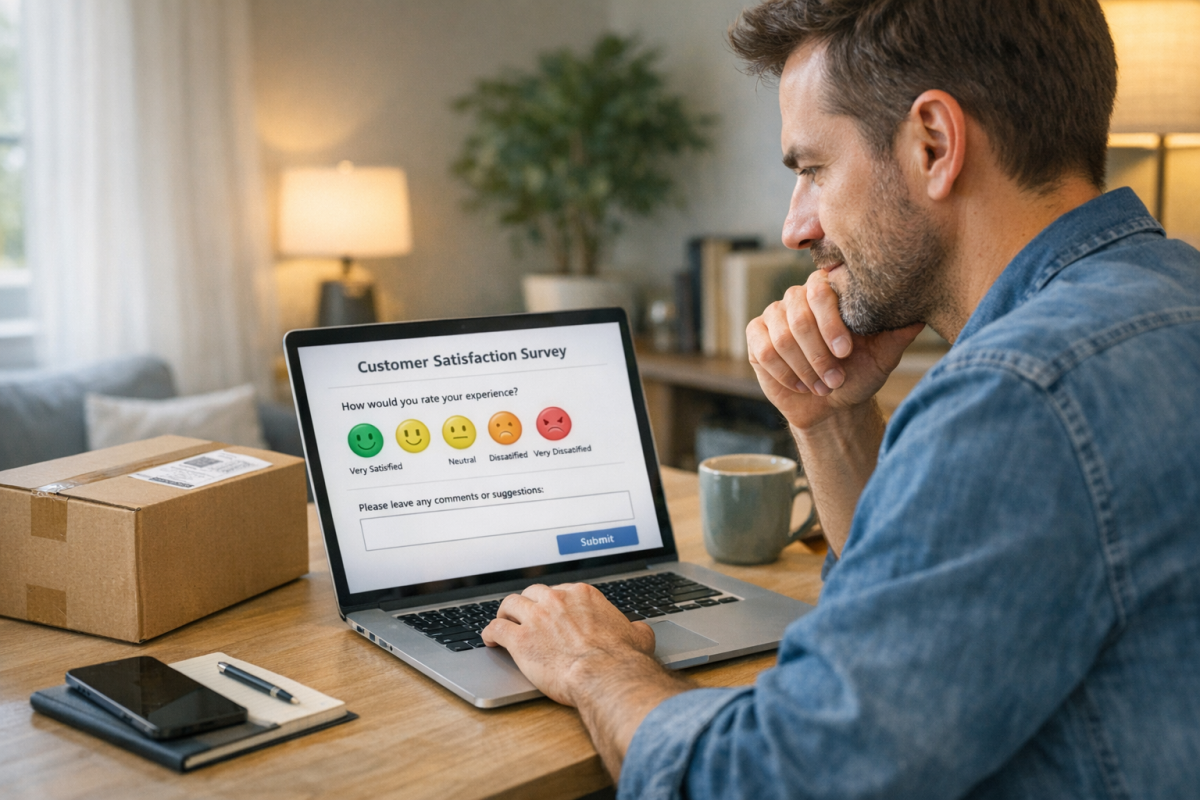
Surveys on a timed auto-send after a purchase are a good way to get reviews and testimonials both. The reviews might be through your own system rather than a third party like Google or Trustpilot, but that's okay. Testimonials and the information you get from the surveys are good enough.
So what are some things you can ask of your recent customers in these surveys?
- Purchase information. This allows you to confirm some things like the customer buying what they came for or if it was out of stock, or if they redeemed any offers, coupons, or deals. You also gain detail about whether they are new customers, referrals, or returning customers.
- Referral information. This allows you to gather information about your marketing and what works and doesn't. A customer might have first heard about you from a social media post, got a recommendation from a friend, and finally navigated to your site directly to buy. Standard analytics tools won't track that kind of detail, but a survey can.
- Customer experience information. How did they find your store in terms of layout and navigation? Were they able to access support if they needed it? How was the payment and shipping process?
These questions can round out your business information and give you a good perspective on improving in the future.
3. Schedule Upsells for New Customers
Upsells are a great way to get more out of customers, but it's often hard to get customers to jump on them at checkout. That's where an autoresponder message comes in; all you need to do is pay attention to the products people buy and figure out what pain points they might reach in their first few weeks of use. If someone buys a camera but no accessories, they'll probably want a strap or a case in the coming weeks, so you might be able to sell those.
There are, however, some things to avoid when trying to upsell.
- Avoid offering an alternative. If the customer buys a camera, you want things that supplement the camera. They're not going to buy another camera.
- Avoid offering a duplicate. If the customer buys a camera and a case for it, you don't need to offer that case; they already have it. It's also a sign of an impersonal, automatic message. You want to be much more personal and customized.
- Avoid offering an out of stock item. If you're selling them something else to go along with their original purchase, it had better be available for them to buy.
- Avoid offering something too personal. Try not to use information that the customer doesn't know or think you have. If you look like a stalker you creep them out and make them question how well you're adhering to data privacy laws.
- Avoid offering something extreme. If a user is buying a $20 product, you want to make more money on the transaction, but you need to stick in that kind of price range. They probably aren't going to buy a $100 item as an upsell. In another sense, you should also avoid products that outclass the original purchase. If the user is buying a $50 camera, they probably don't want to buy a $70 case for it when a $20 case will work just fine.
Upsells are tricky, but they can boost your average customer value significantly. It's worth fine-tuning.
4. Create an Ongoing Tutorial for New Customers
This is another variation on a drip campaign, but it's deep into "added value" territory. Rather than basic information and support in your opening drip, you add in webinars, videos, courses, and tutorials for using the various features of your product. This is, of course, most useful with products that are advanced enough to need tutorials and deep enough to have a lot of variation to go through.
Training drips, as they are called, benefit a lot from being simple and easy to follow. They also benefit from links to upgrades, like a higher tier package of a service. You can link to more detailed tutorials, reference documents, help files, and support contacts as well.
Keep in mind that over 60% of emails are now opened on mobile devices, so make sure your tutorial emails are mobile-friendly - short paragraphs, tappable buttons, and minimal clutter go a long way. Making your content mobile-friendly doesn't have to be complicated or expensive.
The things to avoid with these drip campaigns are CTAs and over-complexity. You don't want your tutorial to be confusing. You don't want people to ignore it because it's too salesy. You just want to be clear and educational.
5. Send Post-Meeting Reminders
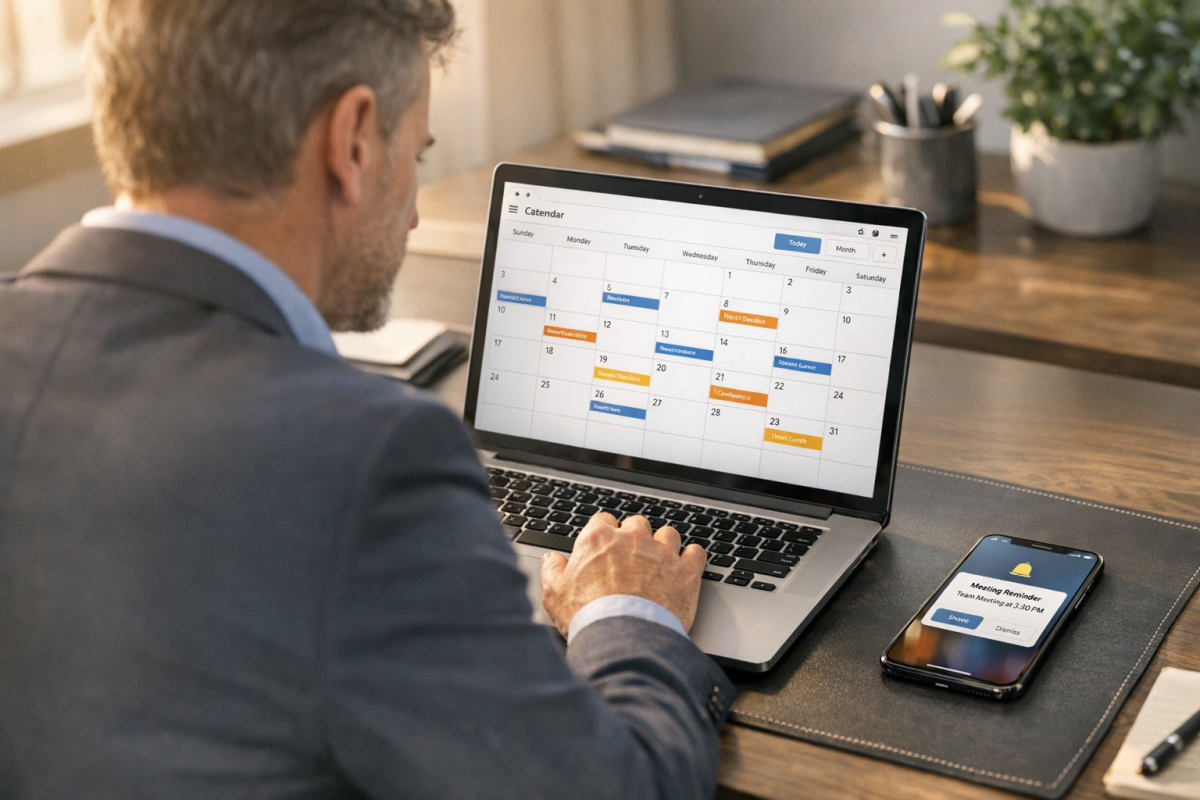
This autoresponder message is less about sales and more about meetings and appointments. Whenever you schedule a sales call, schedule an autoresponse that furthers the relationship. Whenever you have a meeting, schedule a post-meeting response to keep things on track and conversations going. Whenever someone books an appointment with you, schedule a thank you note to go out after the appointment, contingent on the appointment actually happening. These little touches make your business a lot more personal, but don't require a lot of personal effort. Tools like Calendly and HubSpot make it easy to trigger these kinds of follow-ups automatically based on meeting outcomes.
6. Send Thanks to New Converts
This is possibly one of the simplest autoresponses it's possible to make, and all it is is a simple thank you note. When someone signs up for your mailing list, send them thanks. If someone buys a product, thank them. If someone fills out a form for a sales call or a demo, thank them. You can use the name they provided to personalize the message, and of course customize it to the situation, rather than using one thanks message for every possible means of conversion.
7. Confirm RSVPs or Registrations

This is very much like the post-meeting message, but comes before a meeting. You know, like how when you have a dentist appointment scheduled six months out you inevitably forget, because no one remembers their exact schedule that far out. That's why there are a million calendars and apps to manage schedules. Dentists send out that reminder text or email these days - and you should too. A confirmation email does exactly that; it sends out that timely nudge before the moment passes.
8. Share Rewards, Coupons, or Announcements
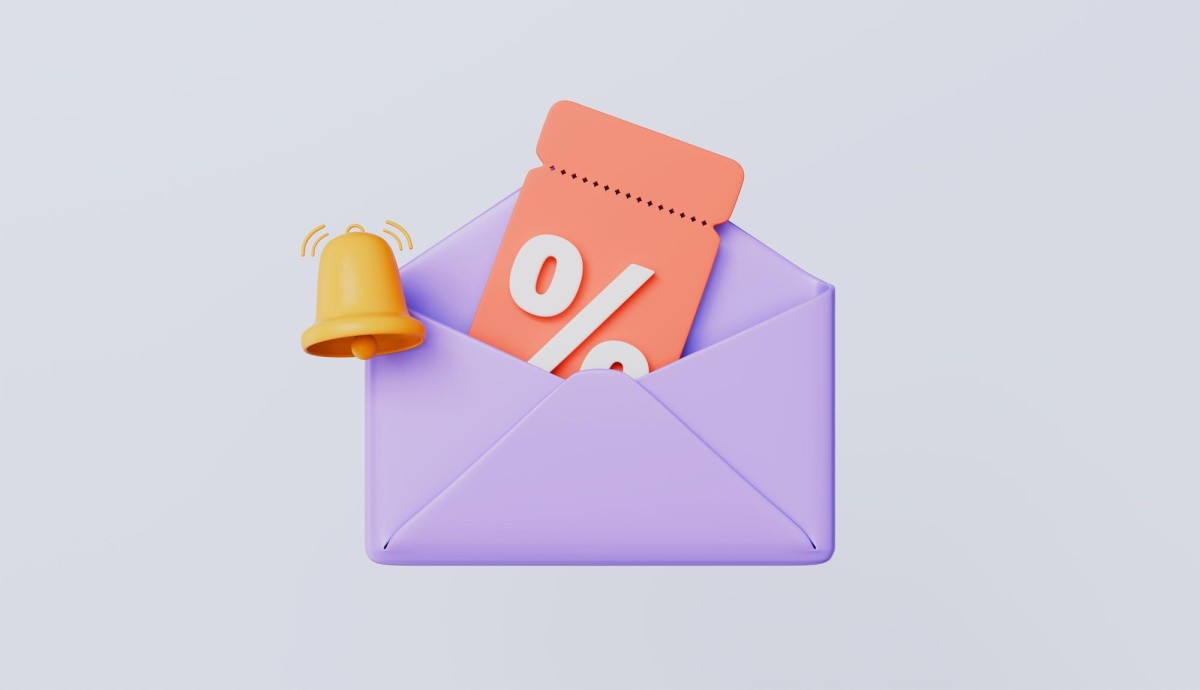
Your normal mailing list exists to broadcast content, sales items, and calls to action. You can supplement it, though, by broadcasting messages about coupons, sales, rewards, and other sorts of content.
The best part about this is you can make the rewards or coupons contingent on user actions. Prepare a 10% off coupon in a relatively personalized email, and then send it out whenever a user does something that might warrant a coupon. One good idea is to monitor users who come in via an ad and bounce. If you have a contact email from them, you can send them a coupon to get them back. The same thing works for shopping cart abandonment, but is easier because they generally have to put in an email as part of the process. Studies show cart abandonment rates can exceed 70%, making targeted coupon emails one of the most effective recovery strategies available.
9. Solicit Reviews and Testimonials
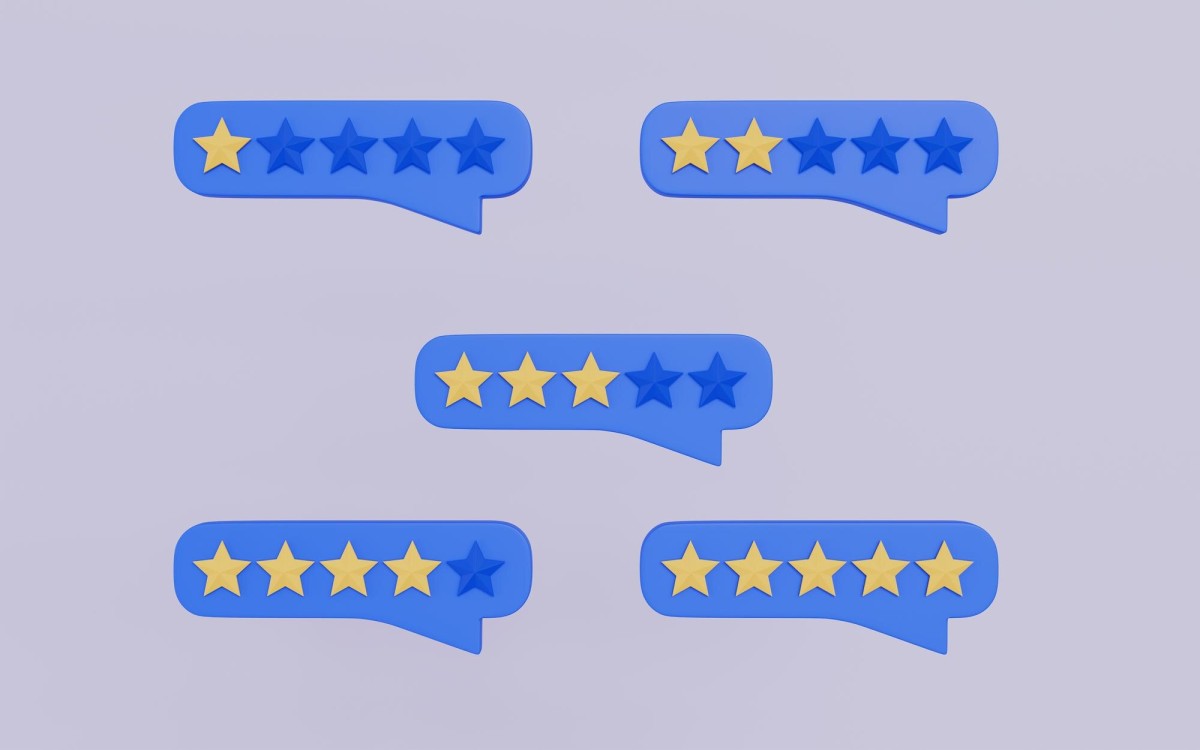
I've mentioned before that testimonials are hard to get, and while a post-conversion survey can get some good information, a more focused email dedicated to soliciting a testimonial will work better.
A single well-timed review request email can have a dramatic impact. A single-message autoresponder cycle can achieve a 98.39% open rate and a 37.26% click-through rate - numbers that make a strong case for keeping these emails simple, direct, and focused on one action. You can further refine the process by monitoring customer data and sending the follow-up solicitation only to those who are most likely to be satisfied. This will get you more positive reviews while avoiding unnecessary negative ones.
10. Respond to Customer Service Inquiries
Yes, I know that one of the examples of poorly done autoresponder messaging was the customer service response, and that's still true. However, if you're careful to actually read what the customer has to say, you can "personalize" a response without spending the time to actually do so.
The trick here is not so much an autoresponder as it is template messages. Ideally you will have identified common problems that people encounter with your products, and you will have established solutions. You can read when you get a support message and identify if the problem is a known issue. If it is, you can send a template message with some personalization.
This doesn't work quite as hands-free as a lot of other autoresponder uses, but it's very time-saving when it's implemented properly. Many modern helpdesk platforms like Zendesk, Intercom, and Freshdesk now integrate AI-assisted response suggestions, which takes this concept even further. If you're looking for ways to integrate additional tools into your customer workflow, there are plenty of options worth exploring.
11. Send Anniversary Congratulations
This one is exceptionally simple. When a customer buys a product, particularly when there's a subscription involved, schedule an anniversary response for a year later. Send it if the customer is still an established user, and cancel it if they aren't. You can even offer loyalty bonuses. It's a small gesture that reinforces goodwill and can be a natural trigger for a renewal offer or upgrade pitch.
12. Establish Answers to Common Questions
This is an extension of the customer service response method, but it's more of a low-key FAQ implementation. I like to set up two different customer service streams; one for basic inquiries and one for critical support. Basic inquiries get more automatic responses based on keywords in the email. Critical support gets the treatment listed above. You can even limit the critical support attention to higher-tier customers, as many services tend to offer dedicated support to their enterprise customers. It makes sense; those are the customers paying the big bucks.
13. Automate Transactional Emails
Transactional emails are the daily life of many businesses. They're the invoices, the bills, the order confirmations, the receipts, the shipping notices. All of these can and should be automated, and they're even easy to do because you don't need to worry about sounding personalized. They aren't meant to be conversations, they're notifications, so you can set up and run with basic autoresponses. Just make sure they're mobile-optimized - given that more than 60% of email opens happen on phones, a poorly formatted receipt or shipping notice creates unnecessary friction.
14. Message Site Users Based on Behavior
This is something e-commerce platforms do very well. When you browse certain products while logged in, follow-up emails and product recommendations get customized to reflect what you were looking at. For example, if you were shopping for a new laptop and didn't buy, a well-timed behavioral email might show you the current price of the model you viewed, along with a few comparable alternatives. It saves the customer time and keeps them engaged with your brand rather than drifting to a competitor.
According to Gartner Research, companies that automate lead management see a 10%+ revenue increase within 6-9 months. Behavioral email triggers are one of the most direct ways to put that automation to work.
15. Automate Event Countdowns
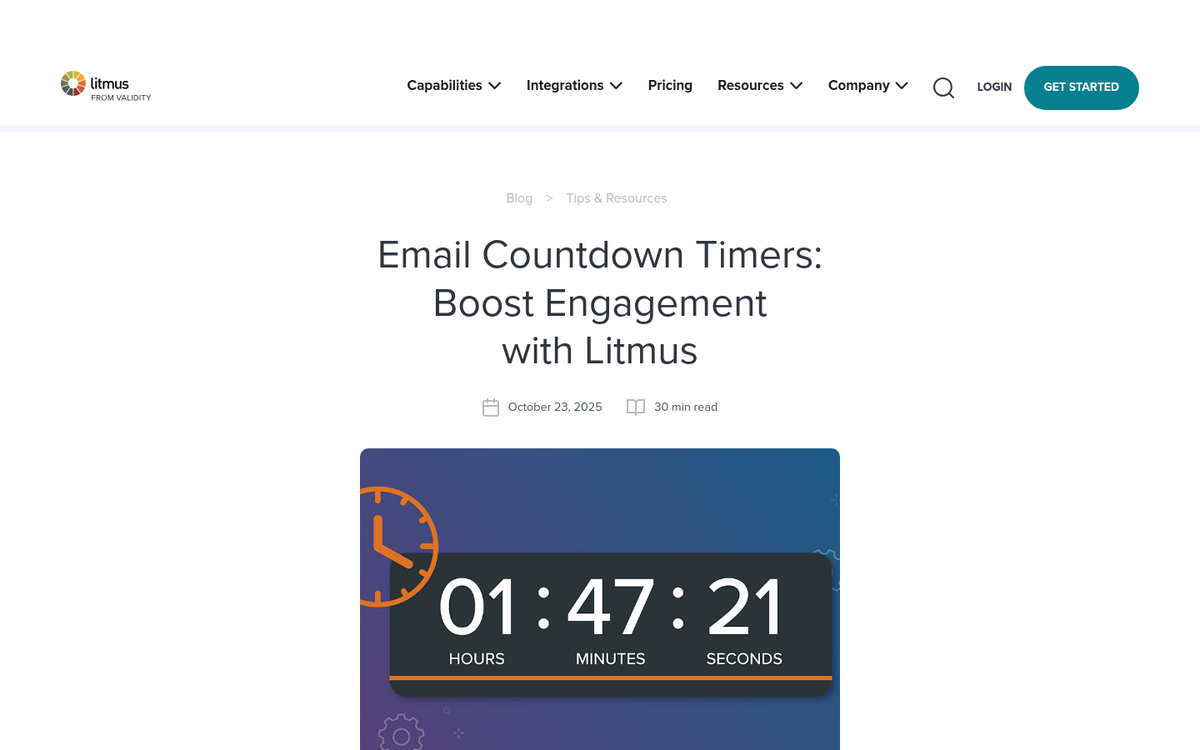
This is an interesting event-based idea, though it's not fundamentally different from a drip campaign on a newsletter. Set up a landing page with a countdown, and then schedule automated messages to come out when time milestones are reached. Each one reminds users of the countdown, and each one can provide a tidbit of information about the imminent launch.
What's your favorite use for an autoresponder? Or, alternatively, what's the worst misuse of one you've ever seen? I'd love to hear your stories, and maybe compile them for a future newsletter post.