





Key Takeaways
- Deleting low-quality, zero-traffic blog posts can significantly increase organic traffic and rankings when done strategically.
- HubSpot's 2011 arguments against deletion ignore modern SEO realities and basic tools like 301 redirects.
- Real case studies show dramatic results: one site gained 34% more organic traffic after removing 78 underperforming posts.
- A content audit should evaluate each post's traffic, backlinks, and word count before deciding to delete, improve, redirect, or consolidate.
- Only delete posts with no traffic and no meaningful backlinks; content still generating value should be kept or improved.
Many websites have been running for a decade, two decades, or longer, and older sites are now grappling with a very real problem: years of accumulated blog content that was created under very different SEO standards, and if that content is now doing more harm than good.
One issue that comes up frequently is the idea of deleting or otherwise removing old blog content. You may have a site that's fifteen years old. But modern SEO content standards have evolved dramatically over that time. Google's algorithmic expectations around content quality have only grown stricter, and anyone who assumed those standards would relax has long since abandoned that hope.
If you've researched the issue, you can find posts arguing both sides. HubSpot, just to give you an example, has a well-known post making the case against deleting blog posts. I'll address that shortly. On the other side, you have marketers, SEOs, and site owners who have run the tests, crunched the numbers, and come back with strong data supporting strategic content removal.
There is a time and a place for deleting old blog posts, and it can be a legitimately helpful move. You can increase your rankings and your traffic by doing so. But only if you do it for the right reasons and execute it correctly. I'll talk about that.
First let's address HubSpot's concerns.
Addressing HubSpot's Concerns
Before getting started, two things worth mentioning. First, HubSpot's post makes valid points. I'm not here to dismiss them wholesale. I'm making the case that "never delete blog content" is a blanket statement that deserves far more nuance than it's usually given.
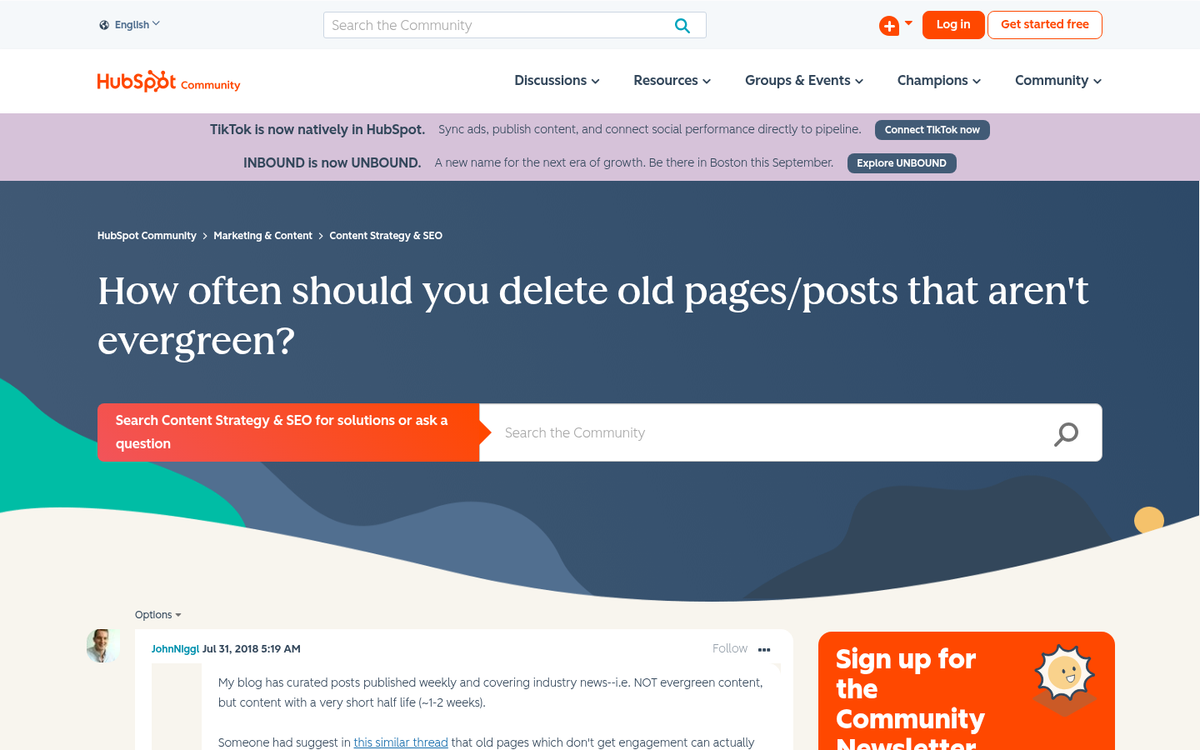
Second, the post was published in 2011, which was a radically different era for SEO. Google's Panda update had just landed, content quality was suddenly a big ranking factor, and the industry was scrambling to adapt. A lot has changed since then. The reason I'm still tackling HubSpot's points is that their arguments remain commonly cited and the underlying logic still comes up in these conversations. If you're looking to breathe new life into older content, our guide on how to rewrite a blog post and make it rank is worth reading.
Here's a summary of their reasoning, with my response to each point.
Concern 1:
If you don't redirect removed content, you lose any SEO benefit you've built up from those posts. Every blog post is an opportunity - a chance for users to find you in search, a chance to earn links, a landing point for traffic.
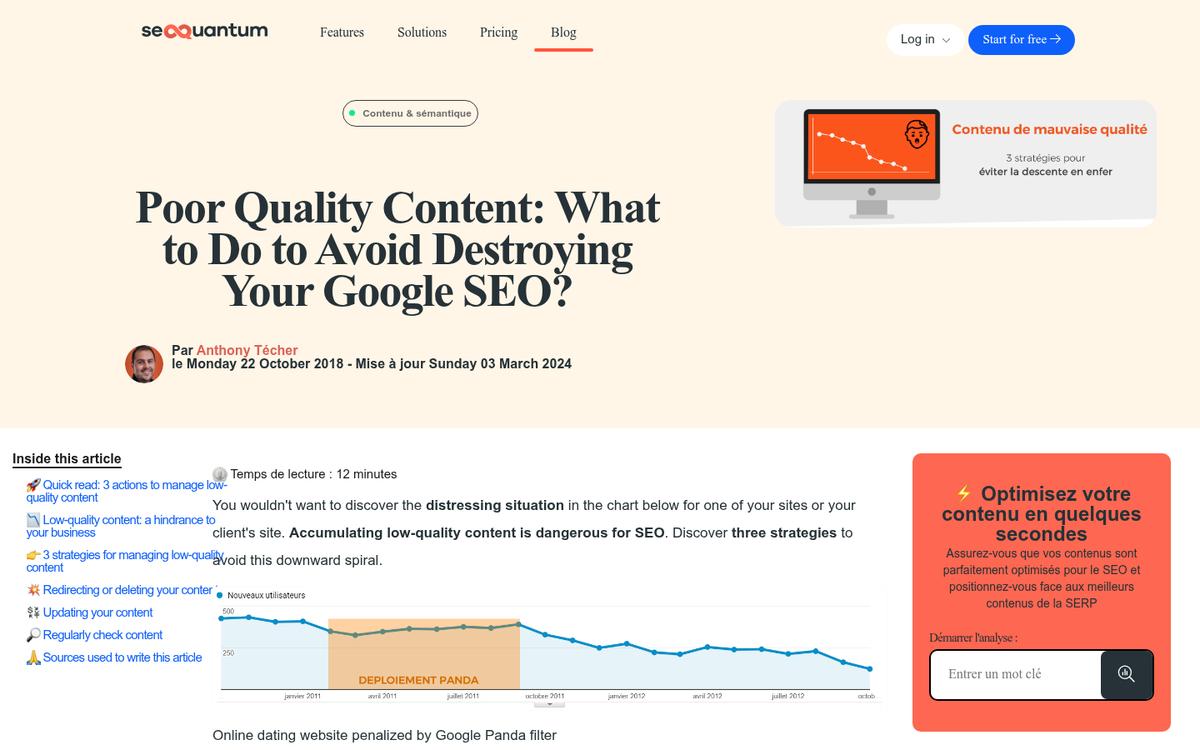
My refutation: What if a particular old post has none of that? A sufficiently old, short, low-quality blog post may have one or two links pointing at it, or a handful of social shares that are now worth nothing - it might receive less than ten visits a month, if any at all. The "opportunity" framing assumes there's something worth preserving. In most cases there isn't.
Concern 2:
You lose any inbound links pointing at that post. Incoming links from quality, relevant sites are among the most important ranking factors in SEO. When you delete a post, those links point to broken pages and you lose their value.

My refutation: Redirects exist for this reason. Yes, a small amount of link equity is lost through a redirect compared to a direct link. But that's a well-understood trade-off in any site migration or URL restructuring project. Treating this as a reason to never remove content ignores one of the most basic tools in the SEO toolkit. You can also write a new, better post on the same topic and redirect the old URL there.
Concern 3:
You lose the lead generation opportunities represented by the old content. HubSpot frames old content as evergreen, capable of generating leads and value long after first publication.

My refutation: Not all content is evergreen. Very few people are looking for SEO predictions from 2012, or a roundup of social media tools that no longer exist. Content that was timely when published has a shelf life. More to the point, if your old content is still generating leads and traffic, it's almost certainly not the content you'd be thinking about deleting. The posts at risk of deletion are the ones no one is visiting anymore.
Concern 4:
You lose the time and money invested in creating that content.

My refutation: No, you don't lose what was already spent. That value was realized over the life of the content. What you have now is a depreciated asset. Kind of like a car. You paid $40,000 for it. But ten years later it's worth a few hundred dollars and it's sitting broken in your driveway. The investment happened and returned value over time. What you have now is a liability - not an asset. The same thing goes for content that no longer serves your audience, your brand, or your rankings.
Concern 5:
You lose the social sharing potential of old content. HubSpot argues that content doesn't have to be new to be shared, and removing it removes that possibility.
My refutation: The premise doesn't hold up in practice. When was the last time you saw a five-year-old blog post go viral? If you have a resource guide that's still accurate and helpful after a few years, keep it. But if you have a 200-word post predicting a Google algorithm update from years ago, the odds of it being shared again are basically zero. You're not losing a real opportunity. You're losing a theoretical one that was never likely to materialize.
The Case for Deleting: Real Data
HubSpot's arguments made more sense in 2011, when the community was different and the data wasn't there yet. In 2026, we have case studies showing what happens when sites clean house.

- One client saw a 34% increase in organic traffic after removing 78 zero-traffic blog posts that hadn't received a single visitor in over a year.
- A financial blog reduced their content from 1,200 articles down to 400 high-performing pieces through strategic content pruning, with significant ranking improvements as a result.
- Home Science Tools pruned roughly 200 pages - about 10% of their total blog - targeting content with little or no organic traffic, pageviews, conversions, or backlinks.
- After migrating pruned pages from CB World's blog to their main site, the business saw organic traffic increase 4.93%, organic transactions increase 4.65%, and organic revenue increase 32.12%.
- The Media Captain agency reported that 75% of new clients come to them with blog content that needs to be enhanced, deleted, or redirected.
- Companies that perform content audits see an average engagement increase of 53% and a 49% increase in organic search traffic. Stopping blogging regularly can also affect these numbers over time.
These aren't theoretical arguments. These are results from sites that made the choice to stop treating every published post as untouchable. If you're wondering why your blog posts aren't showing up in Google, thin or low-quality content across your site could be a contributing factor worth examining.
Only Delete if the Content Has No Traffic and Few Links
HubSpot's core argument - don't delete content that's still generating value - is correct. I agree with it. If people are still visiting a piece of old content, there's a reason to keep it around.
But a large portion of old content on most sites isn't generating any value at all. Think about a common scenario: years ago, you ran a blog focused on hitting as many keywords as possible. You used a tool to pull thousands of keyword ideas, hired cheap writers through a content mill, and published hundreds of short posts. At the time, this was a widespread strategy. Today, Google's quality expectations have rendered most of that content a liability instead of an asset.
Sites like eHow paid an extreme price for this type of content when Google's quality-focused updates rolled out. Demand Studios, the company behind eHow, was forced to fire most of their writers and halt content production entirely while they rebuilt. Smaller sites had the same reckoning with far fewer resources to recover.
Many sites adapted their new content strategies but left years of thin, low-quality posts sitting in their archives. Google still sees that content - it still factors into how your site is evaluated. Until you clean it up, it continues to weigh you down.
Auditing Old Content
Old content falls into two large categories: helpful and not helpful. Valuable and not valuable. Your first step is a content audit to figure out which posts belong in which category.

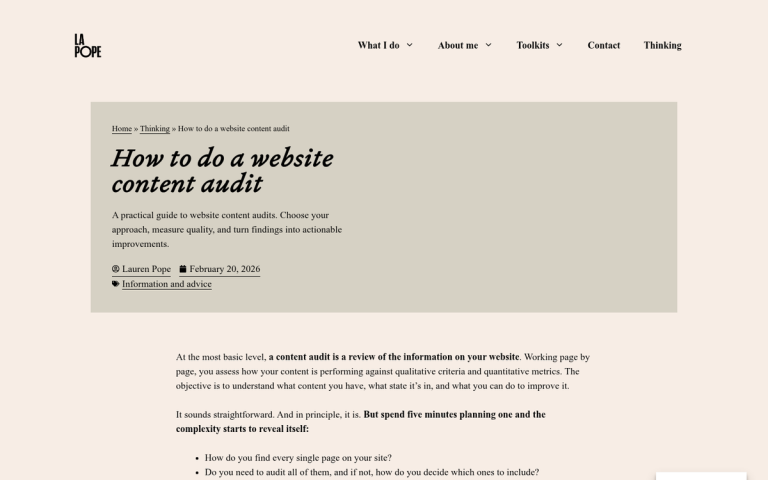
Build a spreadsheet with your content listed out. At minimum, include the title, word count, number of backlinks, and traffic over the last 12 months. Add any other metrics relevant to your site and goals.
- Title - so you have a clear reference for each piece.
- Word count - flag anything under 1,000 words as "potentially thin" content. Short posts aren't automatically worthless, but they warrant a closer look.
- Backlinks - this determines whether you delete, improve, redirect, or keep a post. A post with strong inbound links needs to be handled carefully even if the content itself is weak.
- Traffic over the last 12 months - this tells you whether the content is still delivering value. A post with 100 backlinks earned years ago might pass the link test but still be getting zero visitors today.
Use your audit results to sort each post into an action category:
- High traffic: keep. It's clearly valuable.
- High backlinks, no traffic: improve or redirect.
- Traffic but no backlinks: schedule for promotion or link-building.
- Under 1,000 words regardless of other metrics: consider improving to eliminate thin content risk.
- No links and no traffic regardless of word count: candidate for deletion.
Dealing with Flagged Content
Once your audit is complete, you have a list of posts with flags. Now you choose what to do with each one.
Option one is deletion. A post with no traffic, no actual backlinks, and low-quality content is doing nothing positive for your site - it's not generating leads, it's not contributing link equity. And it may be actively dragging down your site's quality signal in Google's eyes. Delete it. Google will eventually recrawl and find the removal, and your site's content quality profile improves accordingly.
Option two is improvement. If a post still gets decent traffic but is too thin to legitimately serve your audience, expand and update it. This is common in lower-competition niches where a thin post ranks because nothing better exists yet. Turn those posts into resources before a competitor does it.

Publish the new post, remove the old one, and do a 301 redirect from the old URL to the new one. You preserve the link equity while dramatically improving the content quality.
Option four is to leave it alone. Some posts are essentially quiet. They aren't generating traffic or earning links. But they're also not thin content and they're not hurting anything. These can stay. If you want, link to them occasionally from newer posts to give them a bit of fresh exposure.
Option five is consolidation. This is the right move when you have multiple posts covering the same topic with overlapping content. Pick the strongest one as your primary post, fold any value from the others into it, and redirect the secondary URLs to the primary. It's also helpful if you once had separate pages for FAQ answers that would be more useful as a single FAQ page. Learn more about how to properly combine old posts into new resources when consolidating your content.
Redirect Visitors to Old Links Properly
Redirects come up throughout this process, and they need to be implemented correctly. The redirect you want in almost every case is a 301 permanent redirect. Temporary redirects don't pass link equity. Script-based redirects are unreliable. A properly implemented 301 redirect passes the maximum available link equity from the old URL to the new destination and tells search engines that the move is permanent.
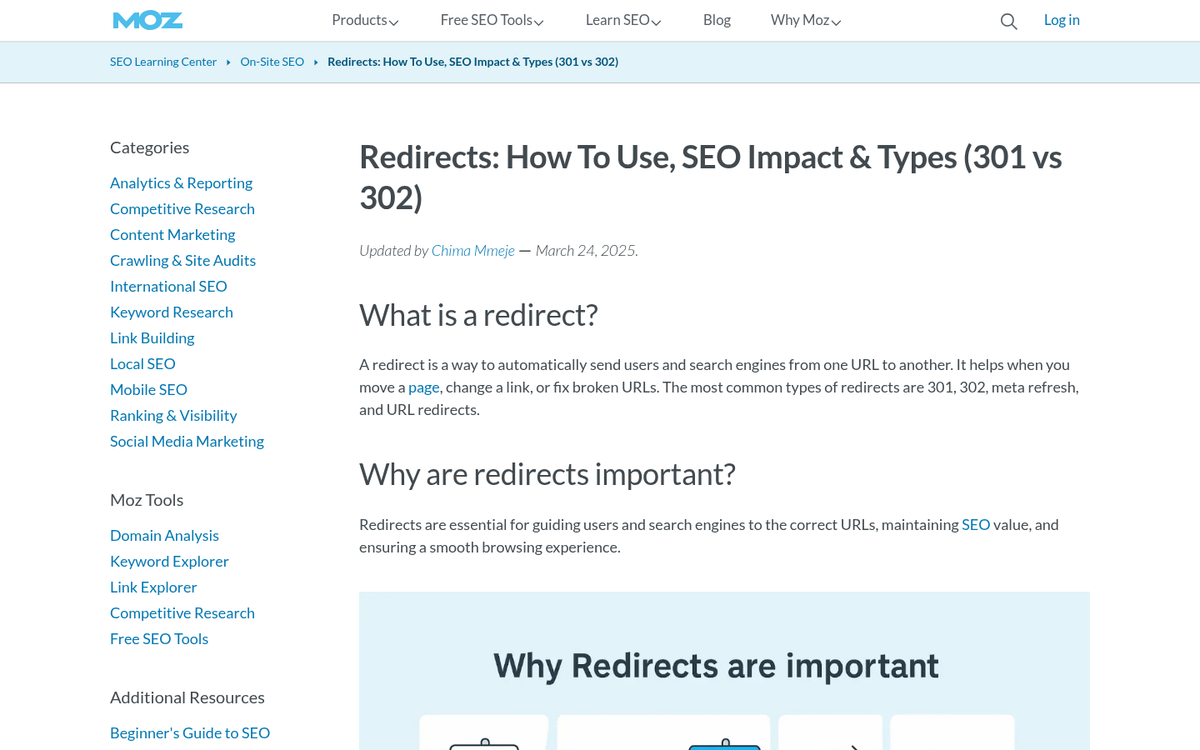
Yes, some small amount of link equity is lost in any redirect; it's unavoidable and well understood. But redirecting from a poor-quality page to a strong one is usually the right trade-off. You're swapping a liability for an asset and routing any residual value along with it.
If your site has more than two years of content history, a content audit is overdue. If it has five or more years of history, there's a very good chance you're carrying dead weight that's costing you rankings right now. The data is clear: cleaning up your content archive, done well, helps with engagement, organic traffic, and in some cases, revenue. The question isn't whether it's worth doing - it's whether you're going to keep putting it off.
1 response
Thoughtful replies only - we moderate for spam, AI slop, and off-topic rants.
Nice post bro. We have so much crap on our blog, we're killing all this crap with no links, shares and light content.