





Social media analytics is tricky as an investment. Everyone knows it's beneficial to use, but the returns aren't always obvious. You can see traffic coming in, but you don't necessarily know what traffic comes from where. All the other returns - the less tangible elements of brand recognition and trust building - are a lot harder to identify.
There are, thankfully, a lot of different methods you can use to track your social media traffic and performance. I'm sure you know and even use a lot of what's on this list, but here are some you probably haven't seen before. Let me know what you think! I've done my best to flag which options are free or have a meaningful free tier, so feel free to try them out and see what works for you.
Key Takeaways
- Google Analytics 4 paired with UTM parameters gives cleaner, more reliable social traffic data than using either alone.
- Privacy-focused alternatives like Plausible and Piwik PRO are increasingly compelling, especially for EU audiences or regulated industries.
- Microsoft Clarity is completely free with no traffic limits, offering heatmaps and session recordings that complement standard analytics tools.
- Buffer and Crowdfire provide multi-platform social analytics with meaningful free tiers, reducing the need to juggle platform-native dashboards.
- TikTok's built-in analytics, combined with UTM-tagged links, help distinguish videos driving site traffic from those only generating views.
1. Google Analytics 4
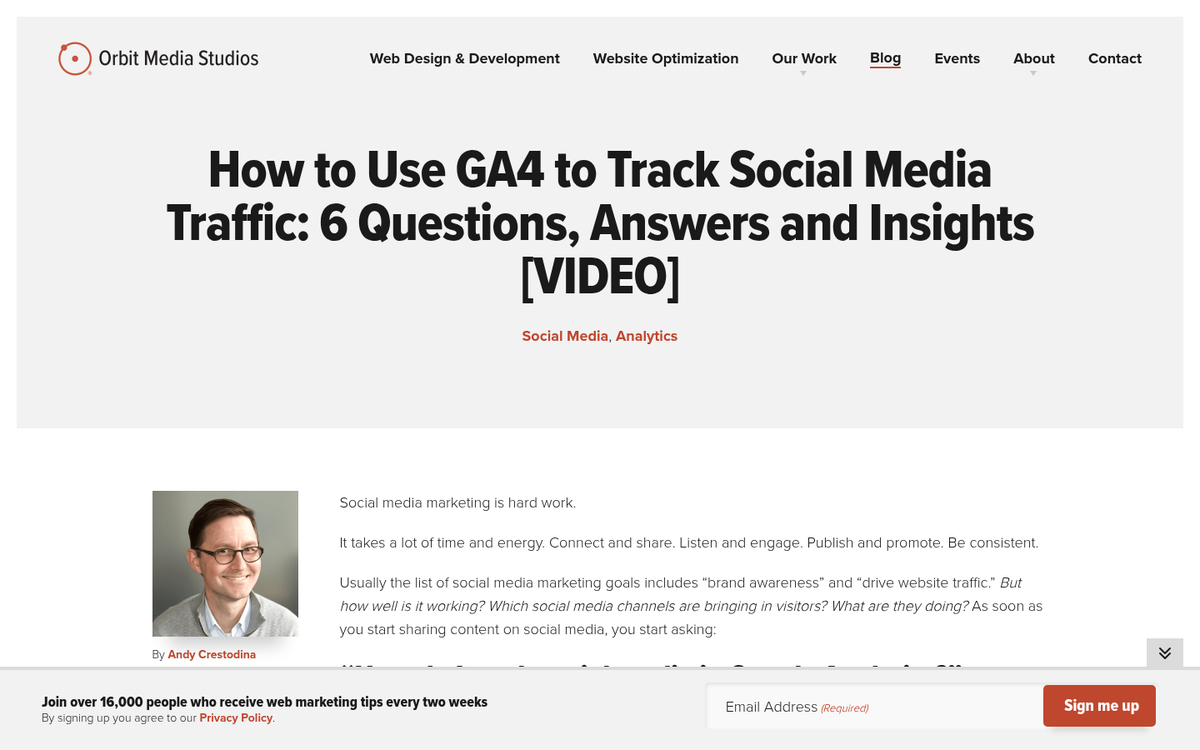
Everyone has to start somewhere, and for me, for this article, I'm starting with the tried and true classic: Google Analytics. If you're still running Universal Analytics at this point - you're not, because Google killed it in 2024 - but if somehow you haven't fully migrated, GA4 is where you need to be.
GA4 is a significant departure from the old Universal Analytics setup. It's event-based rather than session-based, which means it tracks user interactions quite differently. For social media specifically, you can still use referrer data to see where traffic is coming from, and you can build custom reports to segment social traffic by channel, campaign, or landing page.
One way you can dramatically improve the accuracy of GA4 is to pair it with UTM parameters on all of your social media links. This has always been best practice, but it matters even more now since GA4's default channel groupings can sometimes misattribute traffic. Tagging your links properly gives you clean, reliable data you can actually act on.
GA4 also integrates with Google Search Console and Looker Studio (formerly Data Studio), which opens up some genuinely useful reporting options if you want to build dashboards that combine search and social performance in one place. If you ever notice something unusual, it helps to know how to go about investigating a drop in traffic in Google Analytics so you can respond quickly.
2. Meta Business Suite
Facebook Insights as a standalone tool has largely been rolled into Meta Business Suite, which is now the central hub for managing and measuring performance across Facebook and Instagram together. If you were using the old Insights interface, it's mostly gone - Meta has been consolidating everything into Business Suite for a few years now.
The upside is that you now get a more unified view of your organic and paid performance across both platforms in one place. You can see reach, engagement, follower growth, and post performance without having to jump between tools. There's also a decent content planner built in, which is handy.
The primary drawback is still the same as it always was: relatively imprecise data at the individual user level, for obvious privacy reasons. And of course, it only covers Meta's platforms - Facebook and Instagram - so you still need other tools to get a full picture of your social presence.
Make sure you have the Meta Pixel (now often referred to as the Meta Pixel or Conversions API setup) installed correctly on your site if you want to track what happens after someone clicks through from social. Meta has been pushing advertisers toward the Conversions API in particular as a more reliable server-side alternative to the browser-based pixel, which has become less reliable due to ad blockers and iOS privacy changes.
3. X (Twitter) Analytics
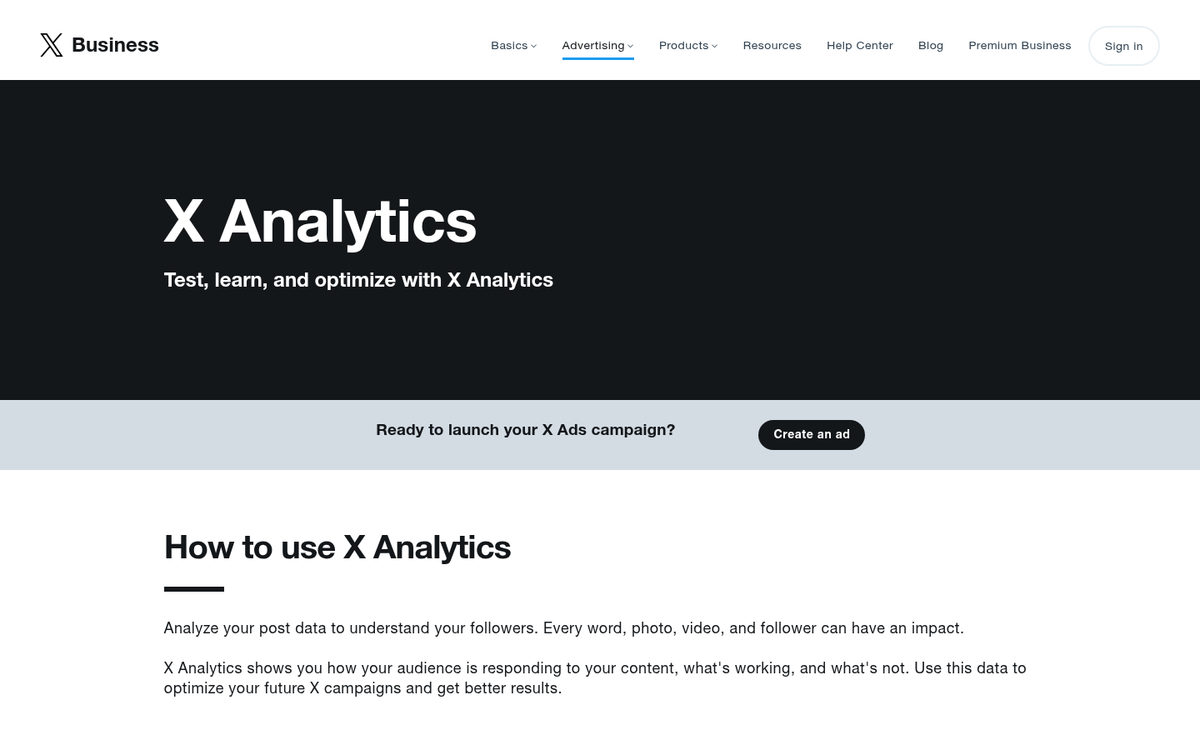
Twitter Analytics still exists under X, though the platform itself has changed dramatically since Elon Musk's acquisition in 2022. The analytics dashboard gives you impressions, engagements, profile visits, and follower data, though the depth of available data has fluctuated as X has changed its API access policies and monetization structure.
One major shift worth noting: X now restricts a significant amount of API access behind paid tiers, which has ripple effects on third-party tools that used to pull X data freely. If you're relying on a third-party analytics tool to track your X performance, double-check that it still has proper access - many tools had to scale back their X integrations after the 2023 API changes.
The same core limitation applies here as always: it only covers one platform. And depending on your audience and niche, X may or may not still be a meaningful traffic source for you. For some industries it remains relevant; for others, the audience has migrated elsewhere.
4. Piwik PRO
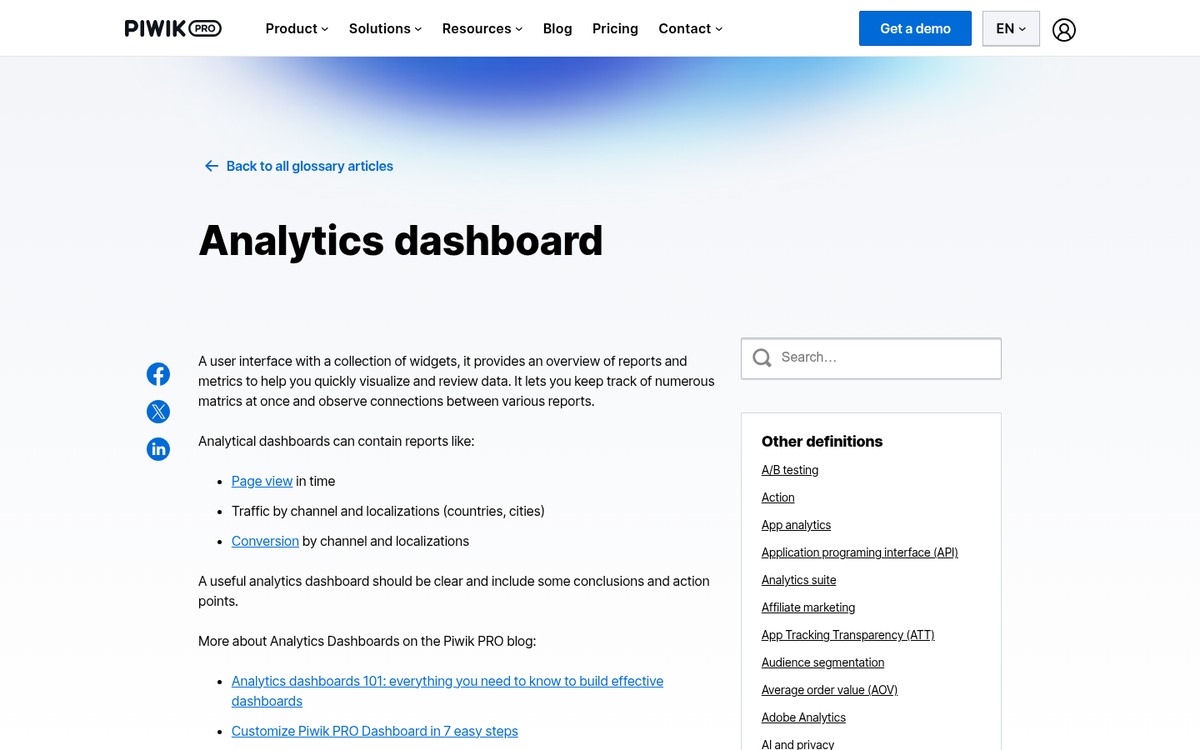
Piwik has evolved significantly and is now branded as Piwik PRO, positioning itself as a privacy-focused alternative to Google Analytics - particularly relevant given the ongoing regulatory pressure around GDPR, CCPA, and similar privacy laws. If your audience is in the EU or you operate in a regulated industry, Piwik PRO has become a genuinely compelling option.
It offers a free Core plan that covers a solid set of features including analytics, tag management, and a consent manager. The self-hosted option still exists for enterprise clients, but most users will find the cloud-hosted free tier more than adequate to get started.
For social media tracking, Piwik PRO handles referral data well and integrates with UTM parameters. The consent management features are a real differentiator if you're serious about privacy compliance - something that's become far less optional since this article was first written.
5. Clicky
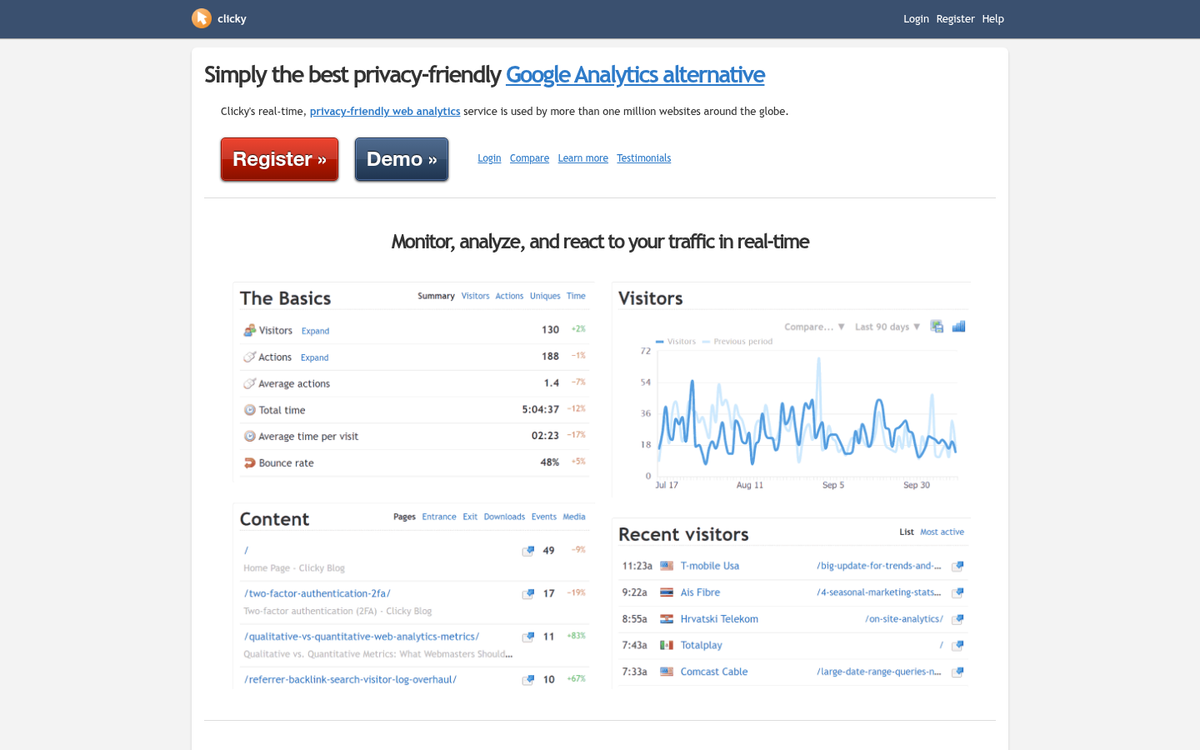
Clicky is still around and still offers a free tier, though the daily view limit for free accounts sits at 3,000 pageviews - the same as it's been for years. For a small site or someone just getting started, that's workable. For anyone with meaningful traffic, you'll hit the ceiling quickly.
What Clicky does well is real-time analytics. Unlike GA4, which has a bit of a delay and some data sampling quirks, Clicky shows you what's happening on your site right now. For monitoring a social media campaign as it launches, that real-time visibility can be genuinely useful.
Advanced features - split testing, uptime monitoring, data exports - are still paywalled. But the free tier is clean, simple, and honest about what it gives you. If you want something lightweight that just works without a lot of configuration overhead, it's worth a look.
6. Open Web Analytics
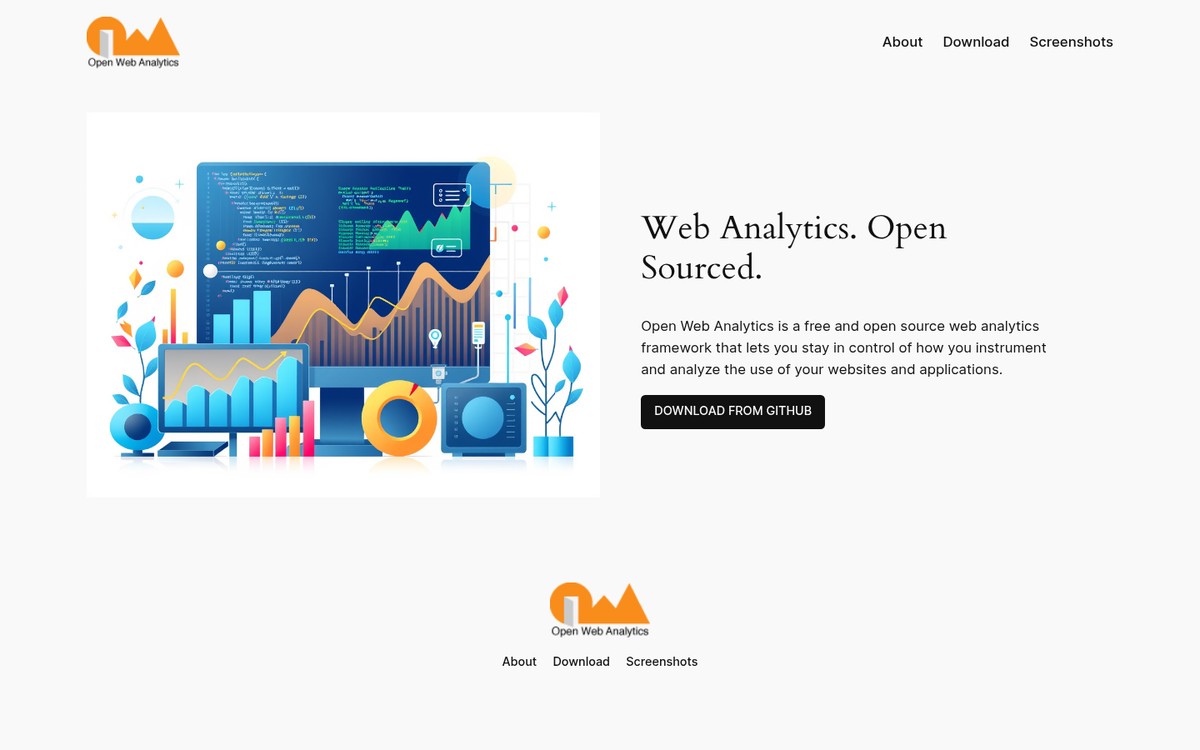
Open Web Analytics is still technically available as an open source project, but it's worth being honest here: development has been extremely slow, and the project hasn't kept pace with the modern analytics landscape. If you were considering it as a self-hosted GA alternative in 2026, Matomo (the rebranded Piwik) or Plausible are much better maintained options.
If you're committed to open source and self-hosting, Matomo is the more active and better-supported choice. Plausible is another lightweight open source option that's gained a lot of traction for its simplicity and privacy-first approach - and it can be self-hosted if you want full data ownership.
7. Plausible Analytics
Plausible has become one of the more popular privacy-first Google Analytics alternatives over the past few years, and for good reason. It's lightweight (the script is under 1KB), doesn't use cookies, and is fully GDPR compliant out of the box - meaning you often don't need a cookie consent banner for it at all.
For social media tracking, Plausible handles UTM parameters well and gives you a clean referral breakdown. The dashboard is intentionally simple, which is either a feature or a limitation depending on how deep you want to go with your data. There's no free self-hosted version that's fully supported, but the cloud version has a 30-day free trial, and the self-hosted version is available if you're comfortable with the setup.
If you've been frustrated by GA4's complexity or have privacy compliance concerns, Plausible is worth serious consideration.
8. Inspectlet
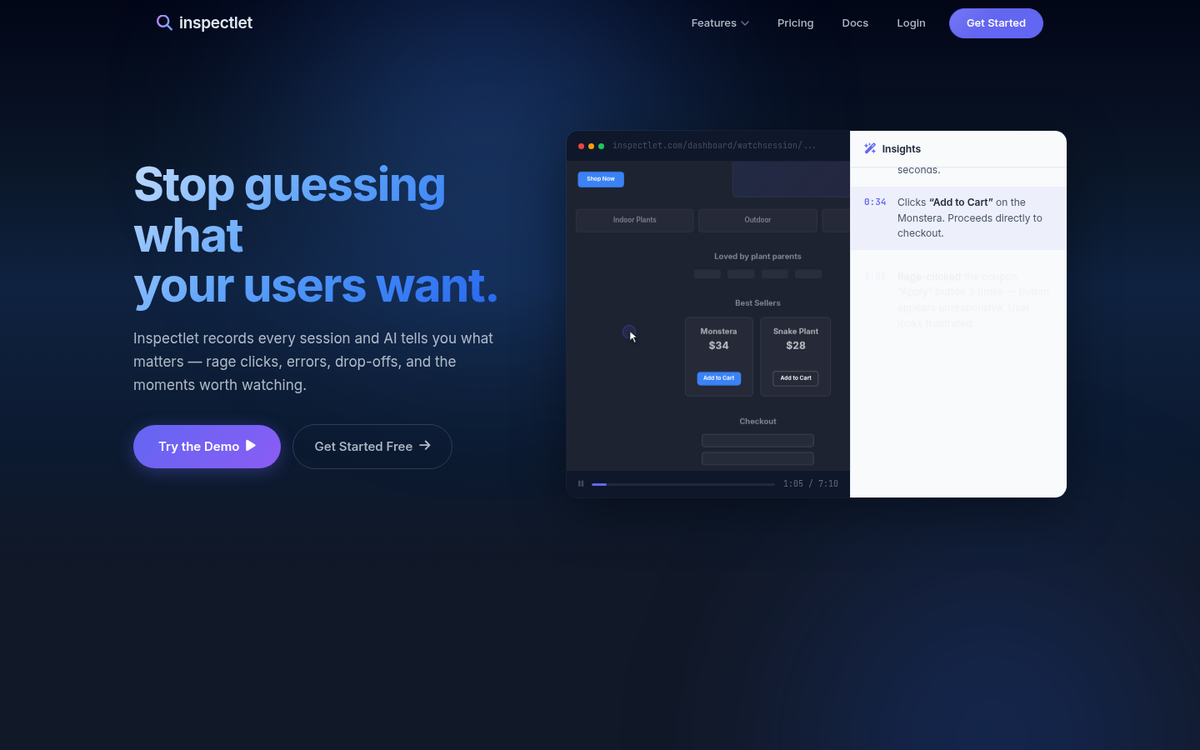
Google Analytics does a good job of showing you visitors who arrive on your site and where they came from. However, when it comes to measuring specific behavior on your site once people land there, it can fall flat. That's where Inspectlet comes in. They're less focused on where your traffic originates and more focused on what those users actually do once they arrive.
Inspectlet tracks mouse movements, clicks, and scroll behavior through session recordings and heatmaps. If you're running a social media campaign and sending traffic to a landing page, session recording tools like Inspectlet can be invaluable for understanding whether that traffic is actually converting - and if not, why not.
Inspectlet still offers a free plan with limited session recordings per month. Microsoft Clarity is also worth mentioning here as a completely free alternative that has no session limits and integrates well with GA4.
9. Microsoft Clarity
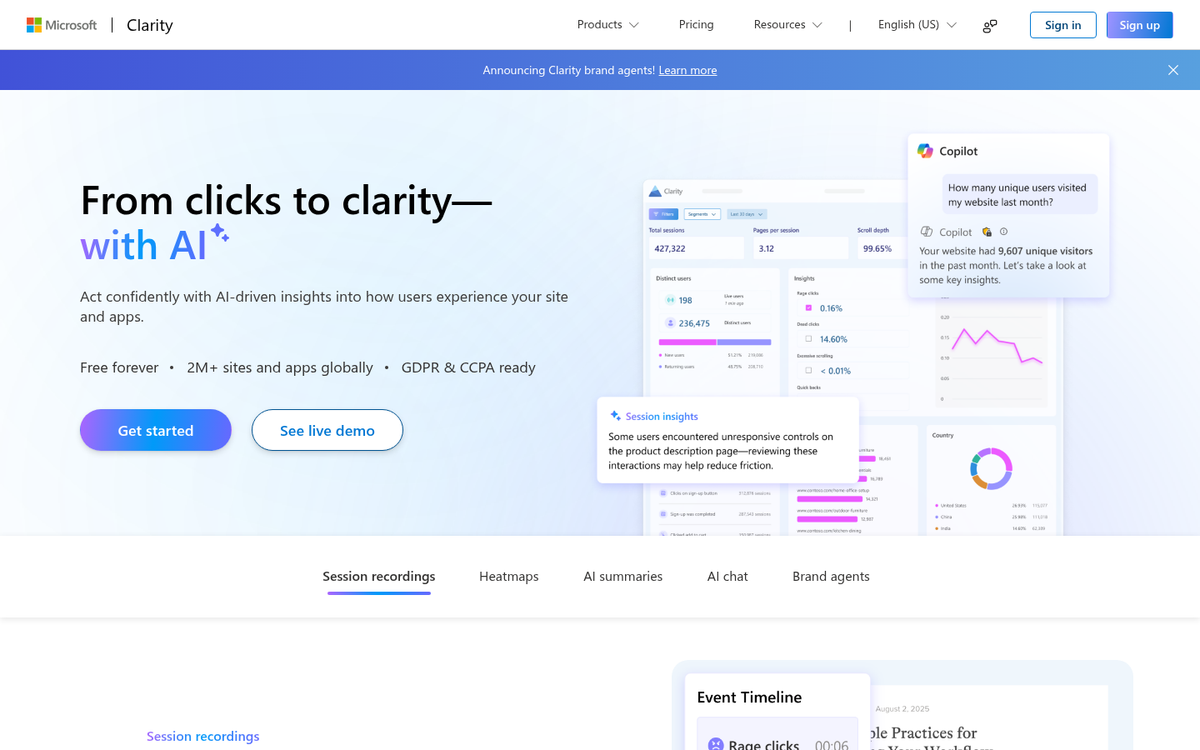
If Inspectlet's free tier feels too restrictive, Microsoft Clarity is worth knowing about. It's completely free with no traffic limits, and it offers heatmaps, session recordings, and user behavior analytics that pair well with whatever primary analytics tool you're using.
Clarity integrates directly with GA4, which means you can jump from an analytics event in GA4 straight into a session recording in Clarity to see exactly what that user did. For understanding the quality of your social traffic - not just the volume - that combination is genuinely powerful.
10. Mention
Social Mention as it originally existed has largely faded, but Mention.com has grown into a solid alternative that covers similar ground and more. It monitors the web and social platforms for mentions of your brand, lets you track sentiment, and gives you a sense of your reach and share of voice.
This kind of monitoring is useful precisely because it catches problems before they show up in your traffic data. Negative sentiment brewing on social media or in blog comments won't necessarily register in your on-site analytics until it's already affecting your traffic. Having an early warning system matters.
Mention has a limited free plan, though meaningful monitoring typically requires a paid tier. Google Alerts is still a free, basic alternative for brand mention monitoring if budget is a constraint. For a broader set of options, check out these free services to help track your website's visitors.
11. Tailwind
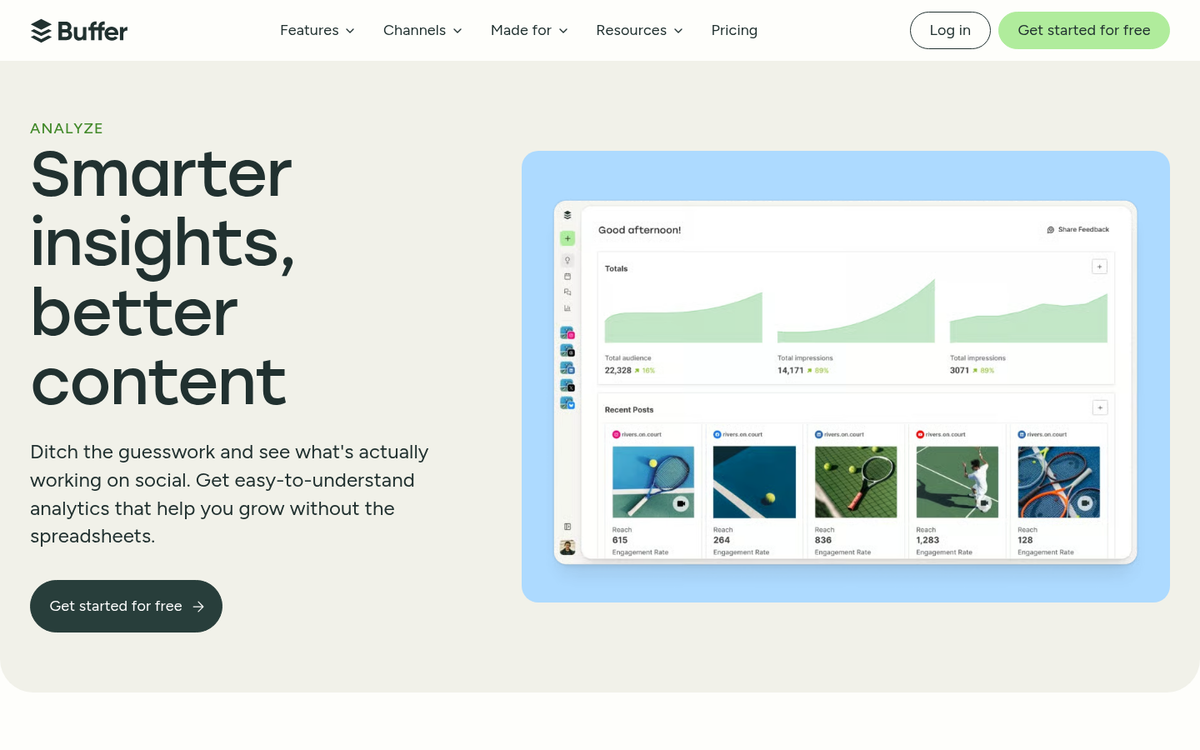
Tailwind has matured into a well-rounded scheduling and analytics tool for Pinterest and Instagram, and it's added more features over the years including AI-assisted content creation for captions and post copy.
For analytics specifically, Tailwind gives you post performance data, best time to post recommendations, follower growth tracking, and engagement metrics - all focused on Pinterest and Instagram. If those are meaningful channels for your business, you may also want to explore Tailwind blog promotion tribes to extend your reach. The analytics alone justify giving it a look, especially if you're already using Pinterest's own analytics dashboard alongside it. There's a free plan available with limited post scheduling, which is enough to get a feel for the platform.
12. Buffer
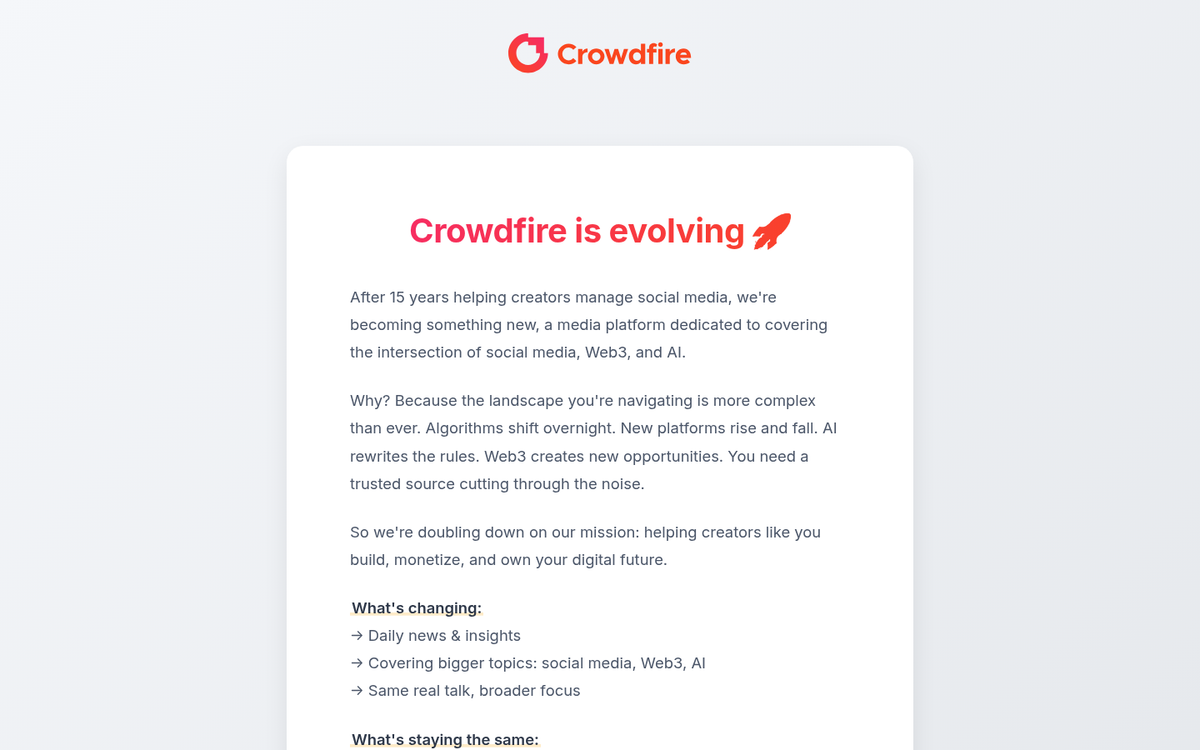
Buffer has been around for years as a scheduling tool, but its analytics features have grown considerably and it's worth including here as a multi-platform social analytics option with a meaningful free tier.
Buffer's free plan supports up to three social channels and gives you basic analytics on post performance, reach, and engagement. The paid plans unlock more detailed analytics, historical data, and the ability to export reports - useful if you're reporting social performance to a client or a team.
What makes Buffer useful in the analytics context is that it covers a broad range of platforms - Instagram, Facebook, X, LinkedIn, Pinterest, TikTok, Mastodon - so you get a more unified view of your social performance without juggling a dozen platform-native dashboards. If you want to go further, see how Buffer can be used to increase your blog traffic, or check out our Buffer vs Hootsuite comparison to weigh up your options.
13. Crowdfire
Crowdfire is an audience and content analytics app that links into multiple social networks and helps you track follower growth, post performance, and engagement across platforms.
The analytics are useful, though like several tools in this space they take a back seat to the scheduling and content recommendation features. The free plan is limited but gives you a taste of what it can do. Worth trying if you want a tool that combines publishing and analytics in one place without a large upfront cost.
14. TikTok Analytics
If you're not tracking TikTok performance in 2026, you're leaving a significant blind spot in your social analytics - even with everything that's happened around TikTok's regulatory situation in the US. The platform's built-in analytics, available to any creator or business account, give you video performance data, follower demographics, traffic sources, and profile views.
For content creators and brands in the right niches, TikTok remains a major traffic driver. Knowing which videos are actually sending people to your site (pair TikTok links with UTM parameters for this) versus which are just getting views is an important distinction that the native analytics help you start to answer.
15. BuzzSumo
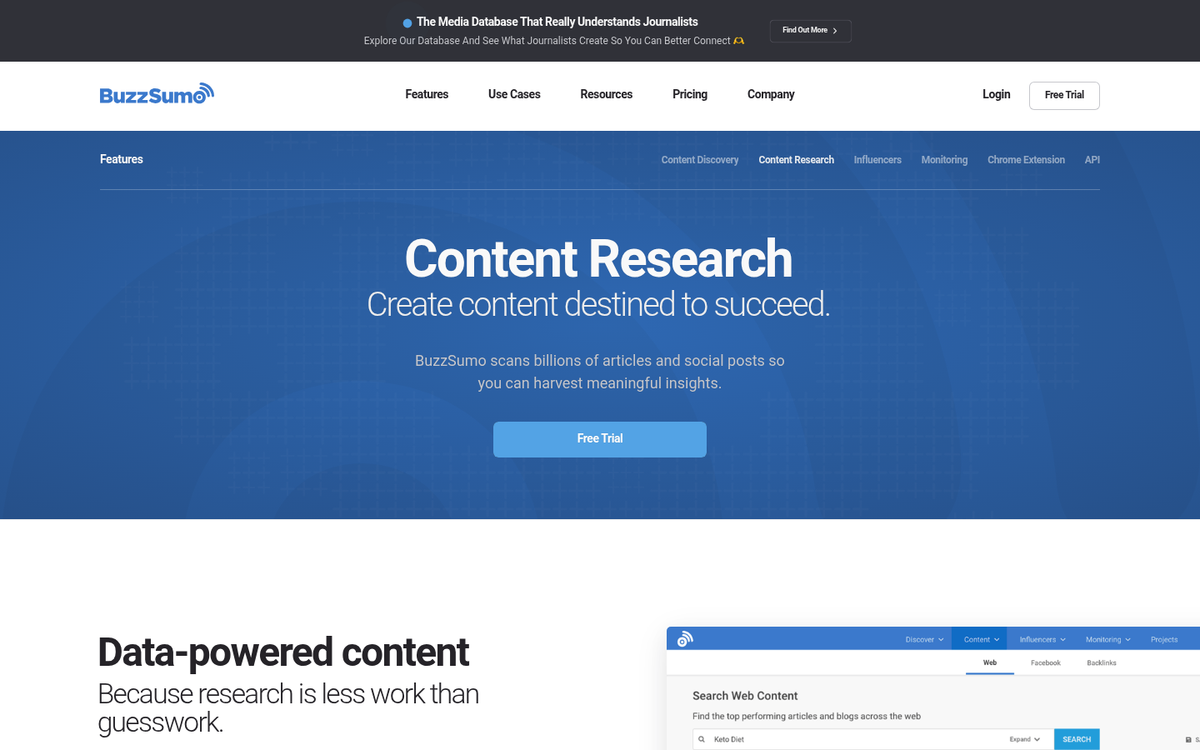
BuzzSumo isn't technically a free tool - their free access is extremely limited and throttled after just a few searches. But the information they surface is genuinely useful: top-performing content by topic, social share counts, backlink data, and influencer identification.
It's most useful for competitive research and content strategy rather than day-to-day analytics. Checking in periodically to see what content in your niche is getting the most social traction can inform what you create and how you promote it. The occasional free search is enough to make it worth bookmarking even if you're not on a paid plan.

2 responses
Thoughtful replies only - we moderate for spam, AI slop, and off-topic rants.
thanks for sharing this amazing list of tools, but piwik is not working.
Thanks for letting us know! I believe they've moved to the Piwik.pro domain. It doesn't appear to be free anymore, either.