Key Takeaways
- 98% of consumers rely on trust signals before purchasing, making them essential for website conversions, not optional extras.
- Authentic reviews, including some negative ones, build more credibility than exclusively five-star ratings, which appear suspicious.
- Only display social follower counts and subscriber numbers when impressive; low numbers actively damage credibility.
- HTTPS/SSL is a baseline requirement in 2026, directly impacting Google rankings, user trust, and conversion rates.
- Supporting trusted payment methods like PayPal and Apple Pay increases conversions; wire transfers and MoneyGram signal potential scams.
Trust Signals: What They Are and Why They Matter
Trust signals are a major component of what makes a website convert. Think about it; if you come across a site that looks like it was hand-coded with HTML tables in 1995, and it hasn't changed since, are you going to trust that site? I won't. Sure, maybe there's a valid and trustworthy business behind it, but they clearly don't care much for the web, so how reliably will they handle web orders? A lot of spam sites are made poorly using substandard tools as well.
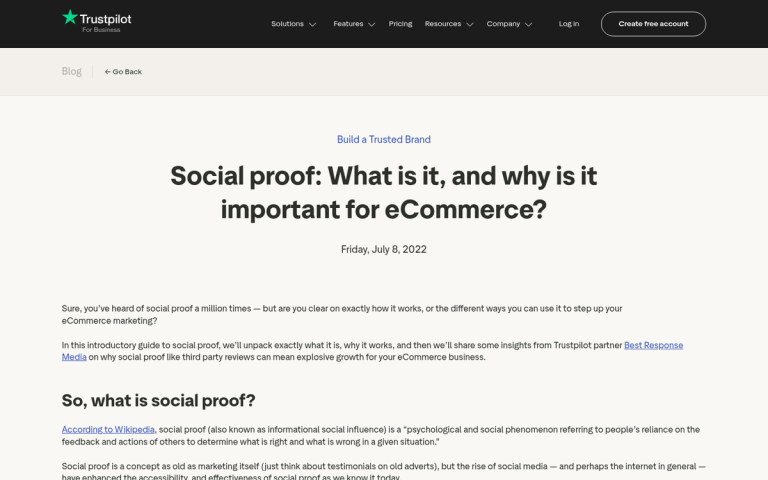
Meanwhile a slick site with a quality design and a lot of trust signals makes you more confident in your choice to purchase through that site. It just looks like the site owner has put more care and effort into their online presence. Plus, many trust signals are aggregated from satisfied users; they're like positive endorsements from others like you. In fact, research shows that 98% of people say they rely on trust indicators before purchasing online - so getting these right isn't optional, it's essential.
So what trust signals can you add, and where should you add them? These are the best:
1. Customer Testimonials
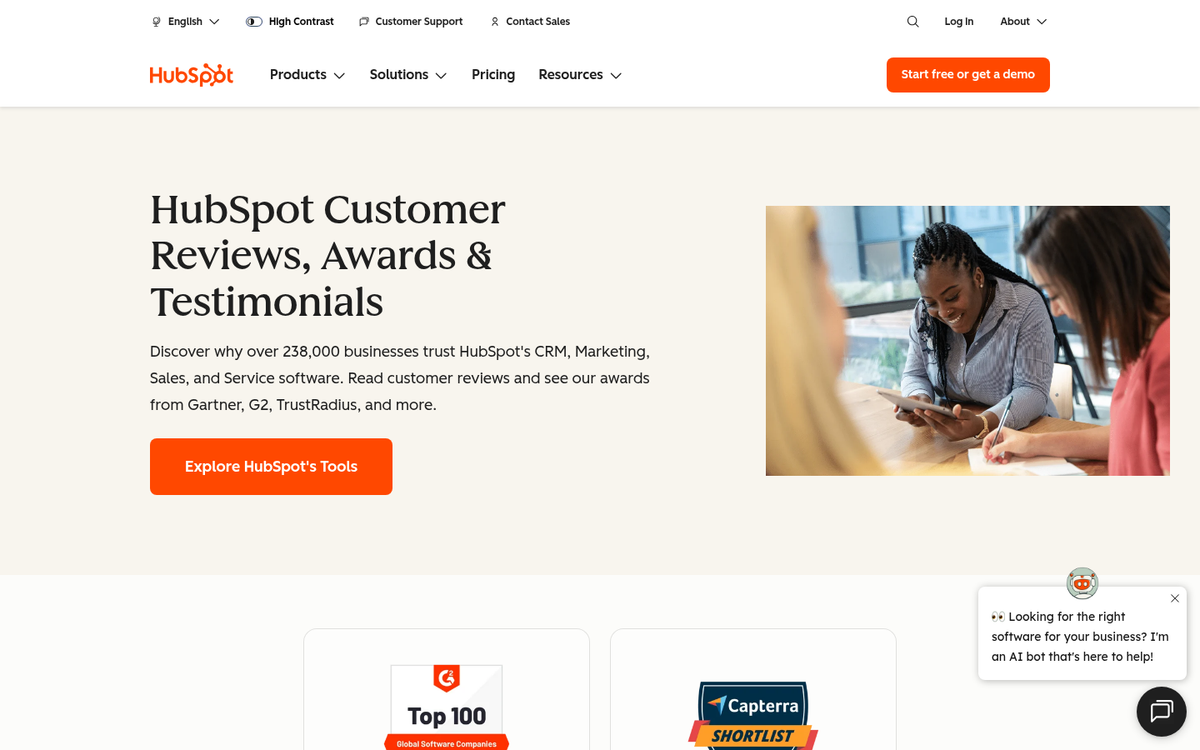
Customer testimonials are excellent for just about any business, but they work particularly well for any business that sells a service rather than a distinct product. You'll find testimonials prominently featured on most leading SaaS and service-based homepages - think HubSpot, Salesforce, or any well-run agency site. The format is familiar: a quote, a name, a title, and a company.
That testimonial doesn't need to say much. Even a basic "hey, this product is great and here's why" from someone who clearly uses and benefits from the service carries real weight. You don't need the person to be a household name - but their title, company, and context all matter.
The key to a customer testimonial is that it has to come from someone with a position of authority. The more recognizable or influential the person leaving it, the more people will recognize them as valuable and trust their opinion. You can't just make up someone, or get your neighbor to write one, and expect it to be as valuable.
2. Product Reviews

Product reviews are a time-honored tradition when it comes to selling products. Aggregating reviews on your product pages is a great way to convince people to trust in the quality of your products.
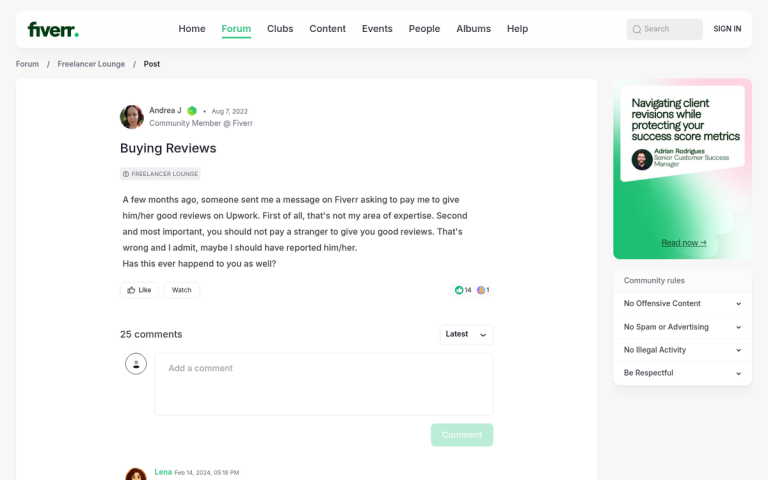
Now, you can't just make up reviews or pay for a bunch of high quality reviews. When a product has nothing but insubstantial five star "it was great!" reviews, people become very skeptical, and it works against you. They like to see a balance of positive, middling, and negative reviews. Believe it or not, a couple of negative reviews can actually help you. They show that people are critical of your product, and they show what might be an issue with the product. I've bought products with negative reviews before simply because those reviews brought up issues that didn't matter to me.
Product reviews are most useful when they're on the page for the product itself, of course. Allow user submissions and review them occasionally, to remove reviews that are abusive or spam. You can also allow a certain level of crowd awareness by implementing an Amazon-like "did this review help you?" system, so the best, most influential reviews float to the top. If you sell on Amazon, there are tricks to get more reviews on your product that can help you build credibility faster.
3. Social Shares and Follower Counts
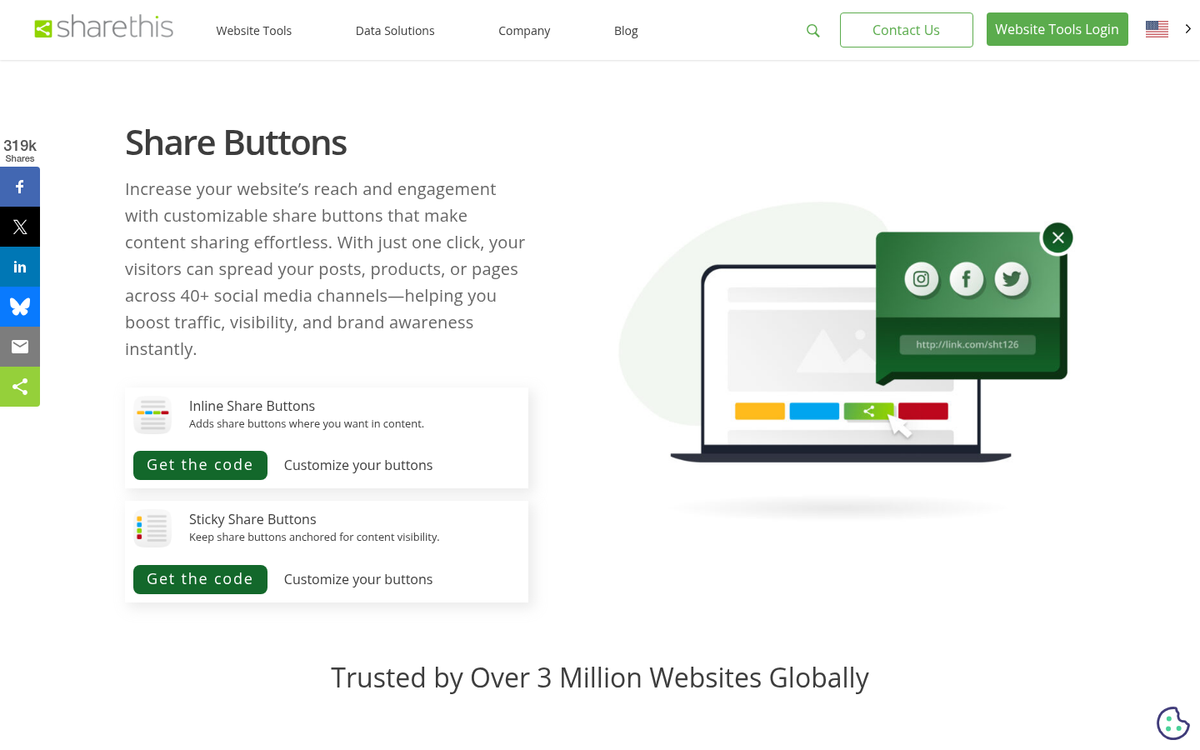
Social sharing is generally relegated to the blog, but it can be useful for some landing pages and even some product pages as well. A lot of times, people like sharing their purchases with their friends, assuming those purchases are interesting. Not many people will share the fact that they bought a piece of marketing software, but a lot more will share that they bought a video game. It's all about context.
You can also include more general social proof, like the number of followers you have on various platforms. That helps people in two ways; they can trust you more when they see that other people trust you, and they can go to your social profiles if they need assistance and likely get a faster response than anything short of calling you.
One important note: avoid displaying follower counts if your numbers are very low. A widget showing 47 followers can actively hurt your credibility rather than help it. Only lean into this signal when the numbers are genuinely impressive.
4. Availability of Social Profiles
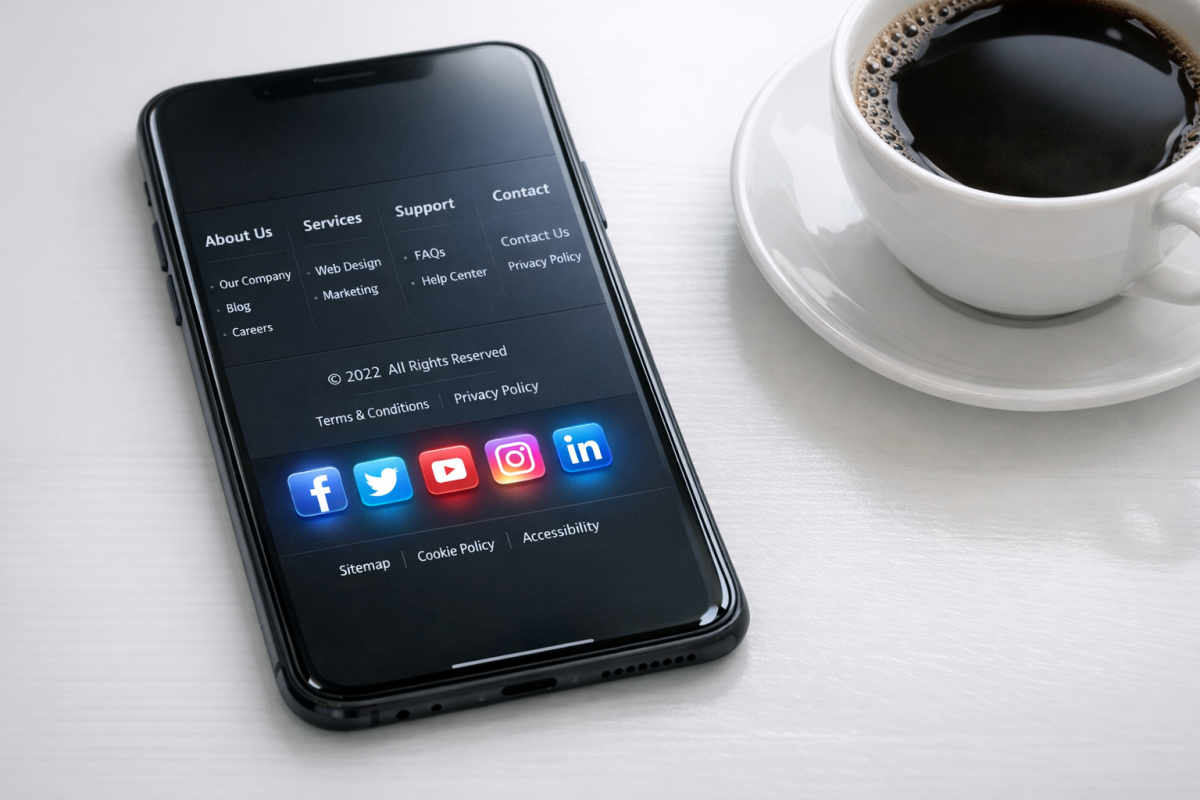
This is a similar but slightly different trust signal to the above. All it means is having a list of your most used social profiles in a footer or on a dedicated contact page. The idea is to have them readily available if the user wants to follow you. More importantly, it makes them available if they have a question or customer service complaint they want to address directly, without having to submit a form, file a ticket, write an email, or call you.
At minimum, maintain an active presence on the platforms where your audience actually spends time. Depending on your industry, that might be LinkedIn, Instagram, Facebook, X (formerly Twitter), or TikTok. What matters most is that those profiles are active and monitored - a dead social profile is worse than no profile at all.
You don't need much more than a logo for these if you don't want more. I prefer the simple, cleaner look of logos linked to profile pages, but you might find that embedded feeds give you a better conversion rate. Use what works best for you personally.
5. Ease of Customer Service Contact
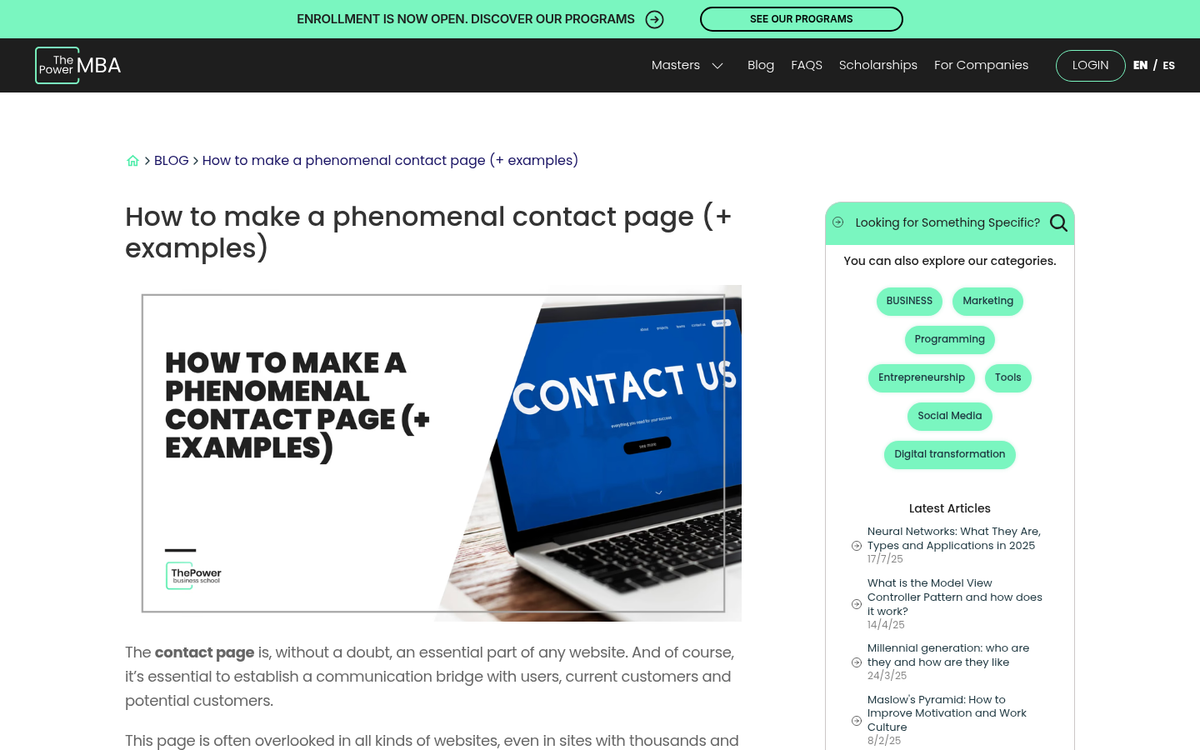
Every website should have a contact page. I also recommend having a "contact us" link in the footer, as many people will look there, and have that link lead to your contact page.
What sort of contacts should you have on your contact page? Everything you can think of.
- A form that files an email when it's submitted.
- An email address if the user wants to customize what they send.
- Your address and phone number. Include an embedded Google Map if you're a local business that handles complaints in person.
- Any social profile they can use to connect with you.
- A link to any help documentation you might have, so the user can solve their problems on their own if they prefer.
- A live chat option, if available. Live chat has become an increasingly expected feature on eCommerce and service sites, and tools like Intercom, Tidio, or even AI-powered chat assistants can cover this without requiring a full-time support team.
The goal is simple: make it impossible for someone to claim they couldn't figure out how to reach you.
6. Newsletter Subscribers
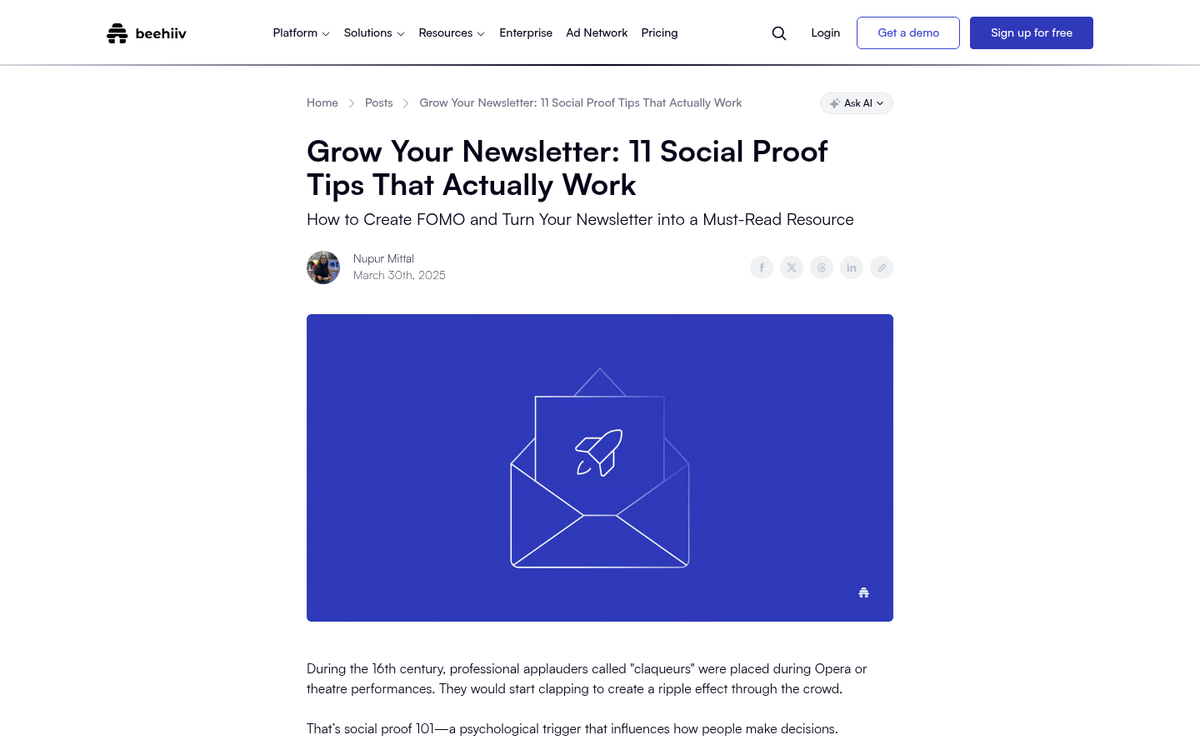
Now, a newsletter is only as good as the people on it. It's also only as attractive as the people reading it. Who wants to sign up for a mailing list no one else is on? Well, mailing lists aren't really that social, but you can use that peer pressure to validate the fact that your mailing list is valuable.
It's pretty simple. All you need to do is, on your newsletter landing page, indicate how many users are already on your mailing list. You don't need a live count or anything like that, but you can easily round to the nearest thousand. A line like "Join 50,000+ subscribers who get our weekly tips" does a lot of heavy lifting in a short space.
The number only works in your favor if it's genuinely large enough to impress. If you have 200 subscribers, leave the count out and focus instead on what value readers get from the newsletter.
7. Customer Brand Logos
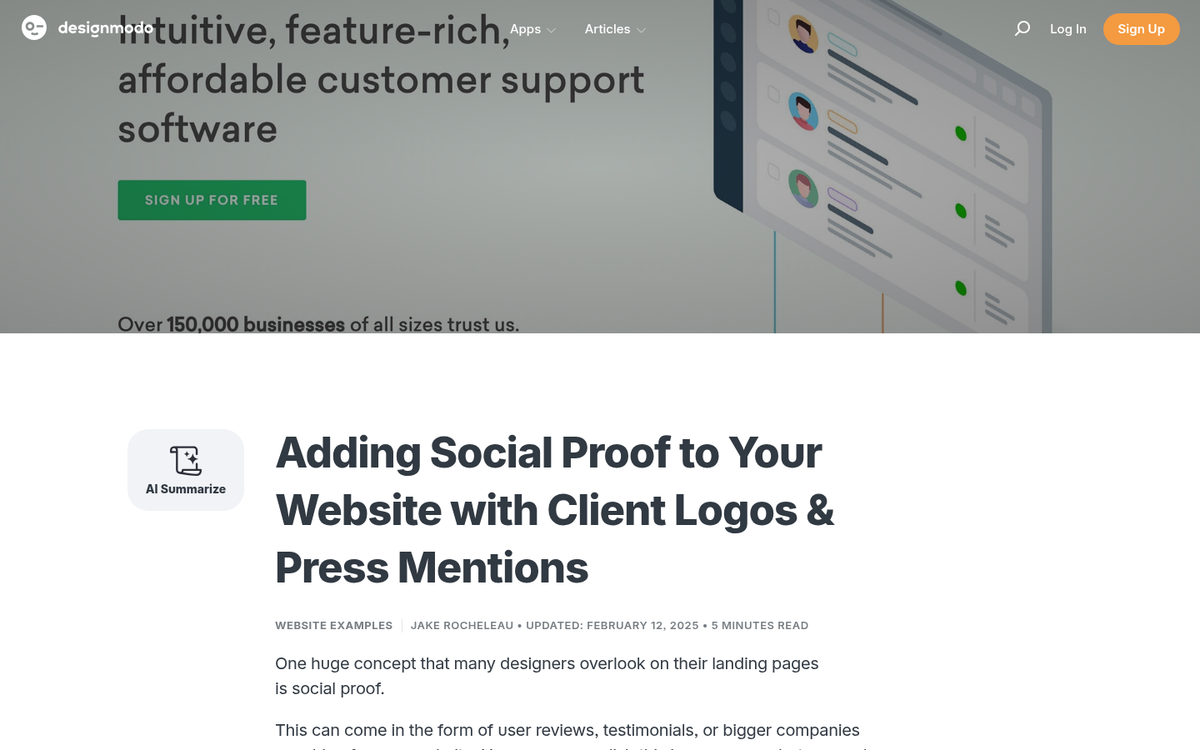
Including the logos of the brands you have as customers is another great item of trust. You're saying "if this is good enough for IBM, it's good enough for anyone." IBM, of course, is replaced with whatever brands actually do use your products or services. This is one of the most common trust signals in use today, and you'll find it on nearly every agency, SaaS, and B2B service site worth its salt.
There are two keys to using these bits of social proof effectively. The first is to use a reasonable number of logos. Research consistently supports keeping your client logo bank to no more than 10 - a tightly curated row of recognizable names is far more powerful than a sprawling wall of unknowns. The second is to use logos of brands people actually recognize. A bank full of tiny no-name sites, inactive businesses, or logos no one can place will do nothing for your credibility and may actively raise doubts.
8. Industry Accreditations and Certifications

Accreditations and certifications are a strong and often underused trust signal. These go beyond simply claiming expertise - they show that a credible third party has verified your standards, qualifications, or performance.
Depending on your industry, relevant credentials might include things like a Google Partner badge, an IPA Member Agency stamp, industry award certificates, ISO certifications, or platform-specific recognitions. For eCommerce, sector-specific awards like those from the eCommerce Awards can add meaningful credibility when displayed on relevant pages.
The key is relevance and authenticity. Display credentials that your target audience will actually recognize and respect, and make sure they're current. An expired certification or outdated content from seven years ago can raise more questions than it answers.
9. Browser HTTPS and SSL Security
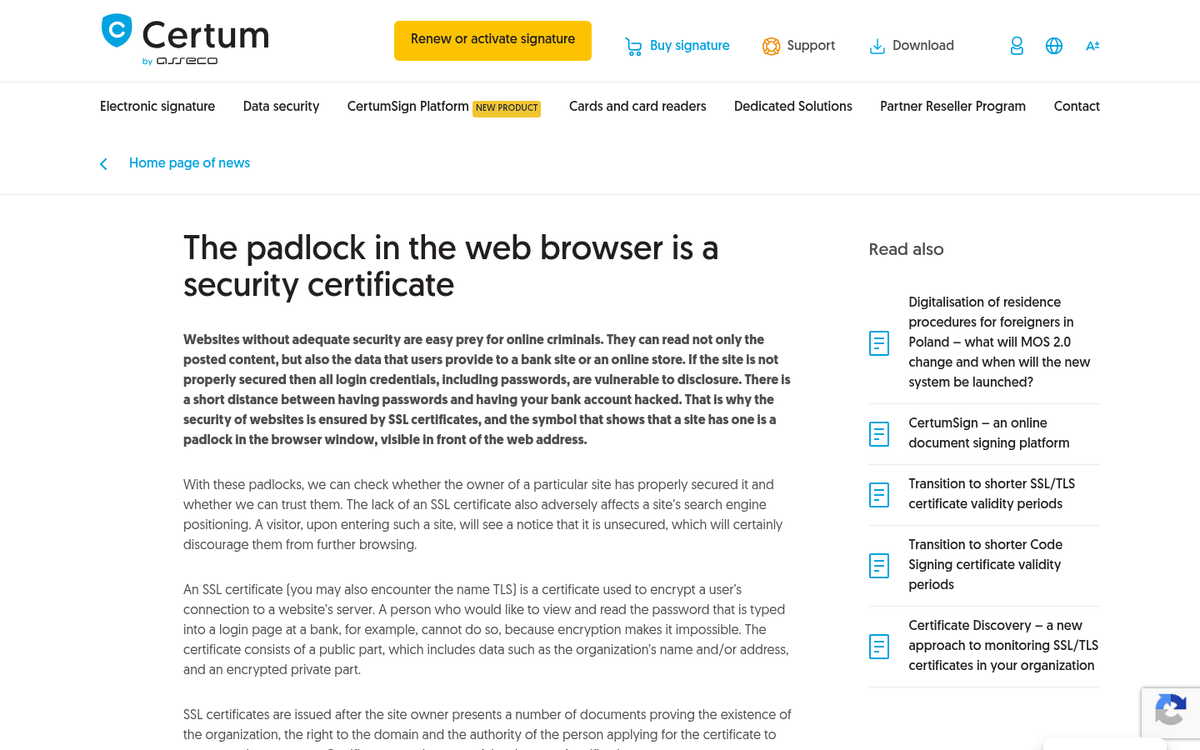
If your site is still running on HTTP in 2026, this needs to be your first fix - before anything else on this list. HTTPS is no longer optional. It's a baseline expectation from users, a confirmed Google ranking factor, and a hard requirement if you're processing any kind of user data or payments.
The good news is that obtaining an SSL certificate is easier and cheaper than ever. Let's Encrypt offers free SSL certificates, and most reputable hosting providers include SSL setup as part of their standard packages. If you need more advanced validation - particularly for eCommerce - paid options from providers like DigiCert, GlobalSign, or Comodo SSL offer extended validation certificates that display additional trust indicators in the browser.
The most visible trust signal this produces is the padlock icon in the browser's URL bar, which users have come to associate with a safe, encrypted connection. Losing that padlock - or worse, triggering a "Not Secure" warning - will cost you conversions immediately.
10. Payment Assurance Certifications
Payment assurance certifications are closely related to site security, but tend to only show up on the pages where the user has to enter their financial information. Even if the seal is little more than an image, it's an indication that you take security seriously and that these companies vouch for you. Common examples include BBB accreditation badges and PCI compliance indicators, as well as icons representing the payment processors you support - Visa, Mastercard, PayPal, American Express, and so on.
Displaying these icons at checkout, even when the underlying security is already handled by your payment processor, provides a visual reassurance that reduces cart abandonment at a critical moment in the funnel.
11. Multiple Payment Methods
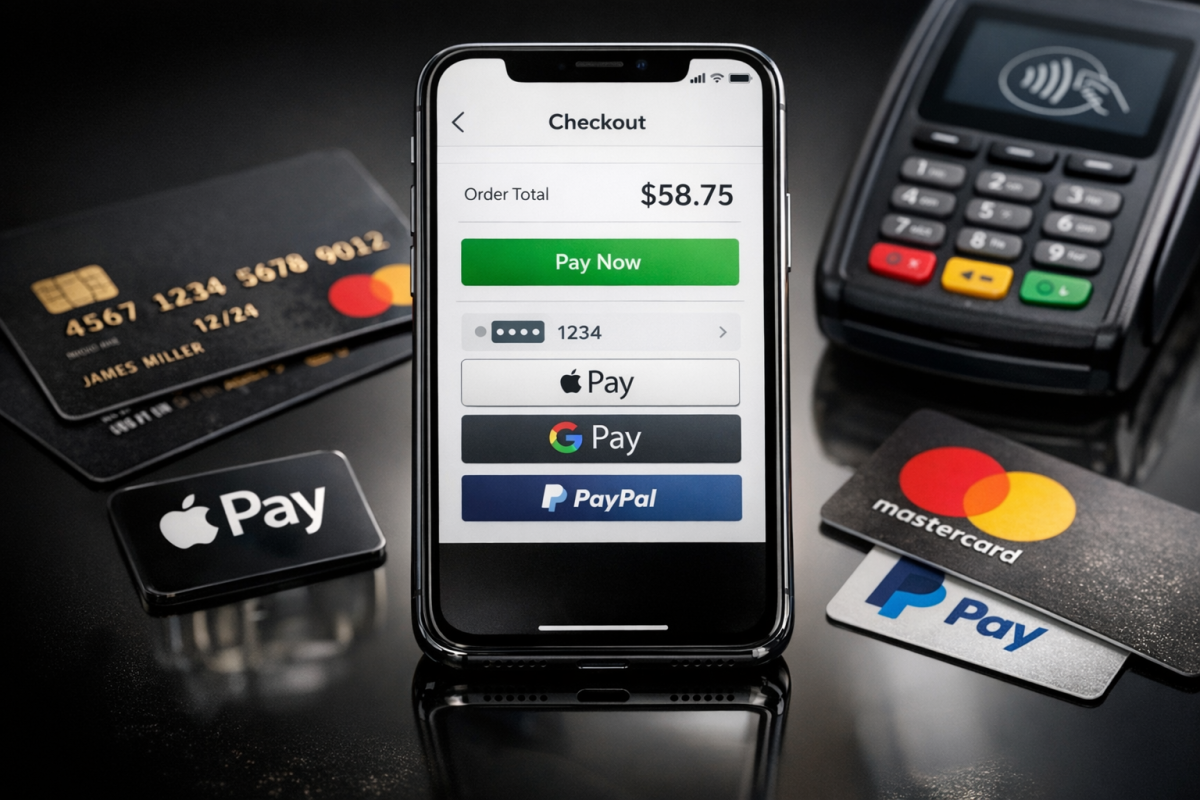
On a related note, it's better to be able to accept more payment methods than not. Yes, it can increase processing fees, but you'll make up for it in volume. People are more likely to convert when they can pay through a method they trust and feel comfortable using.
In 2026, a well-rounded checkout should support major credit and debit cards, PayPal, Apple Pay, and Google Pay at a minimum. Buy Now Pay Later options like Klarna or Afterpay have also become mainstream expectations for many consumer-facing eCommerce stores and can meaningfully lift average order values.
However, some payment methods can decrease trust. If your site accepts wire transfers, MoneyGram, or Western Union as primary payment options, expect customers to be skeptical. These methods are widely associated with scams because payments cannot be reversed - and savvy shoppers know it.
Cryptocurrency is worth a brief mention. While Bitcoin and other cryptocurrencies have grown in adoption since their early days, they remain a niche payment method for most eCommerce contexts. Unless your audience specifically expects or requests it, crypto payment support is unlikely to move the needle on conversions and adds operational complexity that most businesses don't need.