It's always something of a shock when you log in to your analytics of choice - Google Analytics, Raven Tools, FoxMetrics, Clicky, whatever - only to find the traffic listed on your site is more or less a straight line at the bottom.
Maybe it's just dropped suddenly, maybe it's as low as the horizon stretching back days. Maybe worse, if you don't check your analytics very often.
In any case, it's a terrible feeling. Once you get beyond the shock, you leap into action, trying to determine why your traffic has flatlined, but it's a haphazard process. Rather than poke around hoping to find a clue, follow this list and systematically check the possible options.
If one of these fifteen isn't the cause, at least you'll have eliminated all of the obvious solutions.
Key Takeaways
- Google algorithm updates and AI Overviews can flatline traffic even when your rankings remain stable.
- Broken analytics code, incorrect filters, or seasonal events may make traffic appear to drop without actual change.
- Technical issues like expired domains, SSL certificates, DDoS attacks, or a misconfigured robots.txt file can kill traffic overnight.
- Google Search Console flags manual penalties and security issues, making it an essential first diagnostic tool.
- A systematic checklist approach helps eliminate obvious causes faster than randomly investigating individual problems.
SEO and Google Update Issues
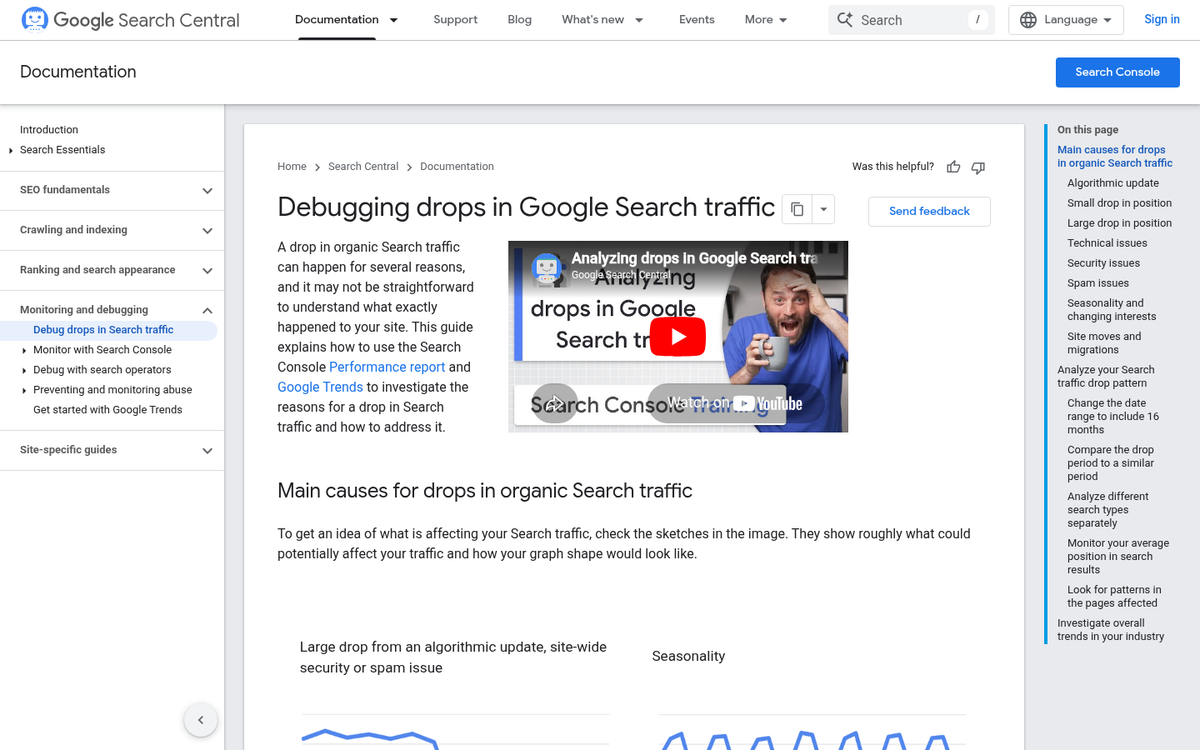
These issues are typically caused by your content in some way or another. They're all related to links, content, keywords, and quality. You'll want to check your content, your keywords, your link destinations, your link anchor text, and other signs of bad SEO. There are more than just these five causes, but anything else is more likely to be a gradual decline rather than a sudden drop in traffic.
1. Did Google Update Their Algorithm?
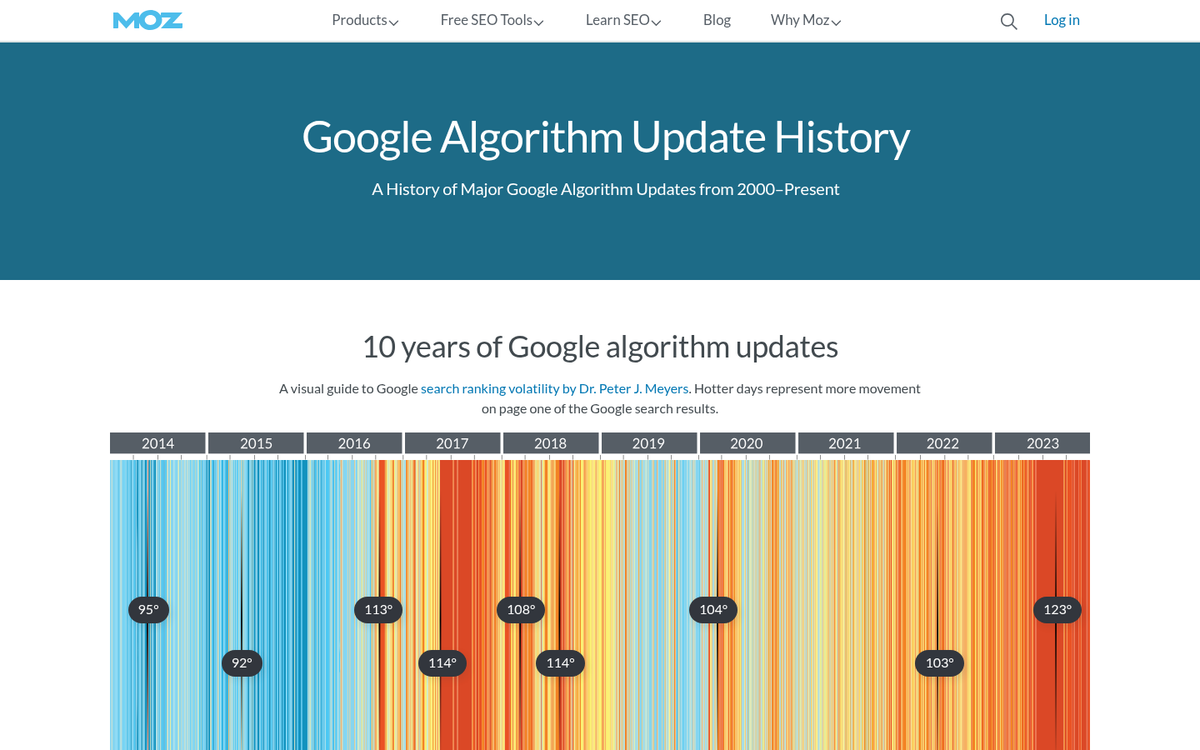
Google changes and updates their complex search ranking algorithm quite regularly, and most major updates make the news in some way or another. The thing is, the "news" in this case is sites like Moz, Search Engine Journal, and other SEO blogs. You won't see it on CNN or Entrepreneur, unless it's an incredibly major update.
One thing you can check is when specifically your traffic dropped. You can identify a specific date, and cross-reference that date with the Google Algorithm Change History, found here and maintained by Moz.
Remember that these are the major updates and changes. Minor changes that can affect your site but aren't widespread throughout the Internet won't be listed. Often, these have something to do with your site and how it fits within the existing rules, rather than those rules changing.
It's also worth noting that even if you haven't been penalized, algorithm updates in recent years have increasingly favored AI-generated answer boxes and rich results, which push organic listings further down the page regardless of your ranking.
2. Are AI Overviews Eating Your Clicks?

This is a newer and increasingly important cause of traffic flatlines that didn't exist a few years ago. Google's AI Overviews, which roll out answers directly at the top of search results pages, have fundamentally changed how users interact with search results.
Research from Ahrefs found that AI Overviews reduce clicks to organic results by as much as 35.5%. Separately, data from Search Engine Land shows that over 60% of searches now end without a single click at all. Users are getting their answers directly from Google without ever visiting your site.
Even if you're ranking well, your traffic can flatline simply because the search landscape has shifted. # 1 ranked page on Google receives nearly 30% of all clicks - more than double the #2 result and four times the #3 - but if an AI Overview is answering the query above all organic results, even that top spot delivers far fewer visitors than it once did.
If your traffic has dropped gradually over the past year or two rather than suddenly, AI Overviews are a strong candidate. Audit which of your top-ranking pages have seen click declines despite stable or improved rankings in Google Search Console. If impressions are holding but clicks are falling, this is likely your culprit.
3. Is Your Recent Content Up to Par?

Sometimes, something in the new content you've been publishing has tripped a warning and Google has penalized you. Most of the time, this will be persistent bad links, low quality content, or hidden content. Some of these have some overlap with a hacked site, but I'll talk more about that later.
For now, do an audit of the last few months of content. Look at the links you've been posting. Do they all go to similar low quality sites? Do they go to sites you don't think you should be linking out to? This can happen particularly if you're outsourcing all your writing to a ghostwriter, and that ghostwriter has an ulterior motive. It can also happen with guest posts.
Content should be substantive and genuinely useful. Google has become increasingly sophisticated at distinguishing helpful, experience-driven content from thin or AI-generated filler, particularly following its Helpful Content updates. All links should point to destinations you consider high quality and relevant to the discussion.
4. Is Google Search Console Warning You of Anything?
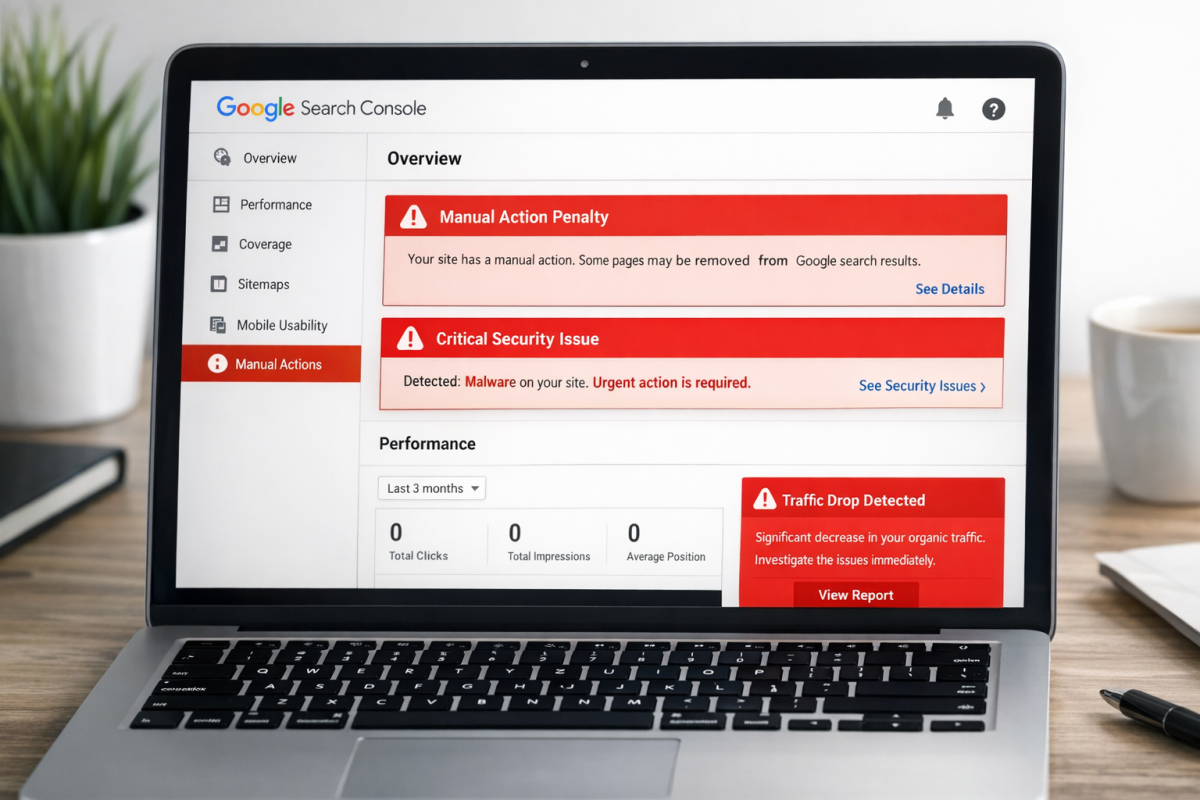
Google Search Console (formerly Webmaster Tools) will warn you if you're triggering one of their penalties. This only includes real manual penalties, not algorithmic adjustments. There are two types of penalties: site-wide and partial match. Partial matches only apply to certain pages.
There are a number of different manual actions. Here's a summary:
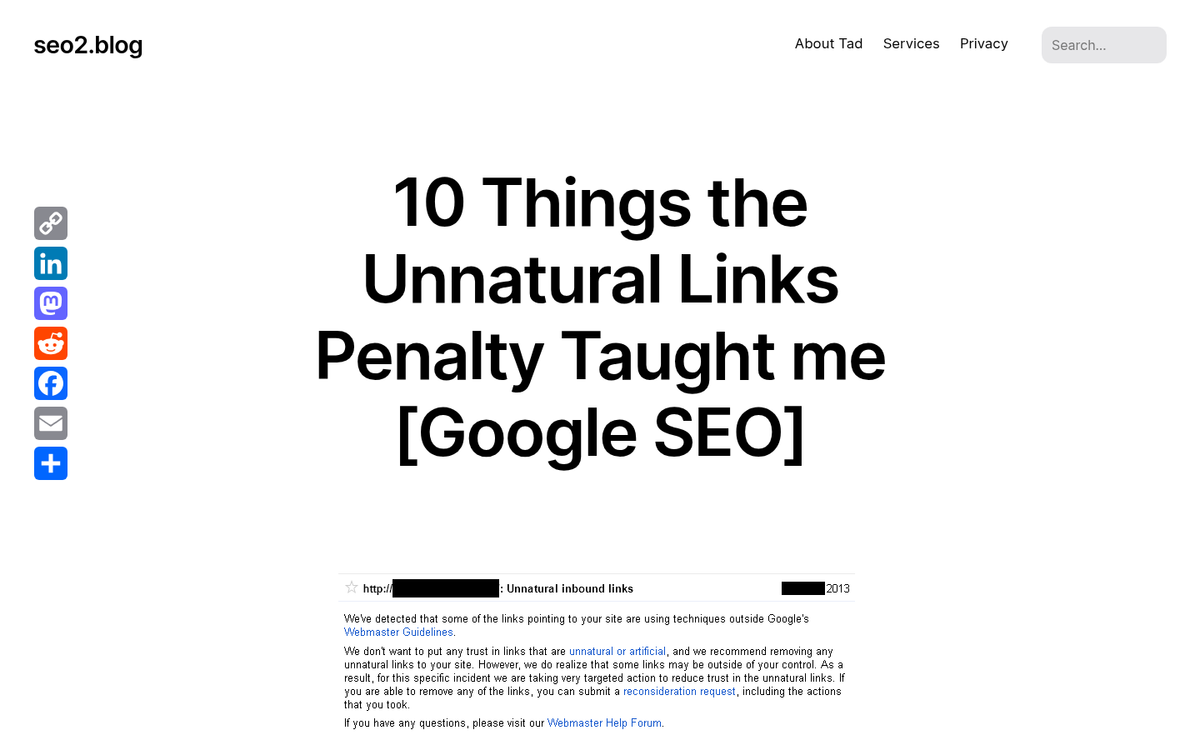
- Unnatural Links. There are three types of unnatural links penalties. One is bad links pointing at specific pages on your site, and one applies to your whole site. You can diagnose either by using a tool like Ahrefs to pull your backlink profile, after which you can disavow the worst links. The third is links on your site pointing to spam sites.
- Hacked Site. More on this in a later section.
- User-Generated Spam. If you have active comments but no moderation or spam-filter plugins, spam comments can become a problem. Just remove them and you'll be fine.
- Spammy Freehosts. This is a penalty that comes with using a web hosting service that serves ads on your pages without your control. If your web host is adding ads to your page, get rid of them.
- Thin or Valueless Content. Fix it with a content audit and by substantially improving or consolidating low-quality pages.
- Cloaking and Redirects. Normal URL redirects are fine; redirecting users to one page and search engines to another is not.
- Pure Spam. This is a severe penalty meaning Google has determined there is nothing redeeming about your site and has removed it from the index entirely.
- Hidden Text. This is a spam technique typically involving keywords, and means you need to find and remove hidden text on your site.
5. Did You Change Domain Name?
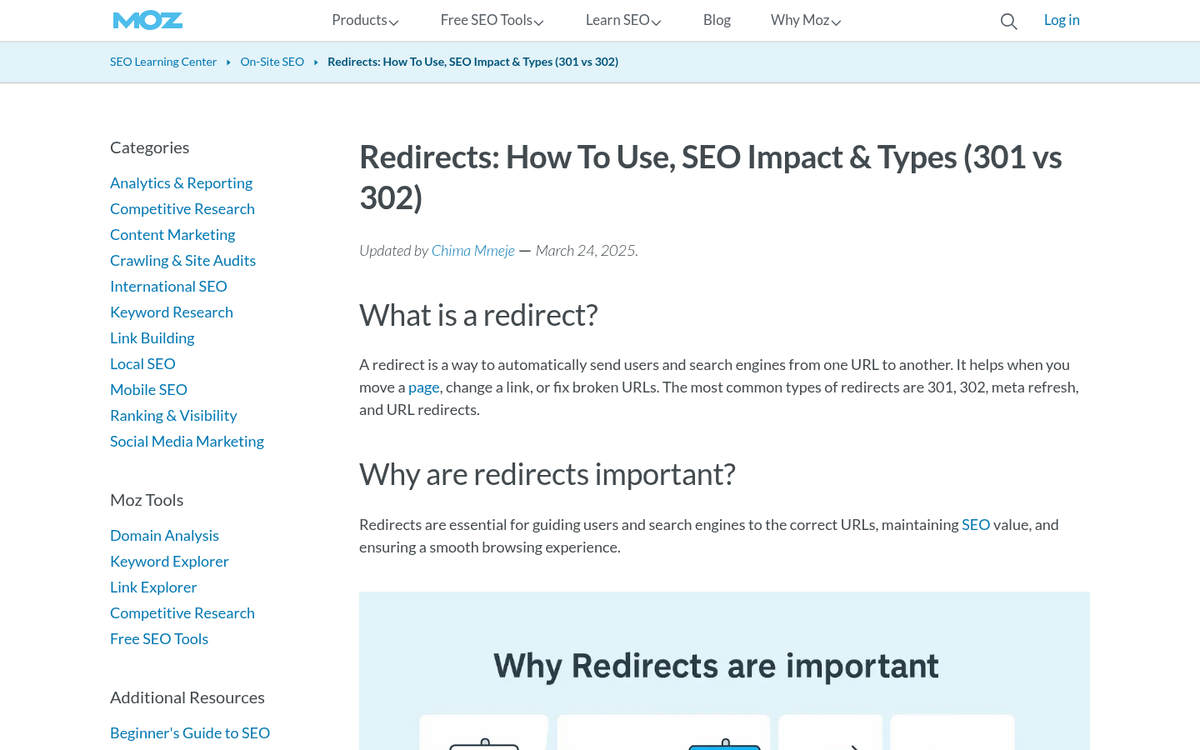
When you do a site migration from one domain to another, such as in a rebranding, it can be very detrimental to your SEO. If you didn't properly redirect from the old URLs to the new, Google considers them entirely new pages and thus starts you with nothing.
There are a few cases where this can happen. If, for example, you changed the URL scheme for your blog to include the publication date for each post, or changed it from an example.com/18848481/ URL to one more like example.com/title-of-the-post/, it's an entirely new URL with no inherited authority. Getting your shares back after changing a blog URL is another challenge you may face in this process.
There's one other situation worth mentioning: the inconsistency between http://example.com and http://www.example.com. Technically, each of those is a different URL, and failing to be consistent - or to properly canonicalize one version - can cause SEO issues. In 2026, if your site still isn't fully consolidated on HTTPS with proper redirects in place, that's worth checking as well.
6. Did Your Backlink Profile Catch Up?
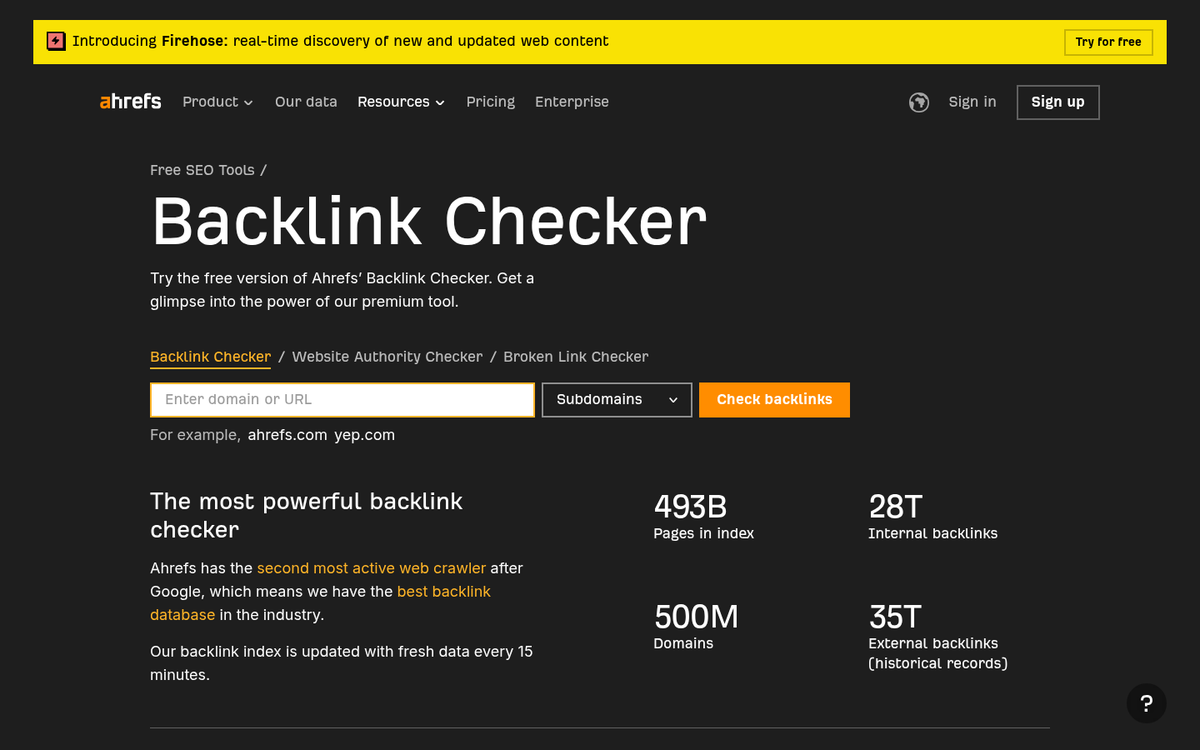
Sometimes, actions you took in the past have repercussions in the future. Links are a major culprit, and when a link penalty hits, it can sometimes be difficult to identify.
The first thing you're going to want to do is pull a list of all the links pointing at your site with a tool like Ahrefs. You'll also want to pull a list of all the links on your site, their anchor text, and their destinations. From there, you have to start the process of analyzing the sites at the other end of those links to determine if they're valuable or harmful.
Links on your site should fall into one of three categories. The first are links that point to unrelated pages, spam pages, or otherwise valueless pages - these should be removed. The second are links to low or middling quality pages you don't really want to endorse - these should be nofollowed. The third are links to high quality, highly relevant resources - these can stay as dofollow if you choose.
Analytics and Data Reporting Issues
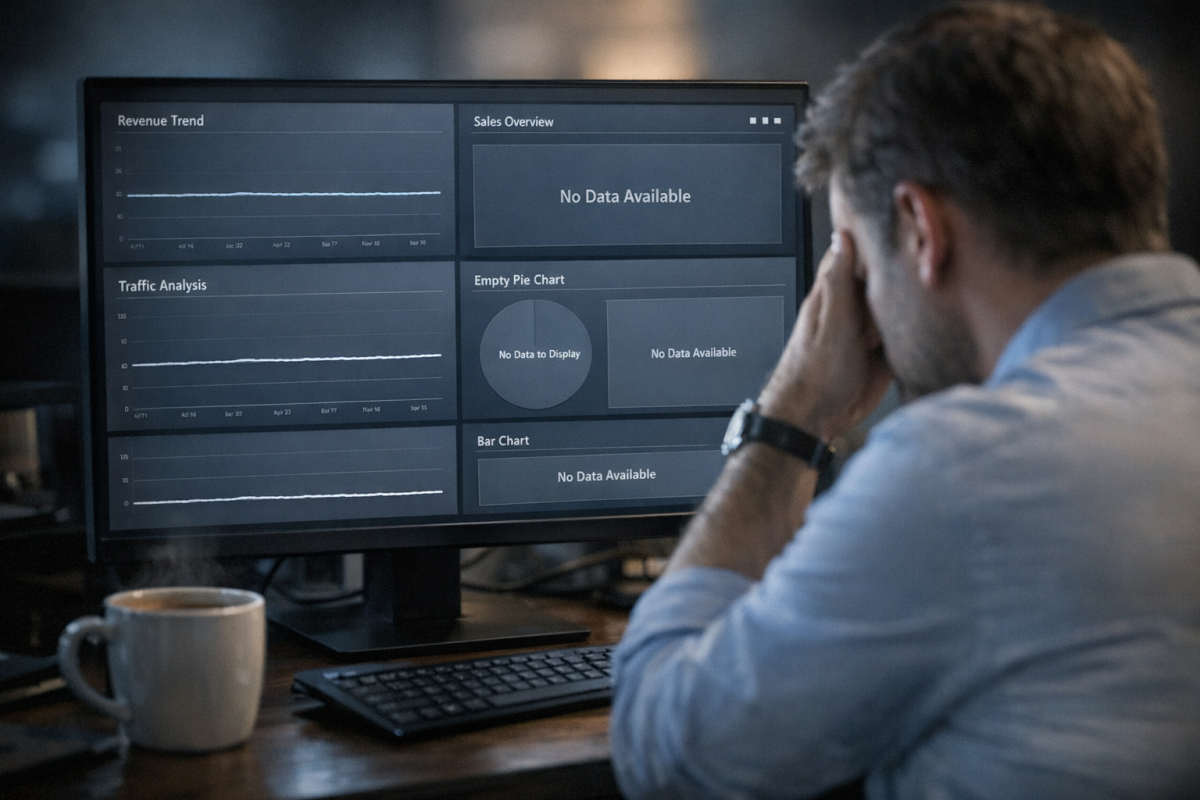
These are issues that come up with your reporting software, usually Google Analytics. If you make a simple mistake, or something breaks in the analytics code you're using, your traffic numbers can disappear. If your traffic flatlined but your conversions haven't changed, that's a sign that your data is off rather than your actual traffic.
7. Did You Redesign Your Site?

A site redesign can throw a wrench into the works when you're looking at your data, for two reasons.
One, it can mess with your analytics tracking code, which will cause it to display incorrect data. Two, it might not be present on new pages if those pages weren't created with a proper template, meaning data for those pages isn't tracked. And, of course, if you changed your site significantly, it can affect your actual traffic, causing users to question where they landed and making them bounce away.
8. Is a Holiday or Seasonal Event Skewing Your Data?
This is something I've seen somewhat frequently; a business owner looks at their analytics and sees a steep drop in traffic, and goes into overdrive trying to figure out what caused it. In that frenzy, they forget to look at some of the more obvious answers. Is it the 4th of July, or Christmas, or another major holiday? People probably aren't online looking at your business page on a major holiday, particularly if you're not promoting a holiday event, so your traffic is liable to drop.
The alternative is if you were promoting a holiday, like deals for Black Friday or a one-day-only event, and that day was yesterday. You would have a spike in traffic for the day of the deal, and today would be back to your normal traffic. Zoomed in to a 24-hour view, it looks like your traffic suddenly dropped, when really it was just abnormally high the day before.
9. Is Your Analytics Code Broken or Incorrect?

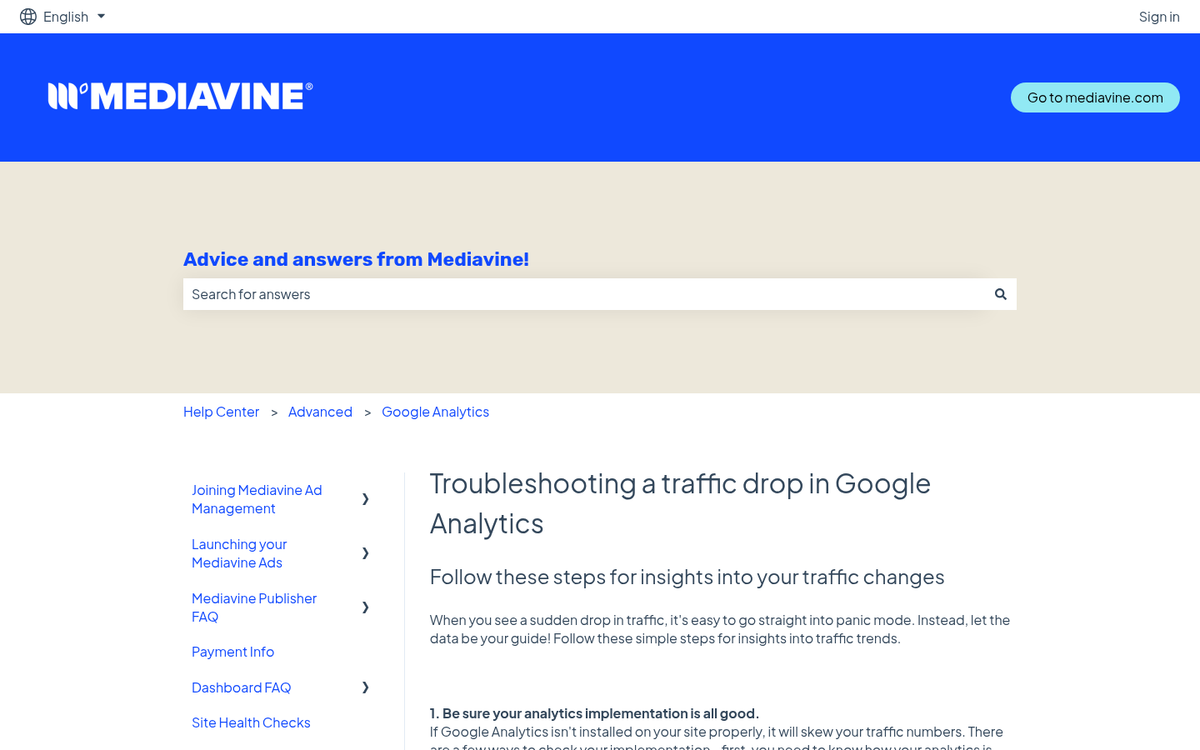
Here's one thing you can check: is the code you've implemented for Google Analytics - or whatever other analytics program you use - intact and in the right place? If it's broken, not loading, or missing, your traffic data won't be counted. You'll still be able to access your dashboard, but it will look as though your traffic dropped off a cliff.
Another possible issue is having an incorrect property ID or measurement ID. If that ID has changed, or if it was mistyped in your code or tag manager configuration, you'll have errors in data reporting. If you recently migrated from Universal Analytics to GA4 and something was misconfigured in the process, that's also worth checking.
10. Are You Coming Down Off a Spike in Traffic?

Did a post you made go viral? Did you start a new ad campaign? Did you do something at a public event or publicity stunt that gave you a surge in visibility?
All of these can cause your traffic to shoot up for a few days or weeks, but that traffic will gradually go away. In the case of viral traffic, it's often little more than a brief spike with very little residual traffic. The people who follow viral trends just move on to the next trend; they don't stick around on the site that originated it.
This is a problem with the way you're looking at your data. You're not zoomed out enough to get context for the drop in traffic. Put everything in context and see whether your low traffic is actually low or just normal after a surge.
11. Is Your Analytics Report Filtered Incorrectly?
Another possible cause is filtering in your analytics reporting. If you're used to seeing certain numbers, and the numbers you're seeing are much lower, you might be looking at one particular traffic source out of many. If you're used to looking at total traffic, for example, seeing just your mobile traffic will be a shock. This happens occasionally if you're working with a team and someone changes your dashboard settings. Check for filters and data segmentation before you panic.
Technical Issues
These are issues with outside attacks, glitches in the Internet, problems with hosting, and problems with site files. They can all cause problems with actual traffic coming in, rather than just data being reported incorrectly, and thus they are all problems you need to solve as soon as possible. If your site is vulnerable to outside attacks like DDoS, addressing them quickly is critical. addressing them quickly is critical.
Wait, I need to re-read the rules. Let me redo this properly without duplicating text.
Technical Issues

These are issues with outside attacks, glitches in the Internet, problems with hosting, and problems with site files. They can all cause problems with actual traffic coming in, rather than just data being reported incorrectly, and thus they are all problems you need to solve as soon as possible. If your site is vulnerable to outside attacks like DDoS, addressing them quickly is critical.
12. Are You Experiencing A DDoS Attack?
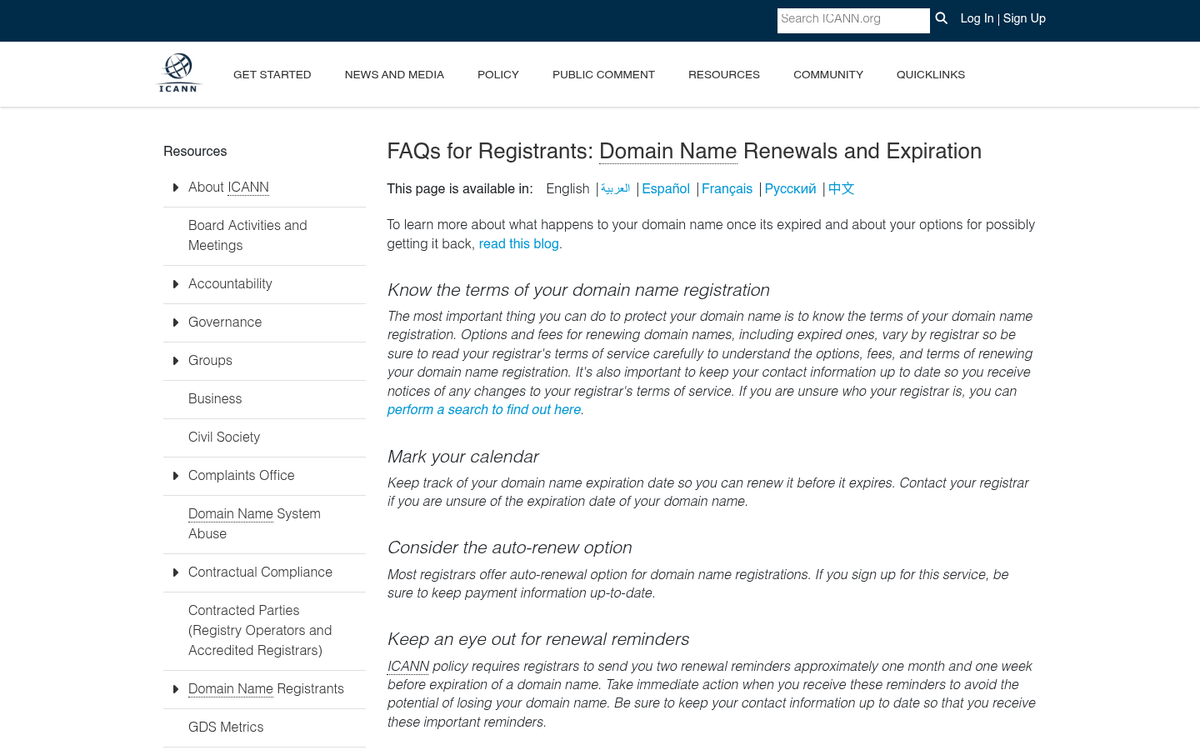
A Distributed Denial of Service attack is a common route hackers use to shut down a site. They essentially send requests to load data from your website servers at a rate of thousands per second, overloading your web host and making it impossible for a legitimate user to load your page.
While it might sound like this would cause a spike in traffic, analytics platforms recognize and filter bot and fake traffic automatically. Thus, when you look at your data, you'll see that no one is visiting your site. This is accurate because they can't; your servers are locked up handling junk requests.
There's not a lot you can do about a DDoS on your own. Options include working with your web host to block offending IPs, boosting server capacity, or using a third-party traffic filtering service like Cloudflare. In the meantime, your site is functionally down and you're losing readers and revenue.
13. Did Your Domain Name or Hosting Expire?
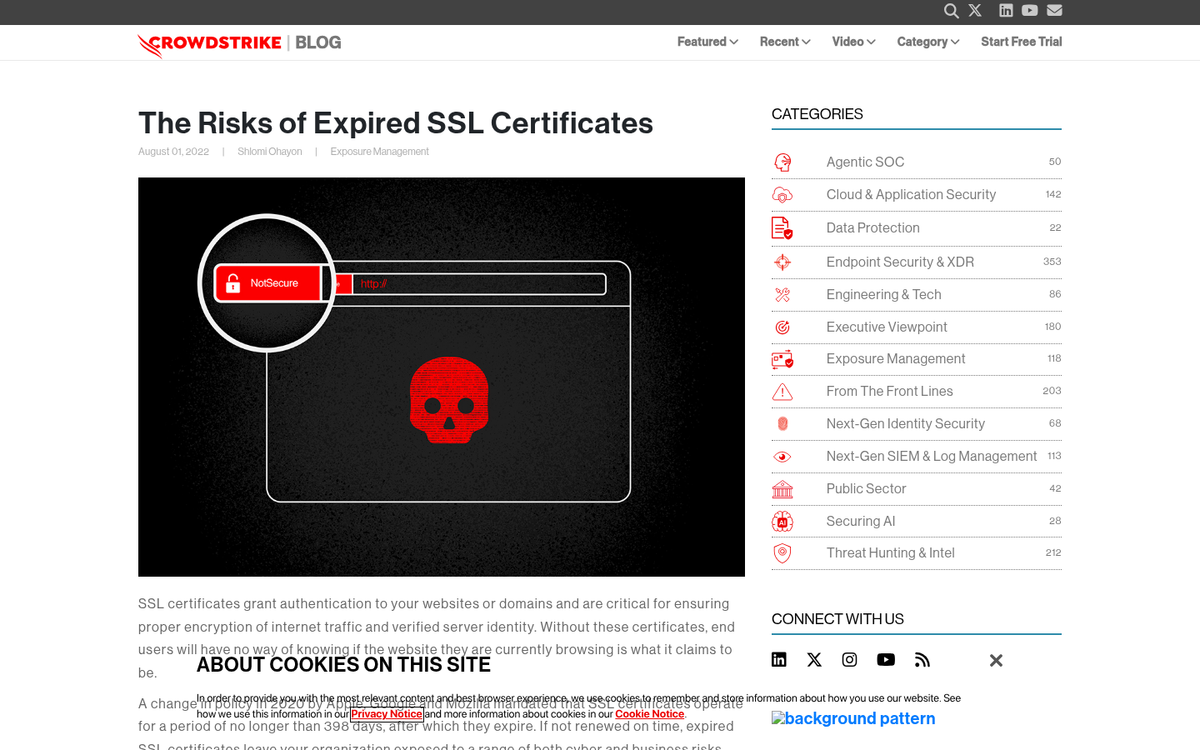
I've seen this a few times. The only indication you have of your information expiring is the sudden drop of traffic, because you don't think to check your site every day. This happens particularly with businesses that do most of their business offline and only use their websites as a portal for occasional new customers.
Check your domain and your hosting contracts. With your domain name, registration may have expired and you will need to renew it. If you're very unlucky, someone bought it out from under you and you'll need to purchase it back, likely at a premium.
For hosting, talk to your provider about renewing your account. Chances are they won't have deleted your data, as temporary lapses do happen and reputable hosts don't want to destroy customer sites the moment a payment fails.
While you're at it, check your payment information for both services to make sure your auto-billing is current. An expired card on file can cause issues before you ever receive a warning.
14. Did Your SSL Certificate Expire?
This is a similar issue to the above, but rather than taking your site down completely, an expired SSL certificate causes web browsers to display a prominent security warning before users can even see your content. Most visitors will turn back immediately rather than click through. You'll need to renew your certificate to remove that warning. It's a relatively simple fix, and most modern hosting providers offer free SSL certificates through Let's Encrypt that can be renewed automatically.
15. Was Your Site Hacked?

There are generally three types of site hacking. The first type won't kill your SEO, but it can kill your business: it's when a hacker compromises your site and steals data without doing anything else. Since it doesn't directly tank your traffic, I'm glossing over it here.
The second kind is the big, obvious hacking. If your site was taken down and replaced with malicious content, Google will recognize it and stop sending users there, and you'll need to take the time to fix everything and submit a reconsideration request before traffic recovers.
The third kind is more subtle and insidious. A hacker compromises your site and, rather than destroying it, they add hidden text and links to your code. Your site looks unchanged to you, but it's passing link value to the hacker's sites of choice - until Google discovers it and penalizes you for hidden text you didn't even know was there. This is one of several SEO mistakes that could kill your website traffic without you realizing it at first.
Google's Search Console will flag a hacked site under Security Issues, and they maintain a detailed guide for recovering from a hack that you can find directly within Search Console under the Security & Manual Actions section. It's also worth learning how to stop fake traffic in Google Analytics, as hacked sites are often used to manipulate traffic data.
16. Did Your Robots.txt File Change?
Finally, check your robots.txt file. This is a basic file in the root directory of your site that governs how search engine bots access your content. If a line was accidentally added to block all crawlers, you would be blocking Google entirely, and that would destroy your search traffic almost overnight.
Check to see if a line like "User-agent: * Disallow: /" exists. If so, you're blocking all robots, including Google. Remove it and your traffic should begin to recover as Google recrawls and reindexes your pages. This is an easy mistake to make during a site migration or CMS update, so it's always worth checking first whenever traffic drops suddenly.